
Compliance gap assessment
Choose one requirement your organization must meet. Trace it to a system owner, an operating procedure and a dated piece of evidence.

Interactive workplace
Turn a missing record into a remediation task
Commercial businesses
Compliance gap assessment
Choose a requirement your team already follows. Ask someone outside the process to retrieve the latest approval. If they find a policy but cannot find the signed decision, record that specific gap and the system where the record should live.
Related services and reading
A typical project decision

For an access review, identify who performed the last review, who approved exceptions and where the record can be retrieved. Track missing evidence separately from missing controls.
What to bring

Bring the applicable requirements and a redacted evidence index.
How to check the result
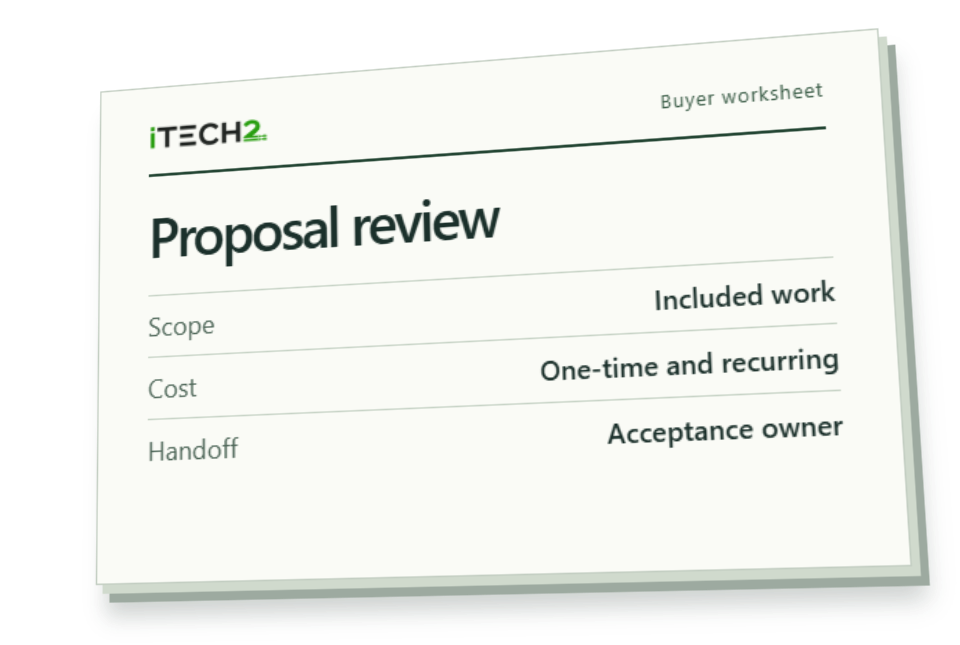
Agree on an evidence register with an owner and due date for each gap. Certification and independent audit decisions belong to the relevant assessor.
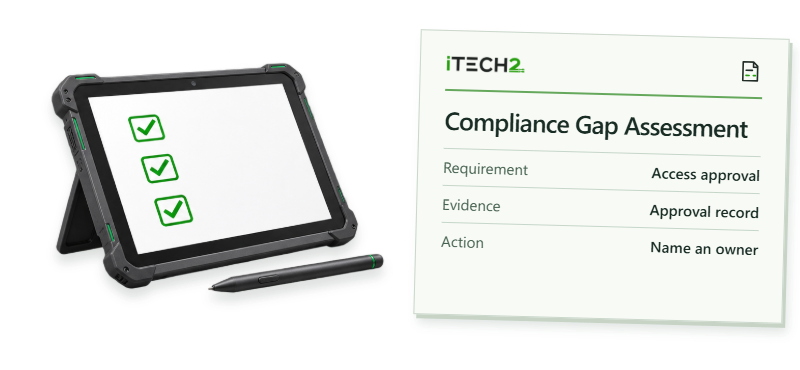
Turn a missing record into a remediation task
Choose a requirement your team already follows. Ask someone outside the process to retrieve the latest approval. If they find a policy but cannot find the signed decision, record that specific gap and the system where the record should live.
Keep the requirement, available evidence, corrective action, owner and retest date on one line.
Example assessment finding
- Observation
- The access policy calls for manager approval. In the sampled request, the team can retrieve the ticket but cannot locate the approval.
- Decision
- Give the process owner one action to capture the approver and decision date with the request.
- How to verify
- Ask a reviewer to retrieve both records from the next completed request.
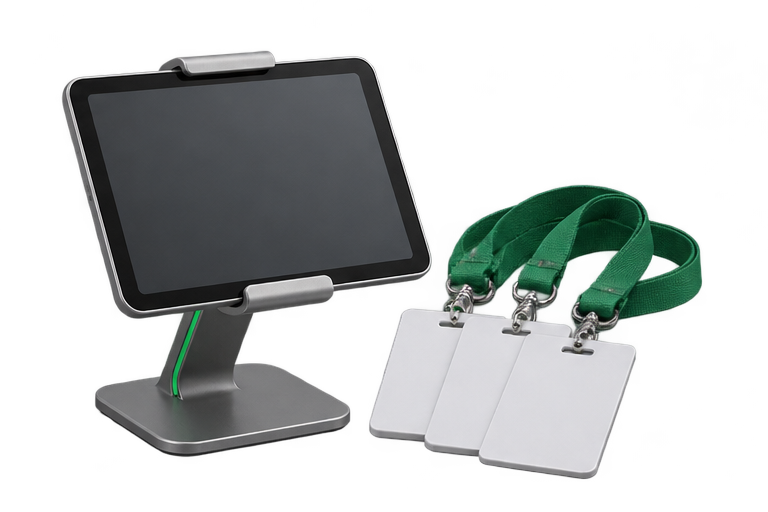


Follow an access decision
Check the person’s role, grant the agreed access and verify the result with the account owner.
Can a reviewer trace one requirement?
Select one requirement and record its owner, supporting evidence and review date. Distinguish missing evidence from an operational gap. Assign a next action for each and agree who can accept the correction.
Prepare a working brief
Turn a missing record into a remediation task. Use the editable worksheet to name the owner, collect the evidence and record what will count as a completed handoff.
Download the compliance gap assessment worksheet (TXT) · Compare assessment optionsFrom request to findings
For the Compliance Gap Assessment, identify the decision owner and give one example from the environment. The illustrated brief starts with requirement (“Access approval”). A redacted description is enough for the initial request.
The first 30-minute IT consultation is free. Before sharing access for the assessment, agree on the systems included, what the report will cover, the schedule and any fee. Record the person who can accept the findings and agree who will verify any follow-up work.
Check assessment terms · Discuss scope and timingCommon questions
What evidence supports an access review?
Use an approved role list, the current assignments and the owner’s last decision. Keep the expiry date with temporary exceptions.
Access review checklistWhat should the compliance gap assessment handoff include?
Keep the requirement, available evidence, corrective action, owner and retest date on one line.
See the worked example