
Email protection review
Follow a suspicious message from arrival through reporting and resolution. Identify who owns each handoff and what the reporter learns afterward.

Interactive workplace
Follow a reported impersonation message
Commercial businesses
Email protection review
Compare an approved sample of suspicious mail with the disposition in the mail system. A message held before delivery, one reported by an employee and one released by mistake require different follow-up. Keep personal content out of the review.
Related services and reading
A typical project decision

An employee reports a suspicious message after business hours. Walk through how the team acknowledges it, preserves relevant records and closes the loop with the employee.
What to bring

Bring a sanitized incident timeline and your reporting policy.
How to check the result
Record the reporting route, accountable contact and one repeatable check for each change the team approves.
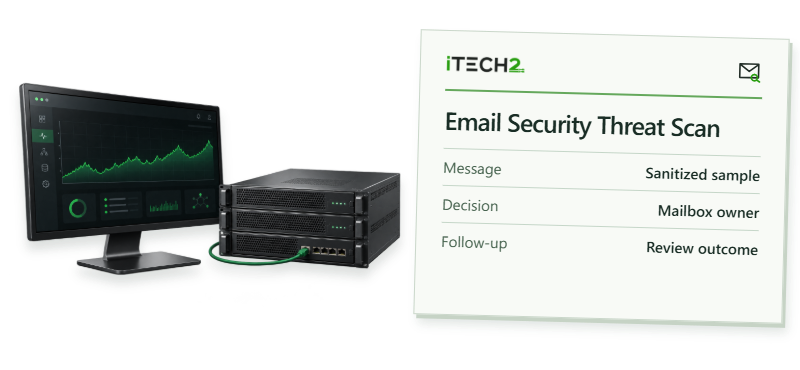
Follow a reported impersonation message
Compare an approved sample of suspicious mail with the disposition in the mail system. A message held before delivery, one reported by an employee and one released by mistake require different follow-up. Keep personal content out of the review.
Record the disposition and control owner for each example, plus the practical action the mailbox team can verify.
Example assessment finding
- Observation
- A legitimate supplier invoice was held for review. The finance team could see the delay but could not tell who could release it.
- Decision
- Agree who reviews held invoices and how finance can request a decision.
- How to verify
- Use an approved test message and verify both the reviewer’s decision and the recipient’s notification.


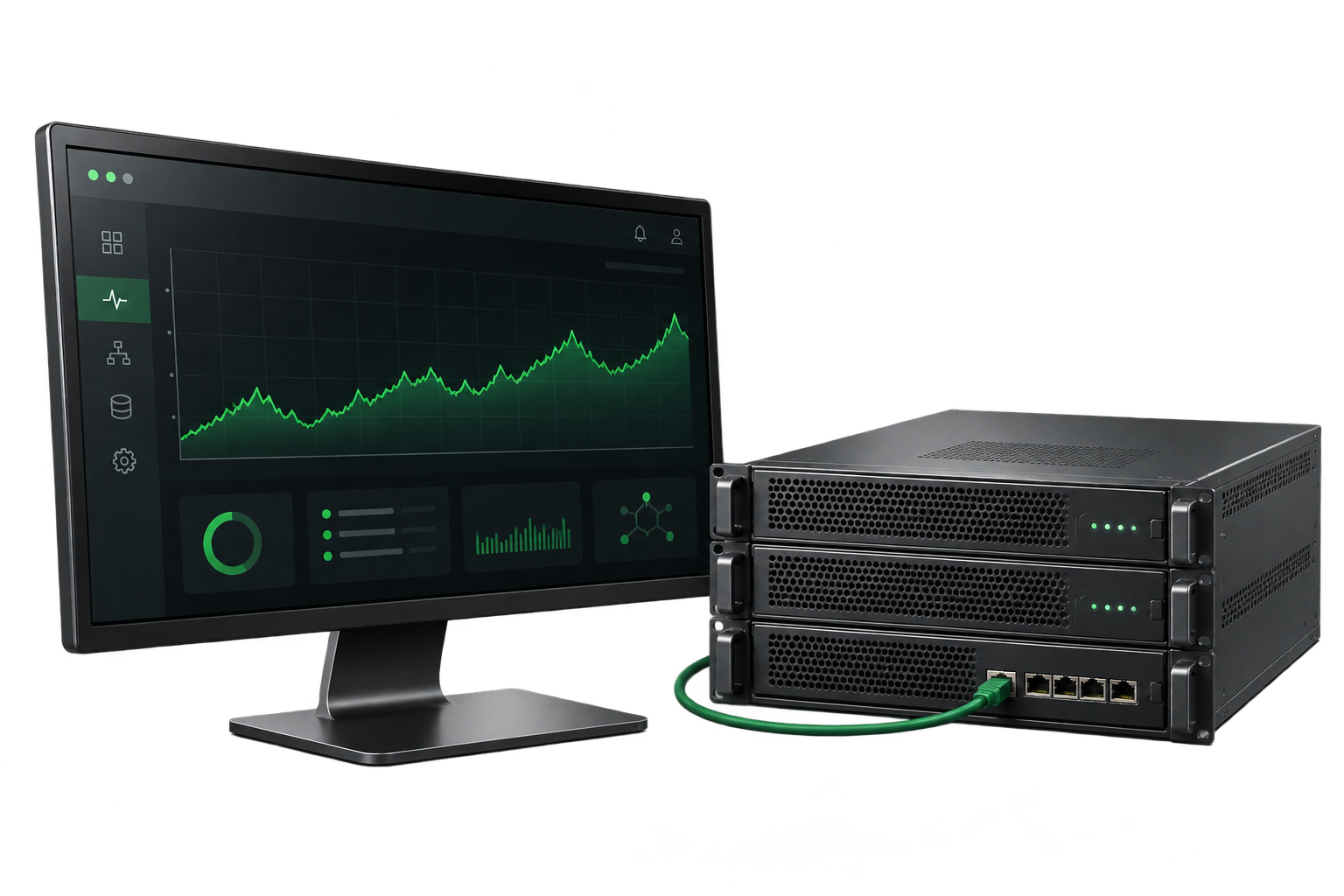
Follow an alert to its owner
A reported message reaches the security team. A named reviewer records the decision and follow-up.
What happens after a message reaches the inbox?
Use a redacted example to trace reporting, review, authorized removal and notice to affected users. Include a legitimate message caught by mistake. Agree who can release it and what record the mail administrator retains.
Prepare a working brief
Follow a reported impersonation message. Use the editable worksheet to name the owner, collect the evidence and record what will count as a completed handoff.
Download the email protection review worksheet (TXT) · Compare assessment optionsFrom request to findings
For the Email Security Threat Scan, identify the decision owner and give one example from the environment. The illustrated brief starts with message (“Sanitized sample”). A redacted description is enough for the initial request.
The first 30-minute IT consultation is free. Before sharing access for the assessment, agree on the systems included, what the report will cover, the schedule and any fee. Record the person who can accept the findings and agree who will verify any follow-up work.
Check assessment terms · Discuss scope and timingCommon questions
Who should receive a security finding?
Give each finding to someone who can authorize a change. Record the affected system, business impact, due date and evidence needed for closure.
Incident response planningWhat should the email security threat scan handoff include?
Record the disposition and control owner for each example, plus the practical action the mailbox team can verify.
See the worked example