Security signals and escalation
Choose the access changes, endpoint events, and infrastructure alerts that need attention. Agree on coverage hours, escalation contacts, and the records needed for compliance review.
 Contact us
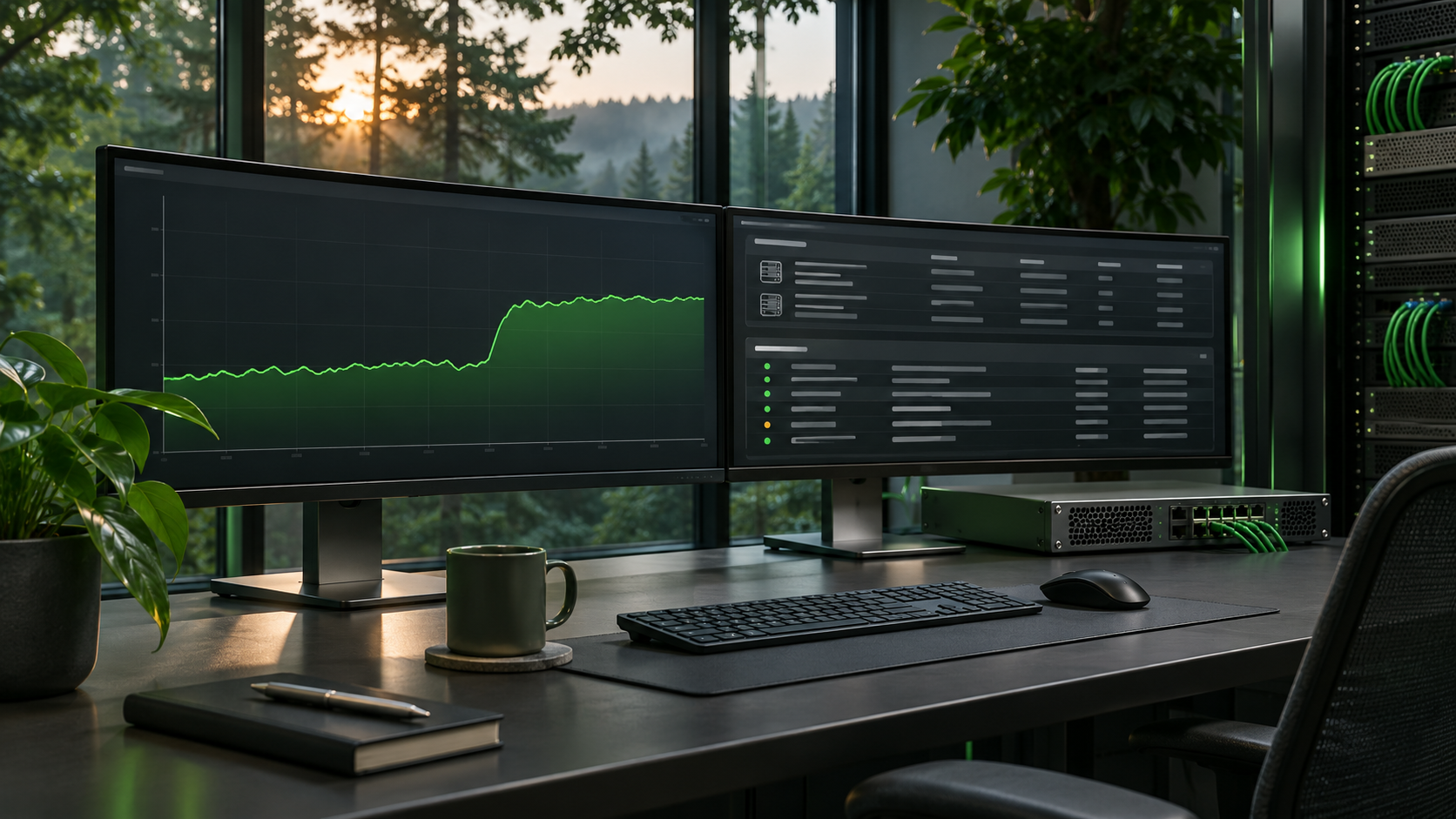
When an alert wakes someone up, it should tell them what failed, who is affected, and whom to call. Build your monitoring around those three questions.
Request a data center monitoring review →
Interactive workplace
Commercial businesses
Choose one maintenance window. Capture the relevant host, storage and network conditions before it starts, then inspect the same signals afterward. Ask who reviews unexpected changes and whether an alert corresponds to a real impact on the application.
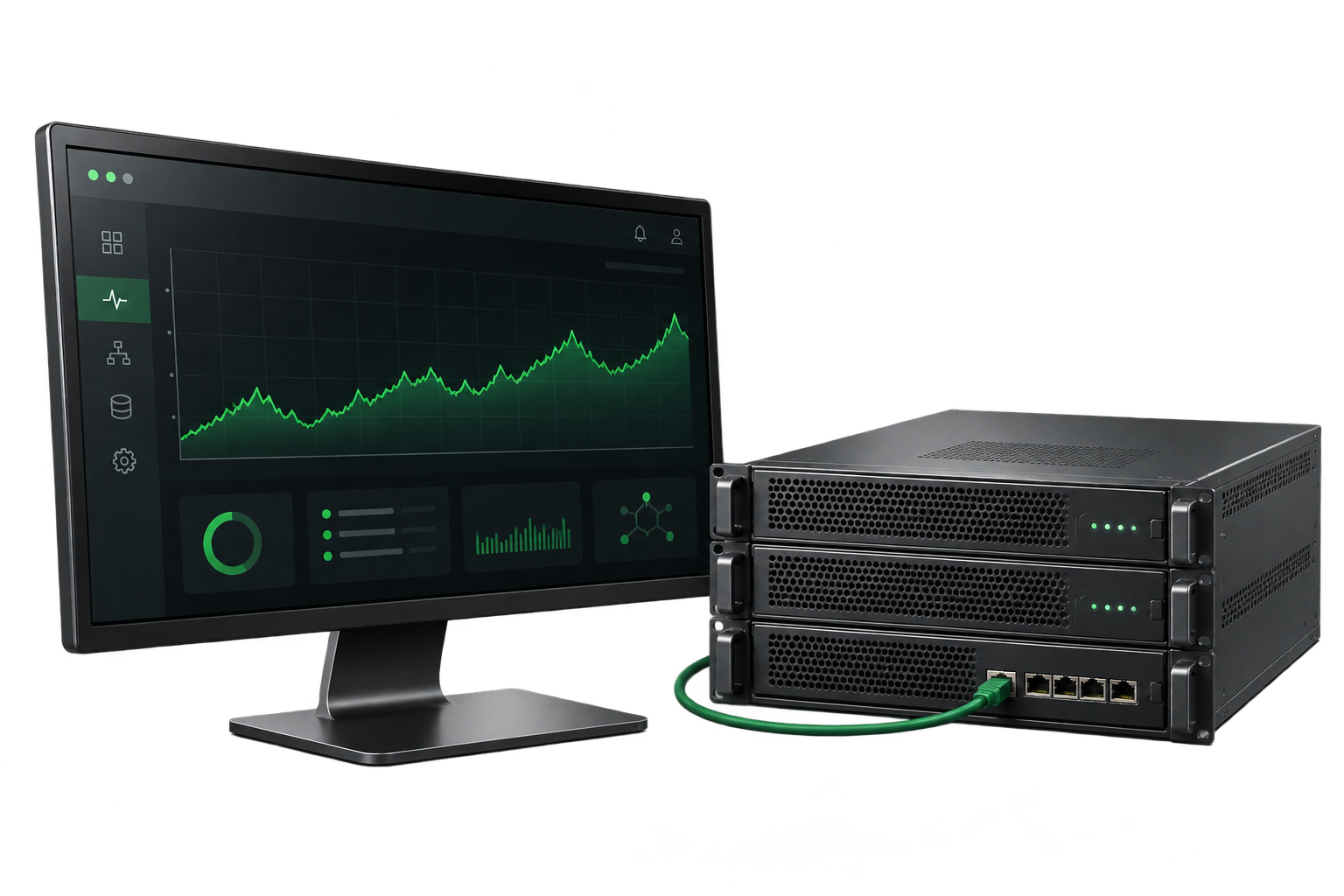
Choose the access changes, endpoint events, and infrastructure alerts that need attention. Agree on coverage hours, escalation contacts, and the records needed for compliance review.

Record normal behavior before an update or move. Compare the same signals afterward to spot failed dependencies or performance changes.

Map physical hosts, virtual machines, cloud resources, and software. A discovery tool such as Block 64 can inform the discussion. Confirm licensing, collection scope, and impact before choosing a tool.

Record the server and network models, support entitlements, and escalation routes. Include equipment such as Dell, Cisco Meraki, or Supermicro where it is present.

A single application can depend on a firewall, a Microsoft tenant, local servers, and a backup job. Review the signals together before assigning the incident.
After replacing a firewall or server, check network access, Microsoft 365 sign-in, backup completion, and the route for engineering support.
Where Ubiquiti, Scale, and Microsoft platforms coexist, map the signals available from each and identify who can investigate across boundaries.
Revisit alert ownership as the business expands into cloud services. Record when a security or compliance issue needs leadership attention.
Choose a recent alert. Bring its timestamp, the application affected, and the steps it took to reach someone who could resolve it.
Request a data center monitoring review →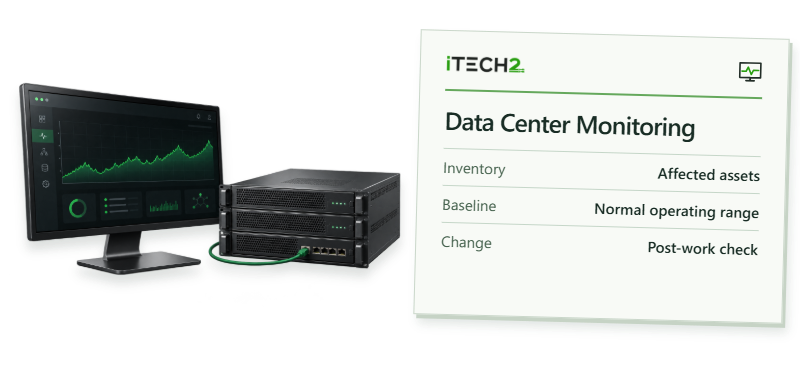
Choose one maintenance window. Capture the relevant host, storage and network conditions before it starts, then inspect the same signals afterward. Ask who reviews unexpected changes and whether an alert corresponds to a real impact on the application.
Keep the inventory reference, baseline, exception and escalation owner in the maintenance record.
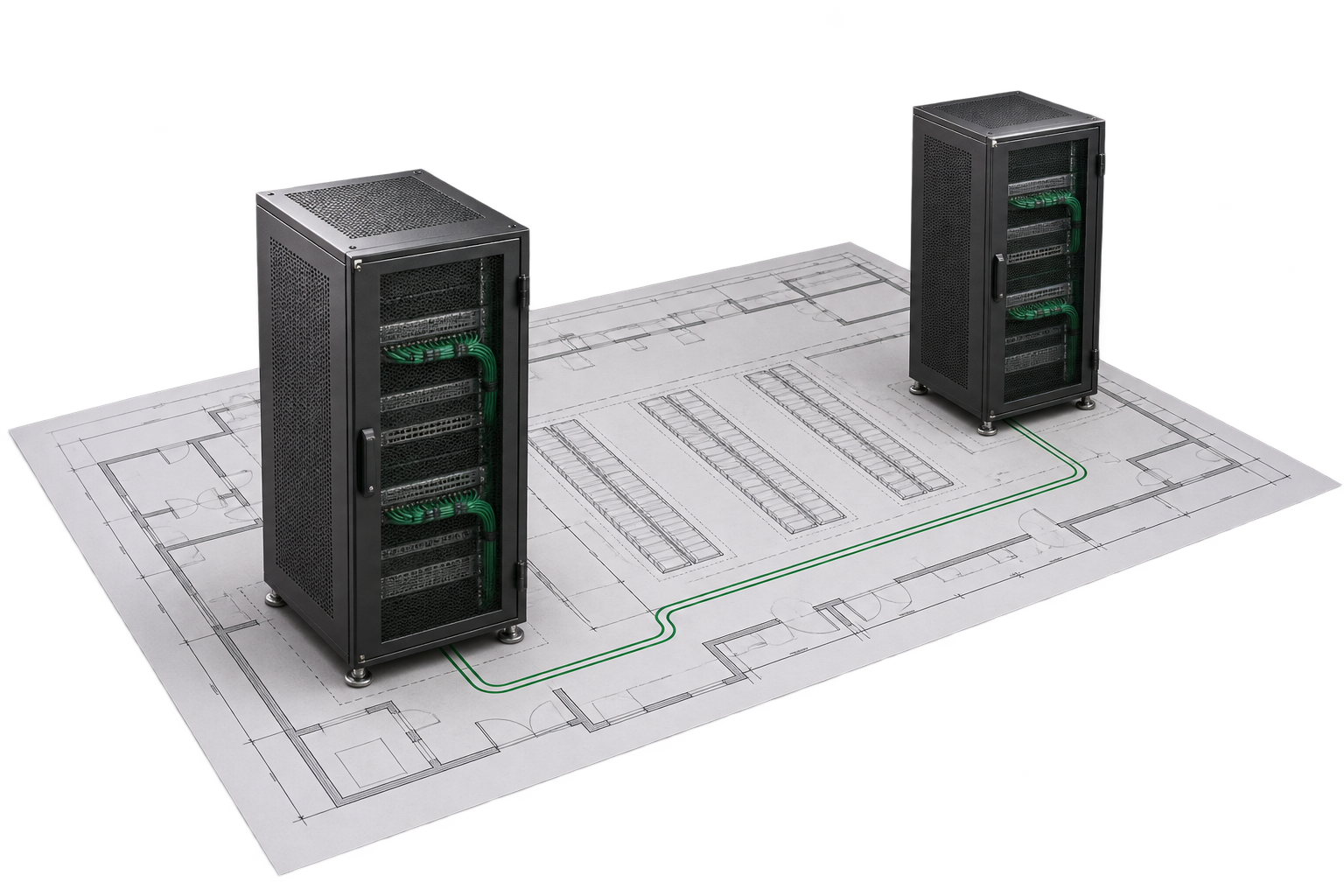
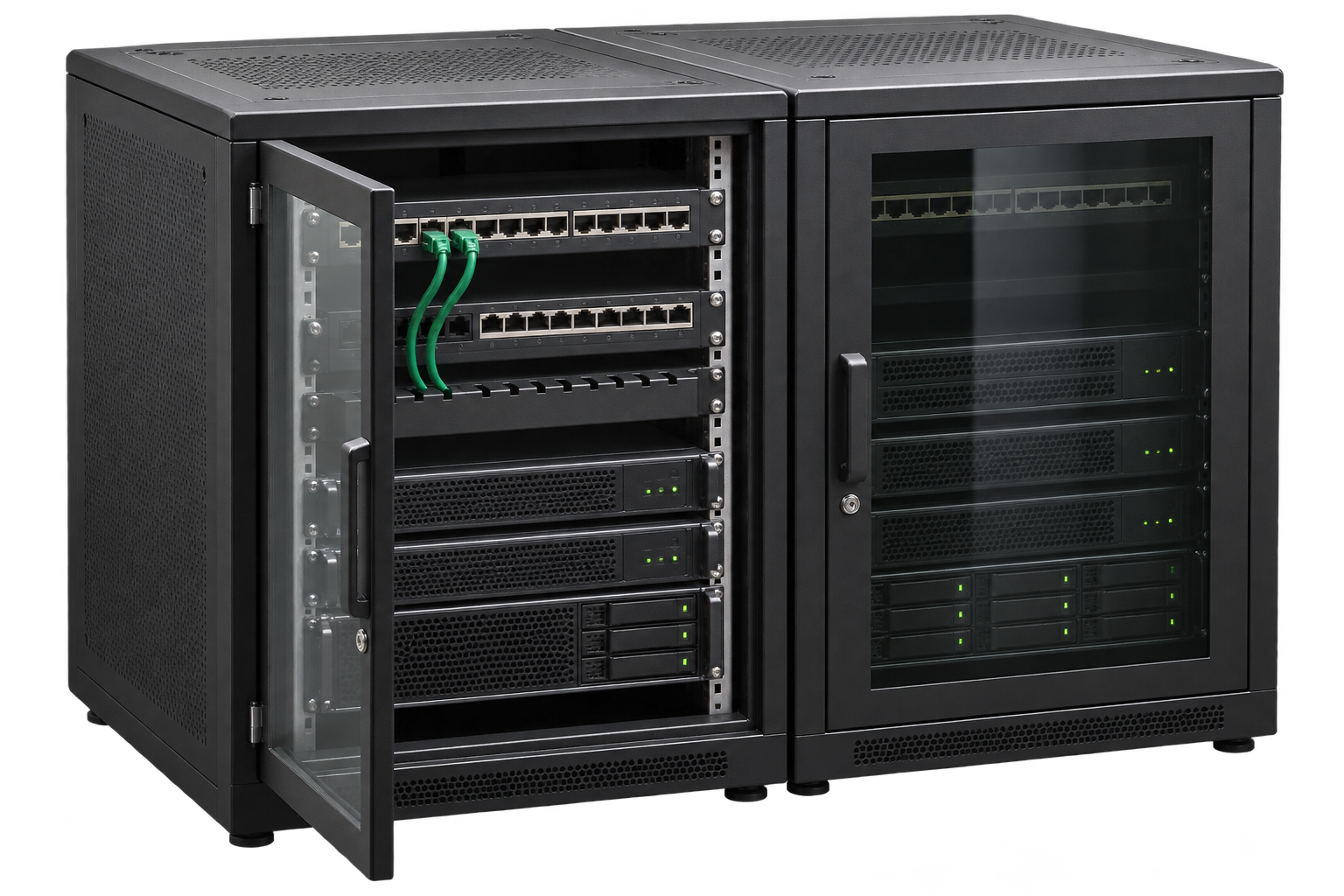
Match the rack position to the plan, then document power, uplinks and the acceptance check.
Record a baseline for a critical host, its network path and its dependent application. Agree which alerts can be muted, who restores them and how the team confirms normal operation after the change.
Compare infrastructure signals before and after maintenance. Use the editable worksheet to name the owner, collect the evidence and record what will count as a completed handoff.
Download the data centermonitoring. worksheet (TXT) · Compare assessment optionsSeparate events that need an immediate owner from trends reviewed during maintenance. Agree who can act when an alert involves a shared host or identity service.
Plan security monitoringCapture the application’s normal demand and dependency schedule. During an authorized inventory exercise using Block 64 or another discovery tool, confirm scope, collection dates and retention. Compare the same workload after cutover.
Read the discovery walkthroughIdentify its scheduled jobs, service accounts and downstream applications. Have each owner test the replacement before setting a retirement date.
Data center planningKeep the inventory reference, baseline, exception and escalation owner in the maintenance record.
See the worked example