
Interactive workplace
Who owns the next ticket?
Commercial businesses
Managed IT
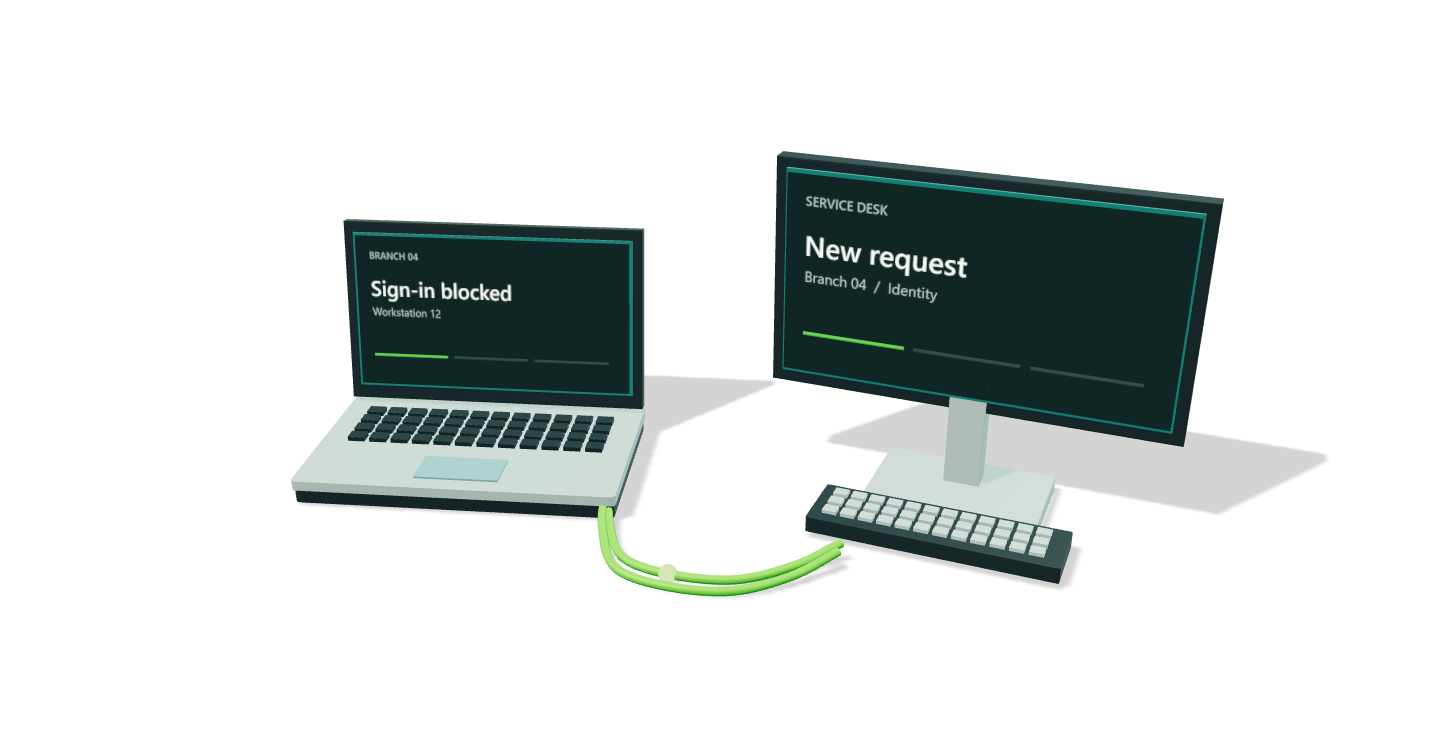
A branch employee cannot sign in. Capture the device, the site and who else is affected so the desk can route the request.
Related services and reading
Help desk support

When a user loses access, the first useful facts are where they work, which application failed, and whether anyone else is affected. Record the workaround alongside the ticket so the next technician can pick up the case.
Bring a recent ticket that moved between teams.
Co-managed IT
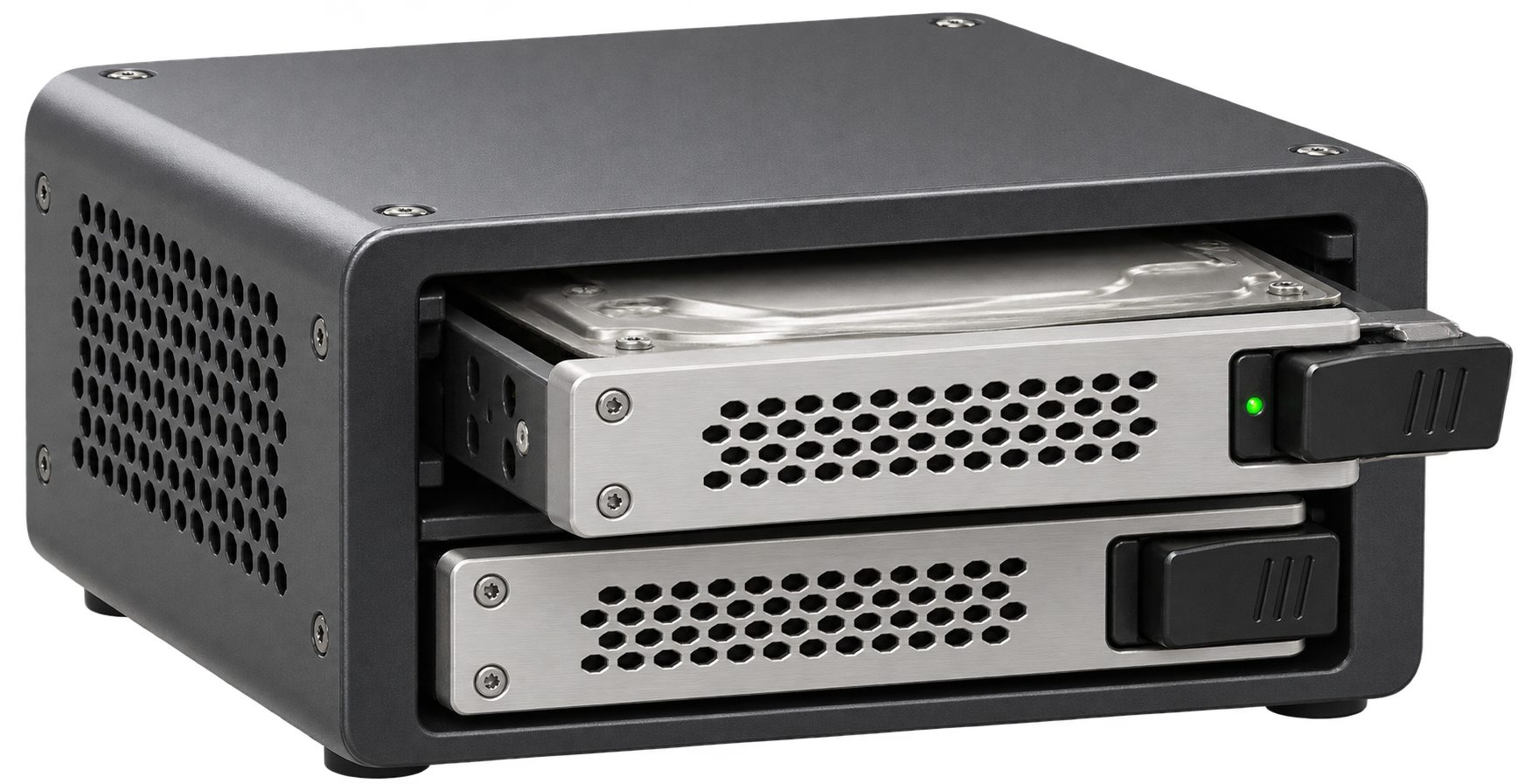
Decide which requests stay with the internal team and which go to a service provider. Give each system an owner, a backup contact and a route for urgent changes.
Bring your current responsibility list and escalation contacts.
Device maintenance

Group devices by location, operating system and business criticality. Test a change with a small group before scheduling it across every office.
Bring your device inventory and maintenance windows.
Which work should your team hand over?

Review one month of tickets with the people who handled them. Repeat requests such as account changes and device updates are candidates for a shared queue. Keep an internal approver for access, spending and business-critical changes. At the next review, compare repeat tickets, interruptions and time spent waiting for a decision.
Plan the split with your internal IT teamWhat belongs in the service agreement

Decide which help desk requests, device updates, backup checks and security alerts the provider owns. Set coverage hours and escalation responsibilities for each. Price project work and ongoing support separately.
Review proposal terms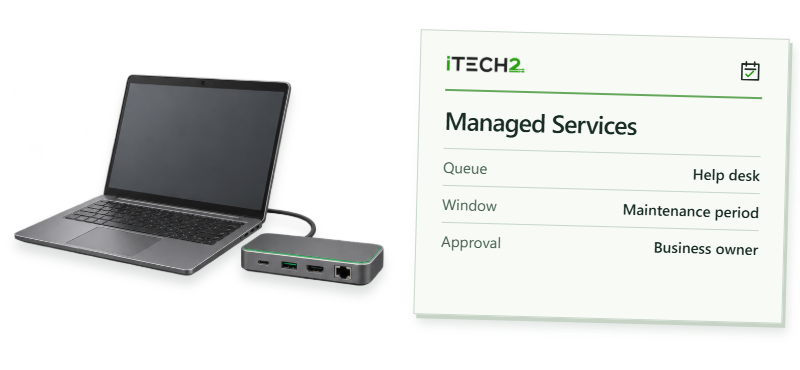
Decide which requests belong in the managed agreement
Use recent support requests to distinguish routine tasks from project changes. A password request, a failed backup and an office relocation have different owners and approval paths. Agree on coverage hours, access and escalation before comparing recurring prices.
Attach a responsibility table and example ticket classifications to the proposed service agreement.

From a ticket to a tested fix
Record the symptom, agree on the change, then have the affected person repeat the original task.
Which requests change the monthly scope?
Compare routine user support with project changes, after-hours work and third-party escalation. For each example, name the service owner, approval route and billing assumption. Attach the agreed boundaries to the proposed service schedule.
Prepare a working brief
Decide which requests belong in the managed agreement. Use the editable worksheet to name the owner, collect the evidence and record what will count as a completed handoff.
Download the managed it worksheet (TXT) · Compare assessment optionsAgree on the support boundary
- Service desk and maintenance
List the systems the provider will handle, the reporting channels, coverage hours and internal escalation owner. Ask how maintenance is tested and handed back to users.
Plan help desk coverage- Security across email, cloud and network
Inventory the systems generating signals and the people authorized to take action. Review a sample case jointly with the provider.
Scope managed security- Set the first operating review
Compare unresolved tickets, repeated faults, overdue changes and the last recovery test. For a network review, agree on authorized scope and the expected findings register.
Review the network scope
Common questions
How do we divide work between two IT teams?
Assign a first responder, escalation owner and change approver for each system. Walk one ticket through both teams before adopting the arrangement.
Co-managed supportWhat should the managed it handoff include?
Attach a responsibility table and example ticket classifications to the proposed service agreement.
See the worked example