
Cloud-to-cloud backup
Define the mailbox, file or site a user may ask to restore. Check retention and permissions, then perform a sample recovery to an agreed location.

Interactive workplace
Before the books close
Financial services
Cloud-to-cloud backup
Finance needs the previous version of a workbook. Recover it to a separate location so the owner can reconcile the figures.
Related services and reading
A typical project decision
A mailbox recovery and a full application restoration require different steps. Select a sample for each recovery objective the business relies on.
What to bring
Bring recovery targets and the last restore-test result.
How to check the result

Recover to a safe destination, measure the elapsed time and have the owner verify the contents and permissions.
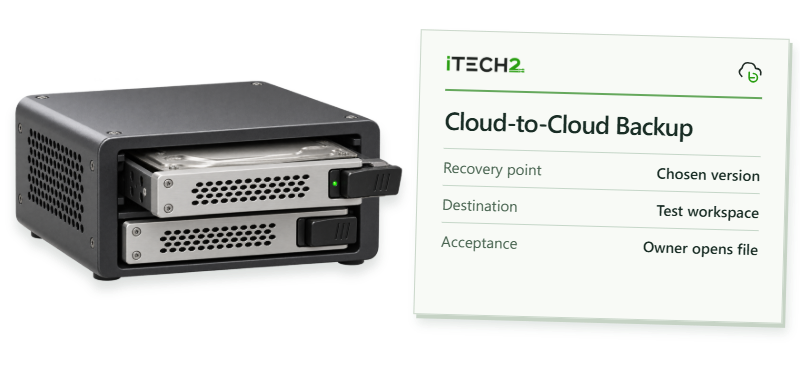
Recover a working file with its permissions intact
Use a representative mailbox item or shared file. Ask the owner to choose the version and restore destination, then check that an authorized person can open the recovered item. Record whether links, permissions or dependencies require separate attention.
Keep the selected recovery point, elapsed time and acceptance result alongside the backup configuration.

Check the recovered copy
Select a recovery point, restore a sample and have its owner open the recovered files.
Can an authorized user open the restored item?
Choose a Microsoft 365 item with known permissions and an agreed recovery point. Restore to an isolated location and record elapsed time, content and access. Check how recovery works if the original administrator account is unavailable.
Prepare a working brief
Recover a working file with its permissions intact. Use the editable worksheet to name the owner, collect the evidence and record what will count as a completed handoff.
Download the cloud-to-cloud backup worksheet (TXT) · Compare assessment optionsCommon questions
How do we know a restore is useful?
Have an intended user open the recovered item with their normal permissions. Record its date, completeness and the elapsed recovery time.
Recovery planning guideWhat should the cloud-to-cloud backup handoff include?
Keep the selected recovery point, elapsed time and acceptance result alongside the backup configuration.
See the worked example