
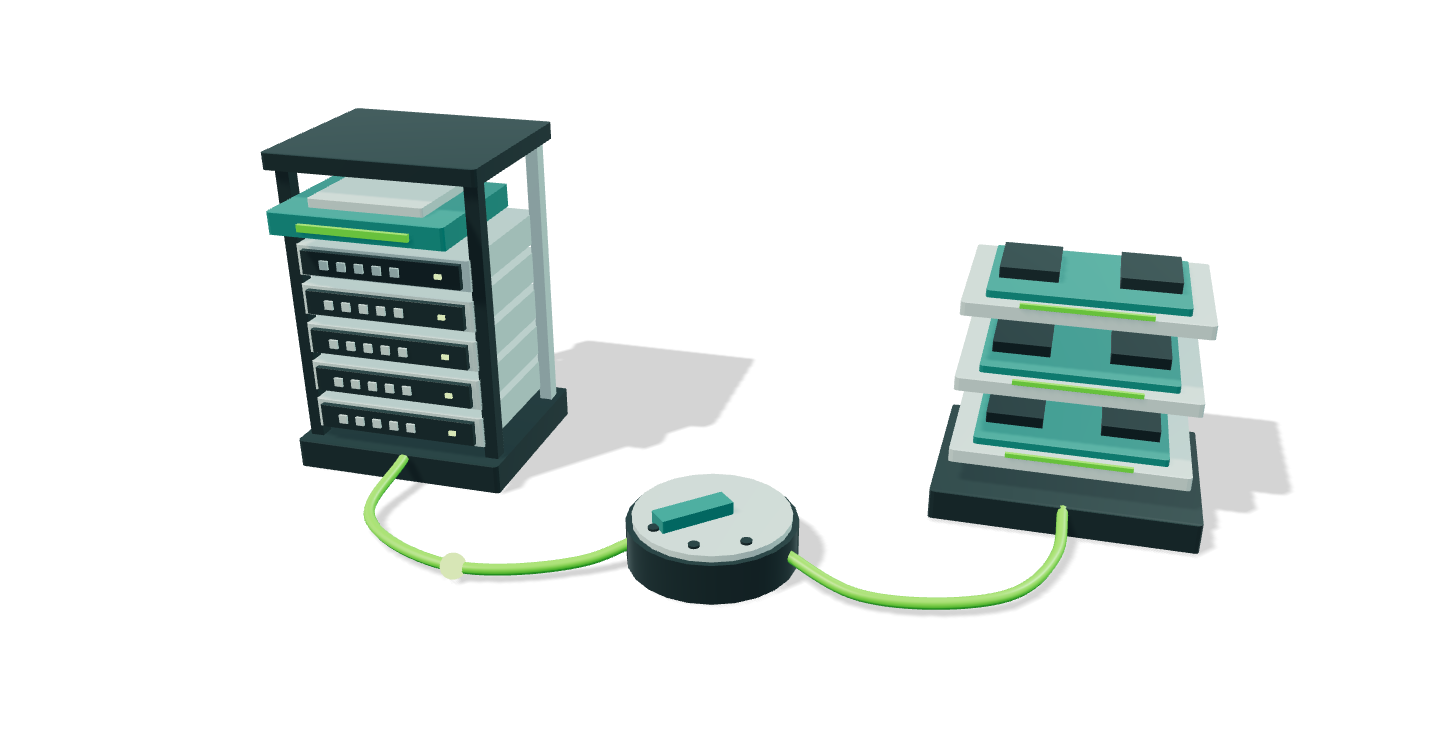
Interactive workplace
Which workload should move first?
Commercial businesses
Cloud and software
Choose one application with a named owner and a measurable daily job. Use its local run as the baseline.
Related services and reading
Azure infrastructure
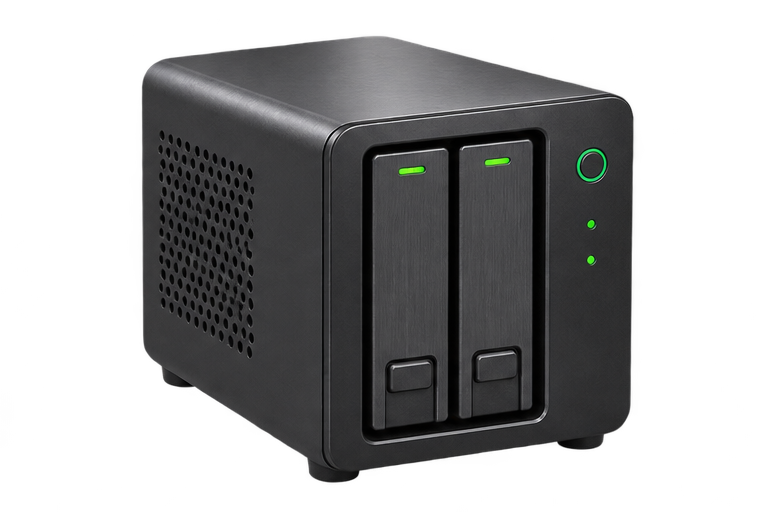
Map a workload to its compute, identity, storage and network dependencies. Review usage over an ordinary billing period and a peak period before changing capacity.
Bring a workload diagram and a redacted cost summary.
Cloud migration
Select a low-risk workload for the first move. Document its dependencies, the decision point for rollback and the test that demonstrates the application works.
Bring application owners and a cutover window.
Cloud-to-cloud backup
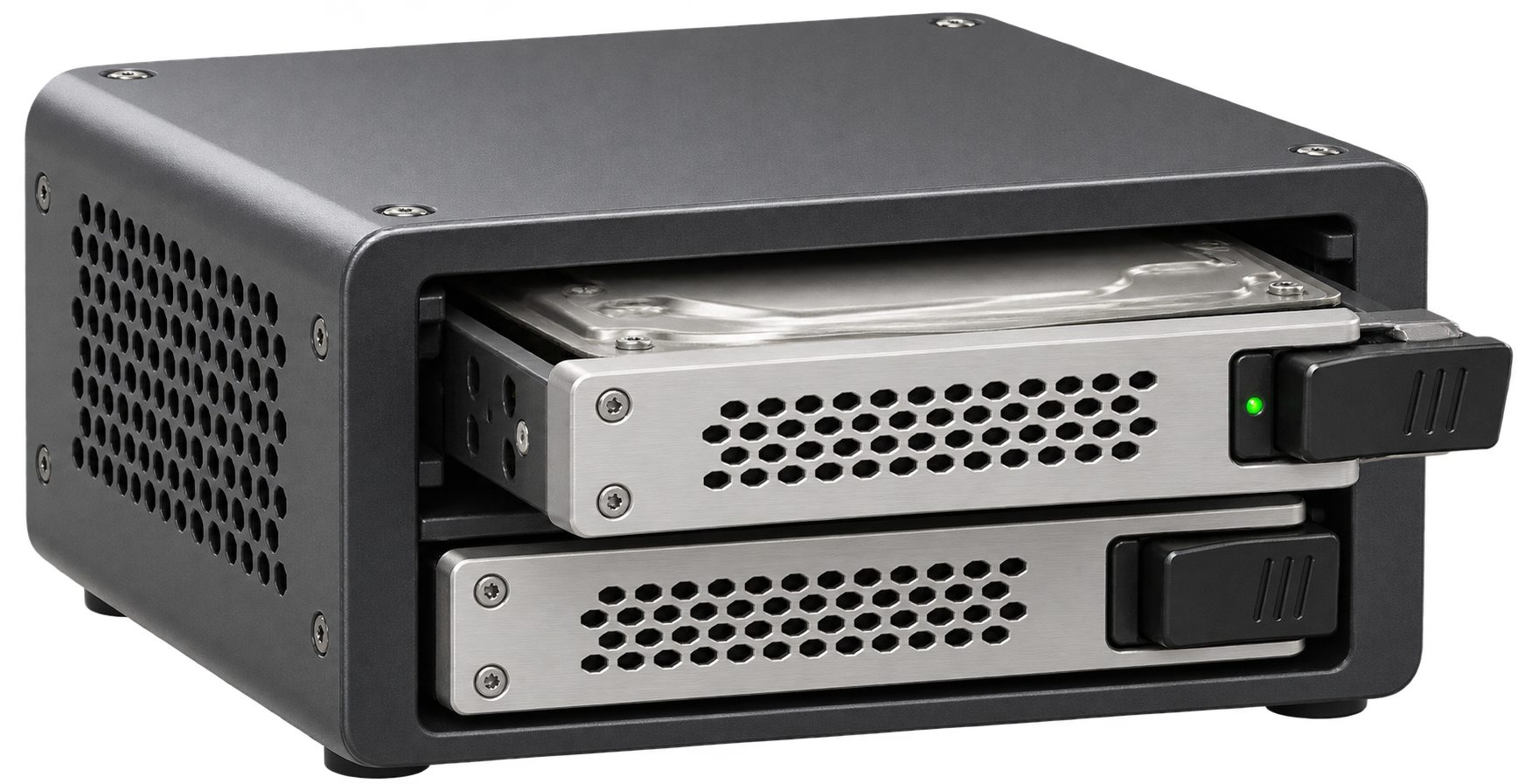
Define the mailbox, file or site a user may ask to restore. Check retention and permissions, then perform a sample recovery to an agreed location.
Bring recovery targets and the last restore-test result.
AI solutions

Prepare a Microsoft 365 Copilot pilot by choosing a task, confirming content permissions and assigning a reviewer.
Explore Copilot readinessWhich workload makes sense to move first?
Choose an application with a named owner and a measurable peak, such as month-end reporting. Compare its current cost with a cloud estimate that includes storage, network traffic, backups and staff time. In a pilot, test access from a branch, restore a copy and measure the peak again. Those figures give finance and operations a basis for the move.
Prepare a cloud cost comparison

Move one workload first
Choose a source workload, move a pilot copy and test the application from the user’s device.
Plan Azure and Microsoft cloud work
- What does Azure provide?
Azure offers computing, storage and networking that organizations can combine to run workloads. Map one application to the services it consumes before estimating the move.
Review Azure infrastructure- How will billing change?
Separate recurring capacity, metered consumption, licensing and transfer charges. Ask which assumptions depend on usage, reservations or a contractual term. Check the actual offer with purchasing.
Review Azure costs- What belongs in a cloud consultation?
Bring tenant ownership, subscription boundaries, the workload inventory, renewal dates and any Copilot use case. Identify prerequisites, design options and deployment acceptance in that order.
Request a cloud consultation
Review the technology in your environment
Identify the products, editions and support contracts you already use. Ask who would operate each component after the project and what vendor evidence your purchasing team needs.
Browse provider resources · Request verification of a designationAzure migration questions
How do we estimate the monthly bill?
Start with measured compute, storage and network usage across a typical period and a business peak. Include licensing, support and any services that will stay on site.
Who owns security and compliance?
Document the responsibilities of the provider, tenant administrators and application owners. Have your designated reviewer check identity, configuration, data handling and contractual requirements for the actual workload.
Will our other applications still work?
Check vendor support and trace scheduled jobs, identity, storage and partner connections. Pilot the workload and verify its downstream outputs before scheduling retirement of the old system.
When is it worth moving?
Compare supported life, operating cost, growth and recovery needs over the same period. Pick an acceptance test that can demonstrate the expected benefit.
From the Managed IT Services USA field notes
Common questions
What changes the estimate for a cloud move?
Peak demand, data transfer, licensing and services that must still run on site can all change the total. Ask for the assumptions alongside the estimate.
Azure migration readiness