
Should the next server refresh move to Azure?
Put the refresh quote and the cloud estimate on the same timeline. The decision often turns on which costs actually disappear when a workload moves.
Price the same workload twice

 Should the next server refresh move to Azure?
Choose a three- or five-year period and fix the storage, recovery and availability requirements. For the refresh, include hardware, warranty, licenses, backup, rack space and operating time. For Azure, list compute hours, disks, backups, data transfer, support and migration work. Give each figure a source and a date.
Find the cost you can actually retire
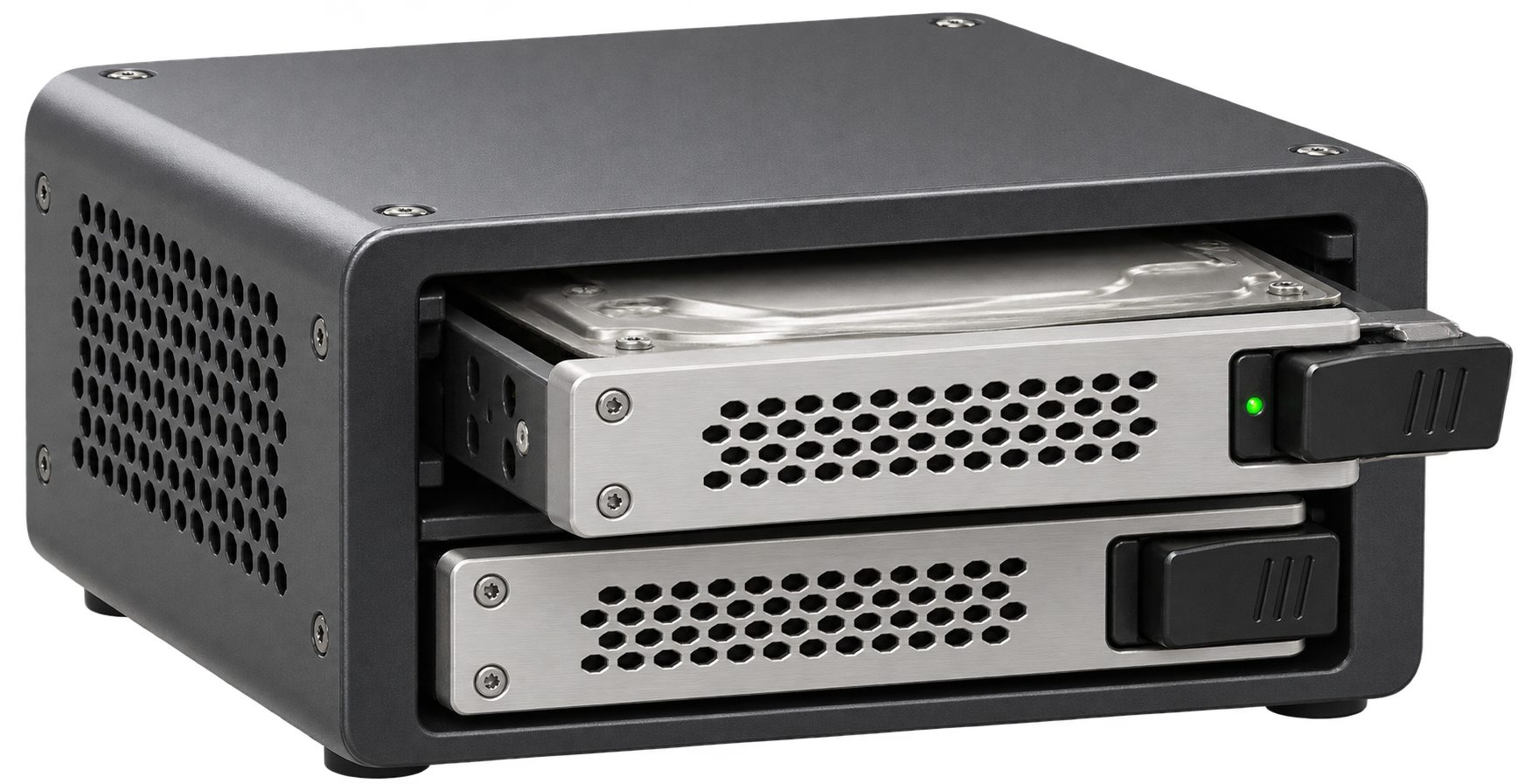
Suppose two hosts share a rack and only one workload moves. The rack lease and backup appliance may still be needed. Count the retired maintenance contract when it ends, and include the months both environments must run during cutover. A cost that stays on next year’s invoice belongs in the comparison.
Test the estimate with a busy month
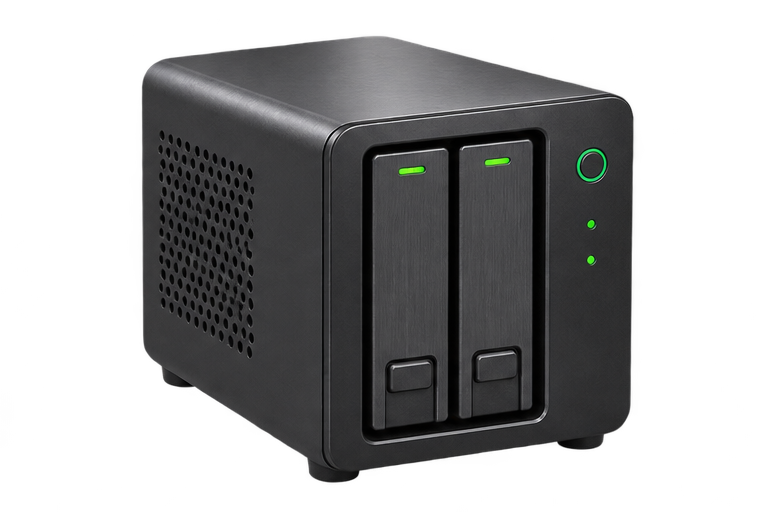
Price ordinary usage, a seasonal peak and a recovery exercise. Compare actual metering during a pilot with the estimate. Record what happens if storage grows faster than planned or a workload must stay active overnight. Include the value of faster recovery only when a business owner can explain and measure it.
Make the purchasing decision revisitable
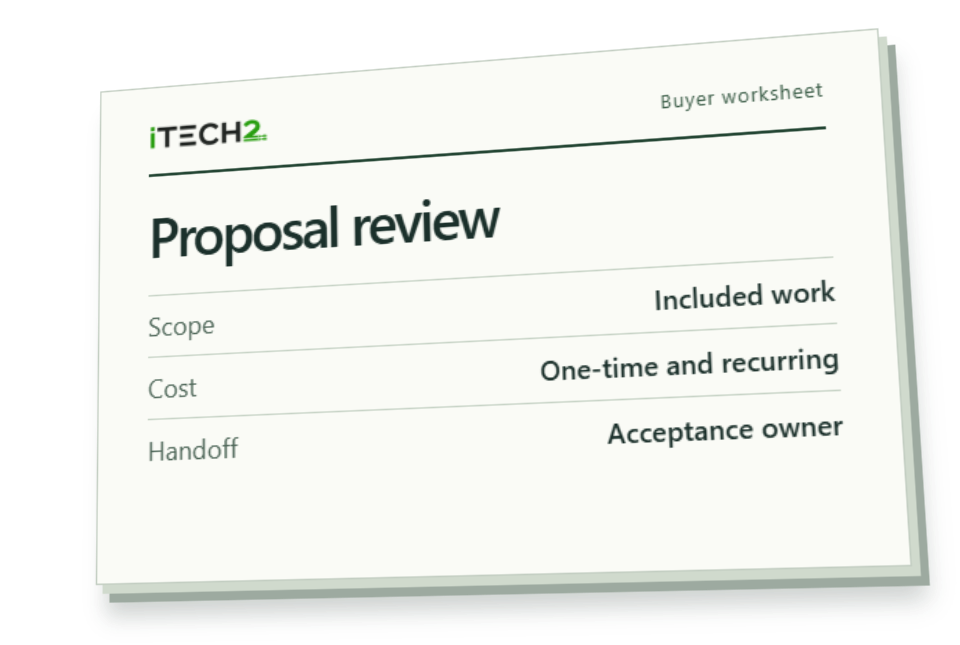
Record which option wins under each assumption, which costs are shared and the date of the next renewal. If the choice changes when a single assumption moves, ask for an Azure cost assessment of that item before committing.
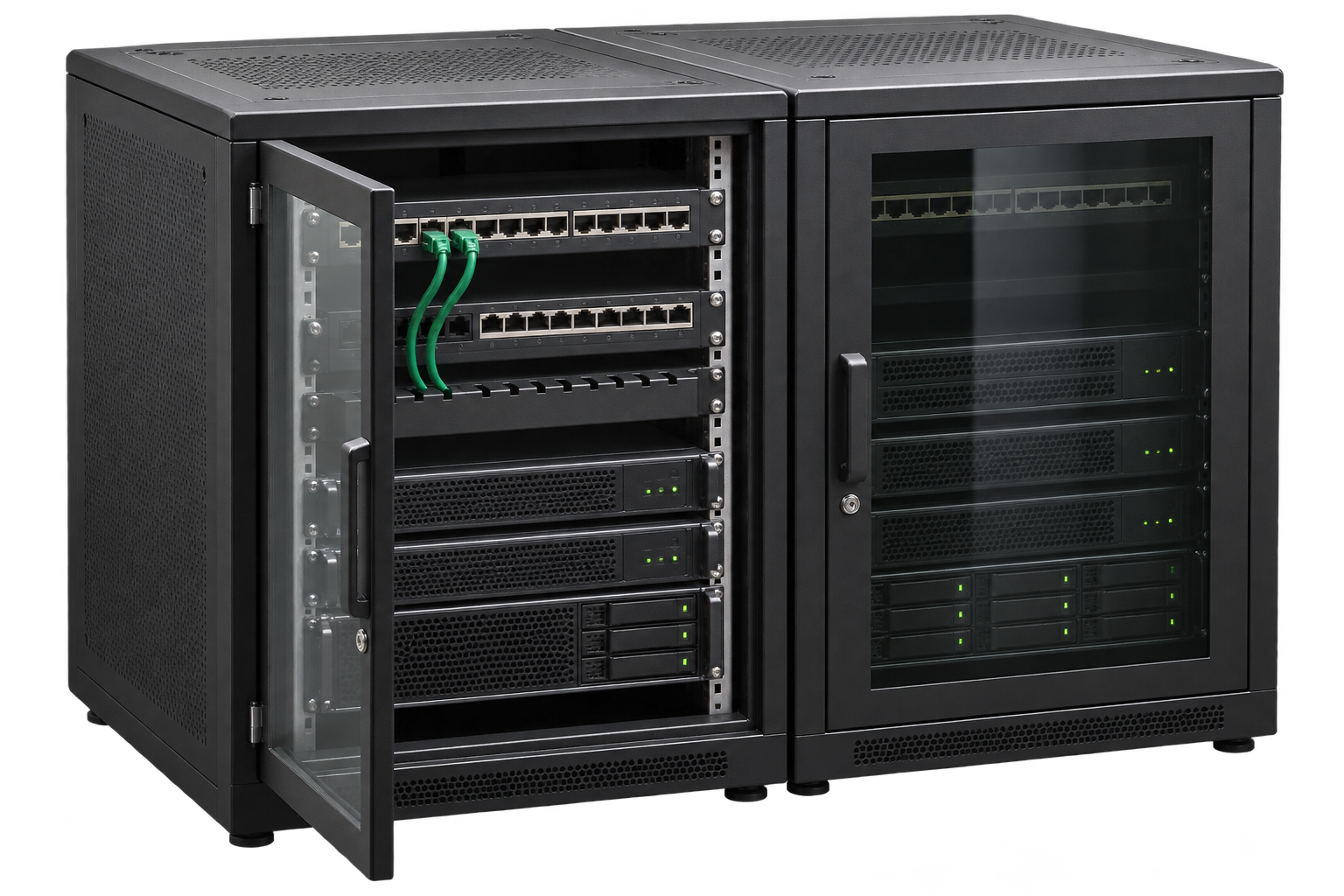

Move one workload first
Choose a source workload, move a pilot copy and test the application from the user’s device.
Further reading
Common questions
What changes the estimate for a cloud move?
Peak demand, data transfer, licensing and services that must still run on site can all change the total. Ask for the assumptions alongside the estimate.
Azure migration readiness