
Cloud migration
Select a low-risk workload for the first move. Document its dependencies, the decision point for rollback and the test that demonstrates the application works.
Interactive workplace
One workload, two routes
Commercial businesses
Cloud migration
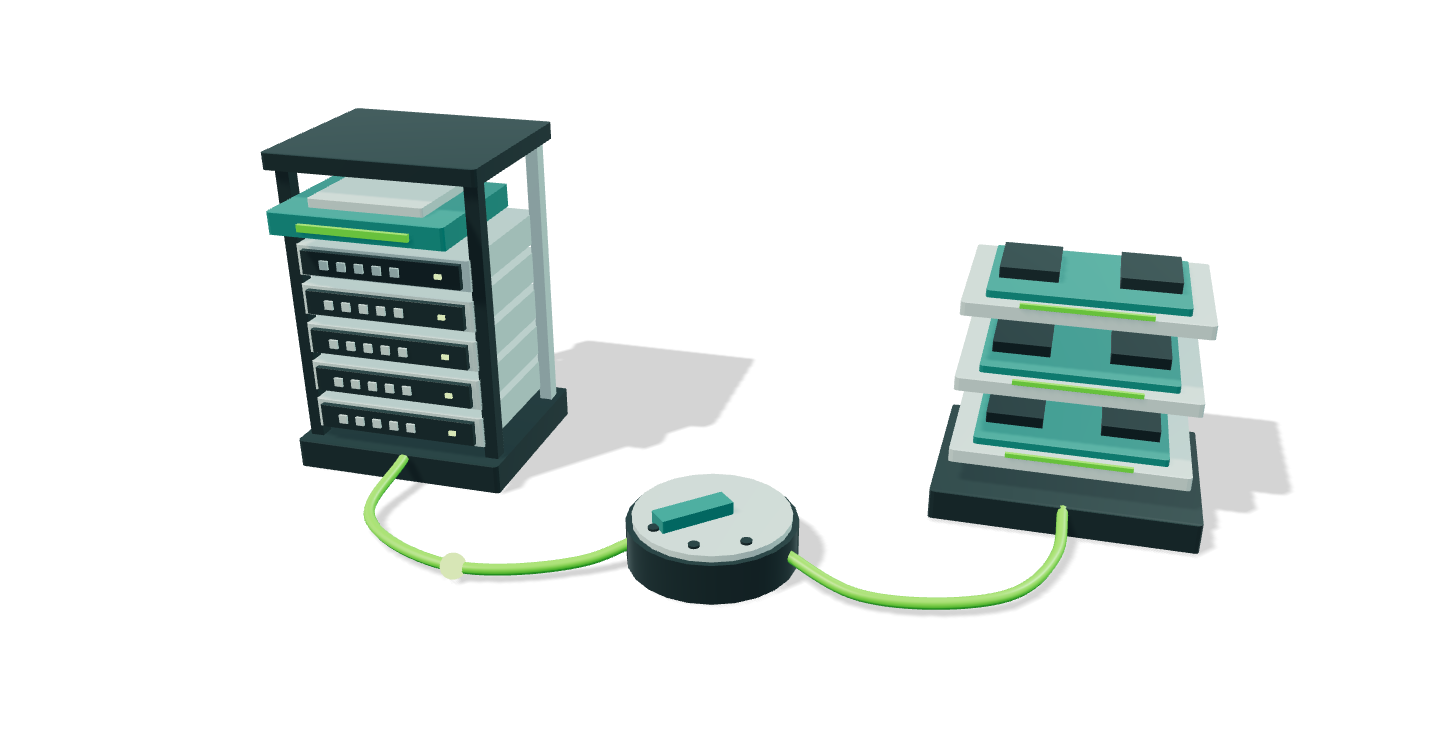
Start with the workload on the local rack. Record which applications still call its current address.
Related services and reading
A typical project decision
A reporting job may depend on a database that moves later. Plan migration waves around that dependency and define how the two environments communicate during transition.
What to bring

Bring application owners and a cutover window.
How to check the result

The application owner completes the acceptance test and confirms backup, monitoring and access in the new environment.
Decide whether the workload is ready
At discovery, list the application, dependent jobs and recovery target. At the pilot, compare expected cost with observed consumption and record a rollback point. After the move, give an owner the budget alerts, operating notes and review date.
Scope a migration readiness review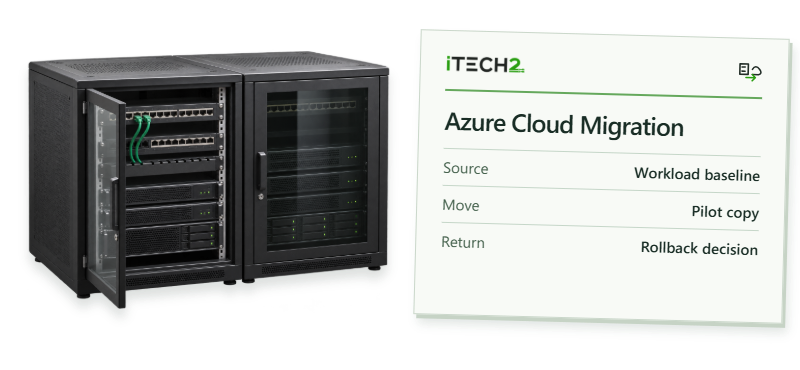
Prove the first workload can move and return
Select a workload with a named business owner and manageable dependencies. Rehearse the transfer in an approved environment, run its scheduled job and compare the result with the source. Set the latest safe rollback time around the next business deadline.
Write the cutover order, decision time and reconciliation steps for transactions created during the move.
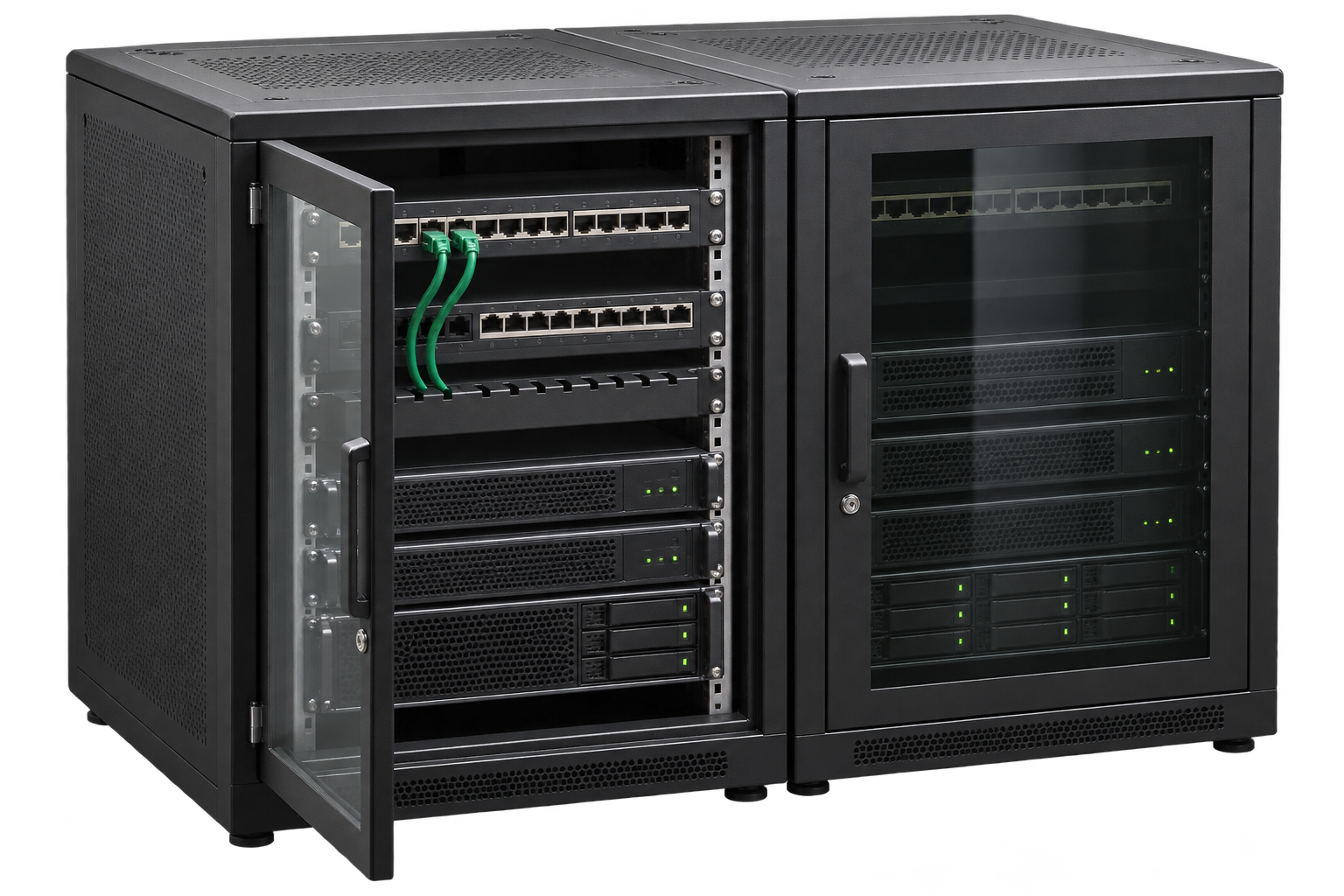

Move one workload first
Choose a source workload, move a pilot copy and test the application from the user’s device.
What authorizes the cutover?
Identify the application owner, last recoverable state and services that depend on the workload. Rehearse one rollback and document the decision deadline. Verify a complete user transaction before closing the migration window.
Prepare a working brief
Prove the first workload can move and return. Use the editable worksheet to name the owner, collect the evidence and record what will count as a completed handoff.
Download the cloud migration worksheet (TXT) · Compare assessment optionsCheck the Azure migration assumptions
- Licensing and capacity
Record expiring software support and licensing restrictions per workload. Capture normal and peak demand before sizing compute and storage, and document how scale-out would be tested.
Assess workload readiness- Security and compliance
Identify which controls the platform supplies and which settings, identities, evidence and reviews your organization must operate. Have the accountable owner approve any exception.
Plan the evidence review- Recovery and compatibility
Check third-party and legacy application support. If Azure Site Recovery is proposed, verify workload support, dependency order, test isolation and business acceptance with the application owner.
Plan a recovery test
Common questions
What changes the estimate for a cloud move?
Peak demand, data transfer, licensing and services that must still run on site can all change the total. Ask for the assumptions alongside the estimate.
Azure migration readinessWhat should the cloud migration handoff include?
Write the cutover order, decision time and reconciliation steps for transactions created during the move.
See the worked example