
Mail and file migration
Choose a pilot group with shared mailboxes, delegated access and large document libraries. Verify access and ownership before scheduling the wider move.

Interactive workplace
Reconcile licenses before moving a team
Commercial businesses
Mail and file migration
For a representative employee, map the mailbox, files, meetings and business applications the role uses today. Compare those needs with the proposed destination plan. Pilot a real working day before retiring the old assignment or changing subscription quantities.
Related services and reading
A typical project decision

A shared mailbox may appear healthy even when a delegate has lost access. Include representative delegates, external collaborators and shared calendars in the pilot.
What to bring

Bring the source platforms, data volumes and business calendar.
How to check the result
Users can send, receive, find shared content and perform their role-specific tasks from their normal devices.
Microsoft licensing migration
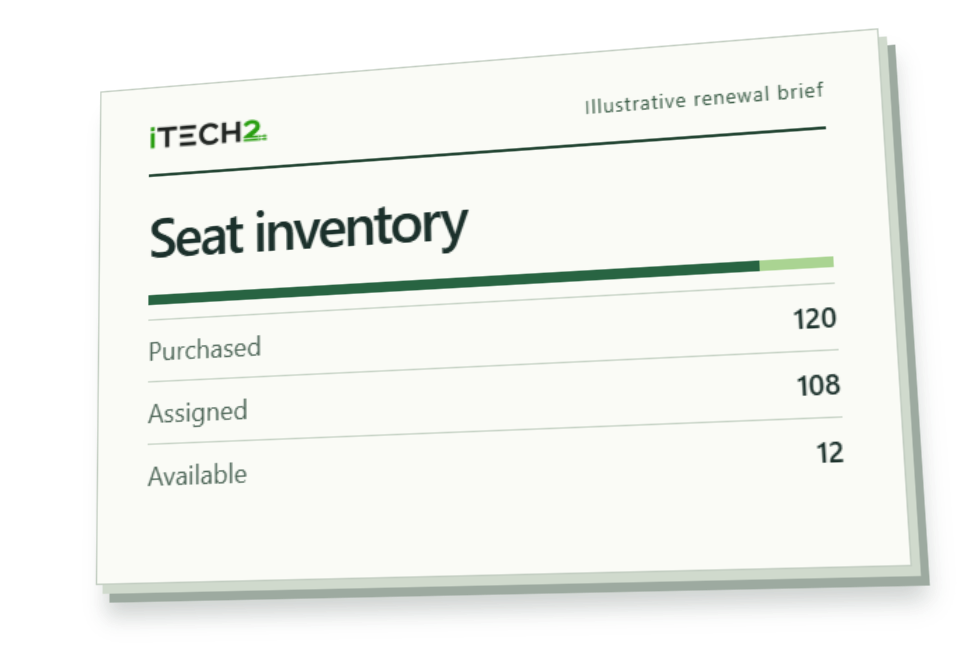
Before moving users, match each role to the applications, storage and calling features it requires. Pilot the destination assignments with a representative user, then reconcile old and new subscriptions with purchasing.
Review Microsoft licensing decisionsValidate each Microsoft 365 workload

Pilot one mailbox with delegated access, one shared document library and one user with a role change. Check mail flow, file ownership, sharing permissions and sign-in with the relevant business owners. Confirm who can pause the cutover.
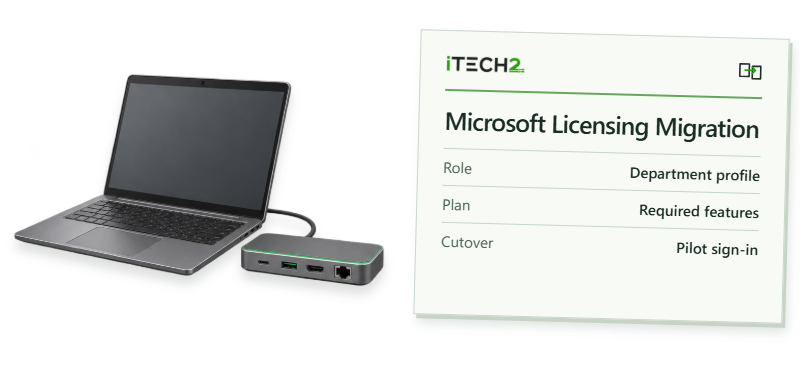
Reconcile licenses before moving a team
For a representative employee, map the mailbox, files, meetings and business applications the role uses today. Compare those needs with the proposed destination plan. Pilot a real working day before retiring the old assignment or changing subscription quantities.
Leave purchasing and the tenant owner one register of old assignments, replacement entitlements, exceptions and dates.


Move one workload first
Choose a source workload, move a pilot copy and test the application from the user’s device.
Test one shared folder before moving the team
- Accounts and licenses
- Pair each source user with the intended destination account. Check that the target has the required entitlement and storage before scheduling a copy.
- Paths and permissions
- Try the deepest folder, a long filename, an externally shared document and a file with a unique permission. Record what copies, which links change and who can open the result.
- Cutover
- Choose when editing stops. Reconcile skipped files, ask the owner to test from a normal device and retain the source until the agreed acceptance checks pass.
What changes on renewal day?
Map current subscriptions to users and dependencies. Check overlap, renewal dates, administrator ownership and billing contacts. Choose one representative user and verify access before releasing old assignments.
Prepare a working brief
Reconcile licenses before moving a team. Use the editable worksheet to name the owner, collect the evidence and record what will count as a completed handoff.
Download the mail and file migration worksheet (TXT) · Compare assessment optionsCommon questions
What changes the estimate for a cloud move?
Peak demand, data transfer, licensing and services that must still run on site can all change the total. Ask for the assumptions alongside the estimate.
Azure migration readinessWhat should the mail and file migration handoff include?
Leave purchasing and the tenant owner one register of old assignments, replacement entitlements, exceptions and dates.
See the worked example