
From a Copilot readiness report to a pilot list
A department can be ready to buy and still have people who cannot use the proposed workflow. Work through the exceptions before ordering seats for the whole group.
Read eligibility one user role at a time

 From a Copilot readiness report to a pilot list
Choose a pilot role and a specific task, such as drafting a project update from approved meeting notes. Ask the tenant administrator to verify the subscription, enabled services, supported application and relevant policy for that task against current Microsoft requirements. Keep the date of the check with the result.
Assign each blocker to the right person
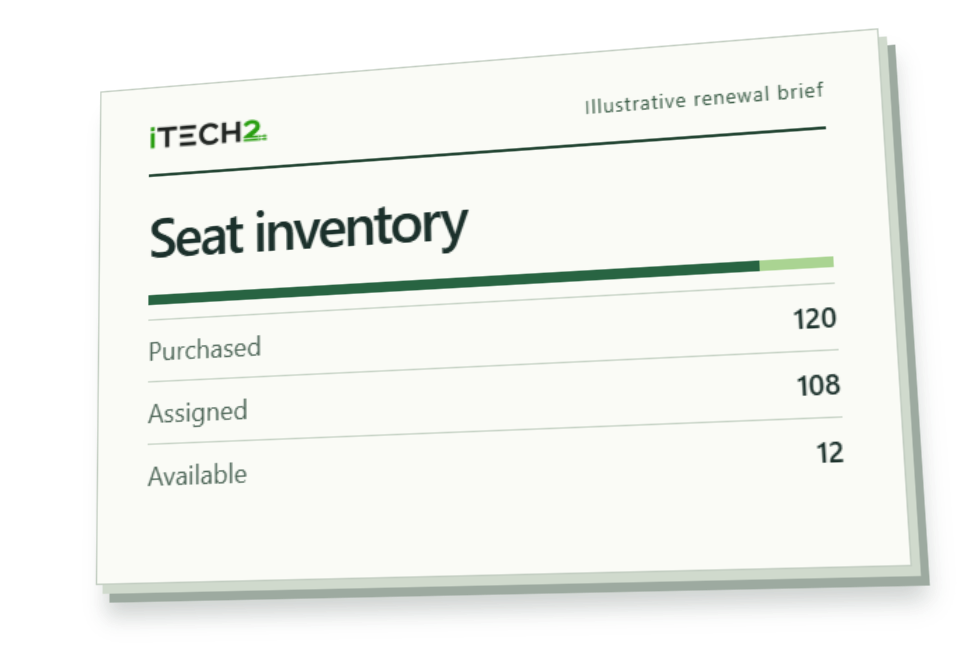
A license mismatch goes to purchasing and the tenant administrator. An app deployment issue goes to endpoint management. A file visible to the wrong group goes to the content owner. Record the owner, change to test and next review date for each exception.
Test access with representative accounts

Use approved sample material. Have a participant locate a document intended for the pilot, then verify with the data owner that restricted material remains outside that participant’s access. Resolve excessive sharing before inviting more people.
Choose who joins the next wave

Keep a short list of participants who can complete the task, participants waiting for a fix and teams with no defined use case yet. After the pilot, compare the time spent completing and checking the work. Use that evidence and the open exceptions to decide which seats to buy next.


Set up a Copilot pilot
Choose a representative document set, confirm access permissions and have a pilot user evaluate the result.
Further reading
Common questions
How should we decide whether to expand a Copilot pilot?
Use a representative task, check the cited source and record the time spent correcting the result. Review unexpected file access before adding another group.
Copilot readiness review