
← Field notes
Prove a Microsoft 365 restore meets the user’s need
A mailbox item, a shared document and a whole workspace can have different recovery requirements. Ask the owner which item, version and permissions are needed.
Choose a recoverable example

 Prove a Microsoft 365 restore meets the user’s need
Use approved test material and record its location, modification time and expected access. Confirm the scope and retention of the actual service before making a recovery promise.
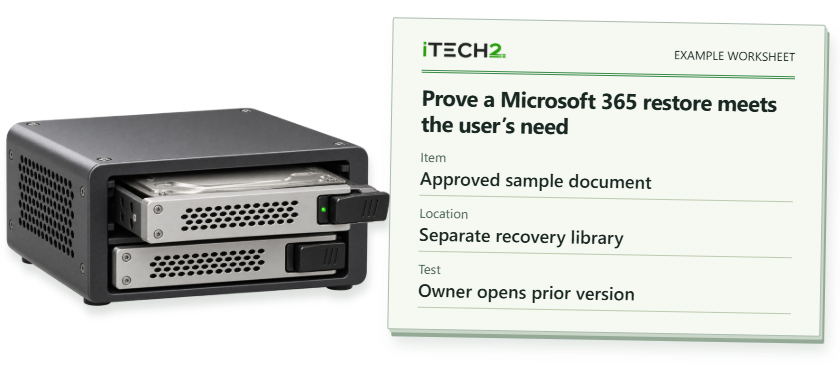
- Item
- Approved sample document
- Location
- Separate recovery library
- Test
- Owner opens prior version
Ask the user to verify the result

Recover to an agreed location and have the intended user open the item. Record time, completeness and access exceptions. Repeat for a second workload if the first test covered mail alone.

Check the recovered copy
Select a recovery point, restore a sample and have its owner open the recovered files.
Further reading
Browse 10 related articles
- A vendor sends a security advisory. Who checks it?
- A practical acceptance test for a Copilot pilot
- What to check before buying Microsoft 365 E7
- Which dependency could delay your cloud cutover?
- Build a project decision log that survives handover
- Two breach reviews to bring to your next IT meeting
- Should the next server refresh move to Azure?
- From a Copilot readiness report to a pilot list
- What to measure before sizing an Azure migration
- What to ask a supplier about post-quantum migration
Common questions
How do we know a restore is useful?
Have an intended user open the recovered item with their normal permissions. Record its date, completeness and the elapsed recovery time.
Recovery planning guide