
Scope managed IT around a clinic’s working day
Opening the clinic, changing shifts and closing out the day produce different support demands. Select one workflow in each window before agreeing on coverage.
Distinguish a station fault from a site outage

 Scope managed IT around a clinic’s working day
Document how staff report a problem, which alternate station is available and who checks whether several rooms are affected. Ask who may authorize an interruption to shared systems.
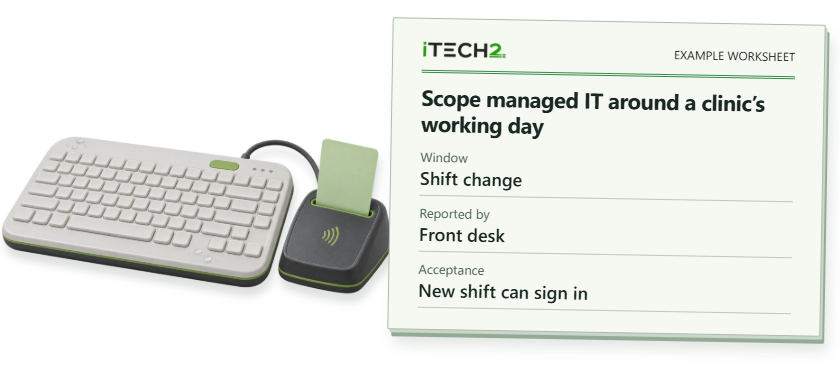
- Window
- Shift change
- Reported by
- Front desk
- Acceptance
- New shift can sign in
Test the support boundary
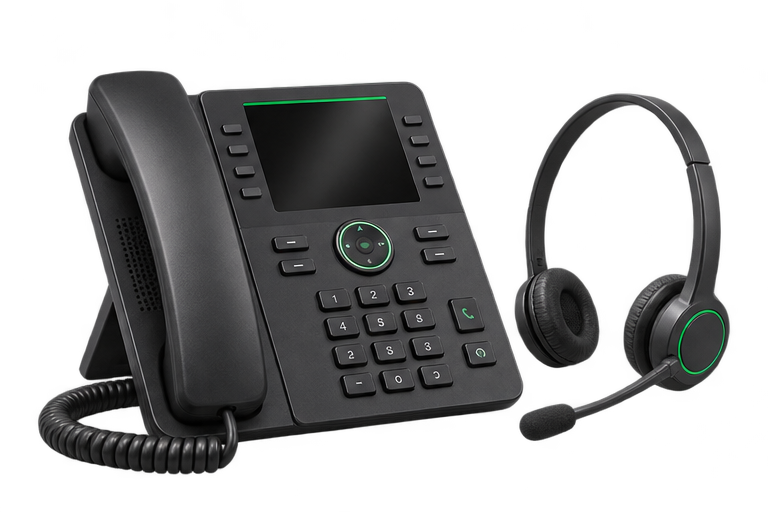
Walk a fictional ticket from clinical staff through internal IT and the proposed provider. Record handoff hours, escalation contacts and who confirms the return to service.
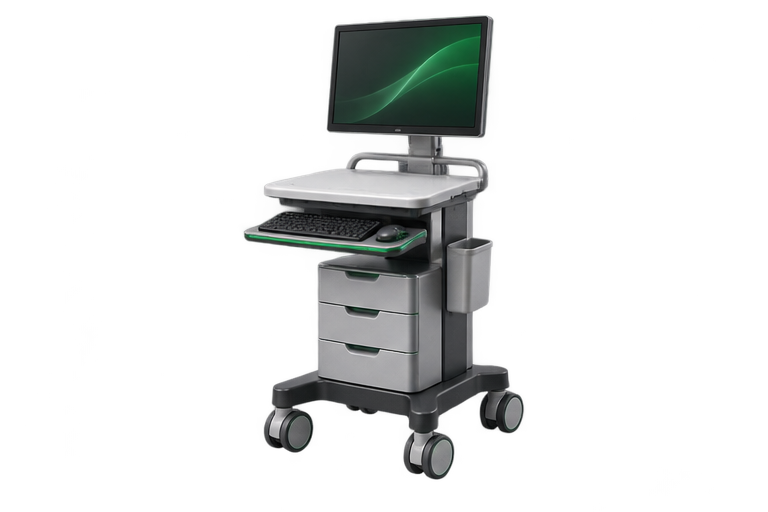


Follow a clinic sign-in
Trace a staff role from the clinic desk to a workstation and validate access using an approved test account.
Further reading
Browse 10 related articles
- A vendor sends a security advisory. Who checks it?
- A practical acceptance test for a Copilot pilot
- What to check before buying Microsoft 365 E7
- Which dependency could delay your cloud cutover?
- Build a project decision log that survives handover
- Two breach reviews to bring to your next IT meeting
- Should the next server refresh move to Azure?
- From a Copilot readiness report to a pilot list
- What to measure before sizing an Azure migration
- What to ask a supplier about post-quantum migration
Common questions
Who verifies that a shift can resume after maintenance?
Choose a clinical workflow owner before the change. Have that person validate sign-in and access at a shared station with an approved test account.
Clinical shift handoff