
Network security assessment
Check how staff, guests and equipment reach shared services at a representative site. Identify access that needs an owner or an expiry date.
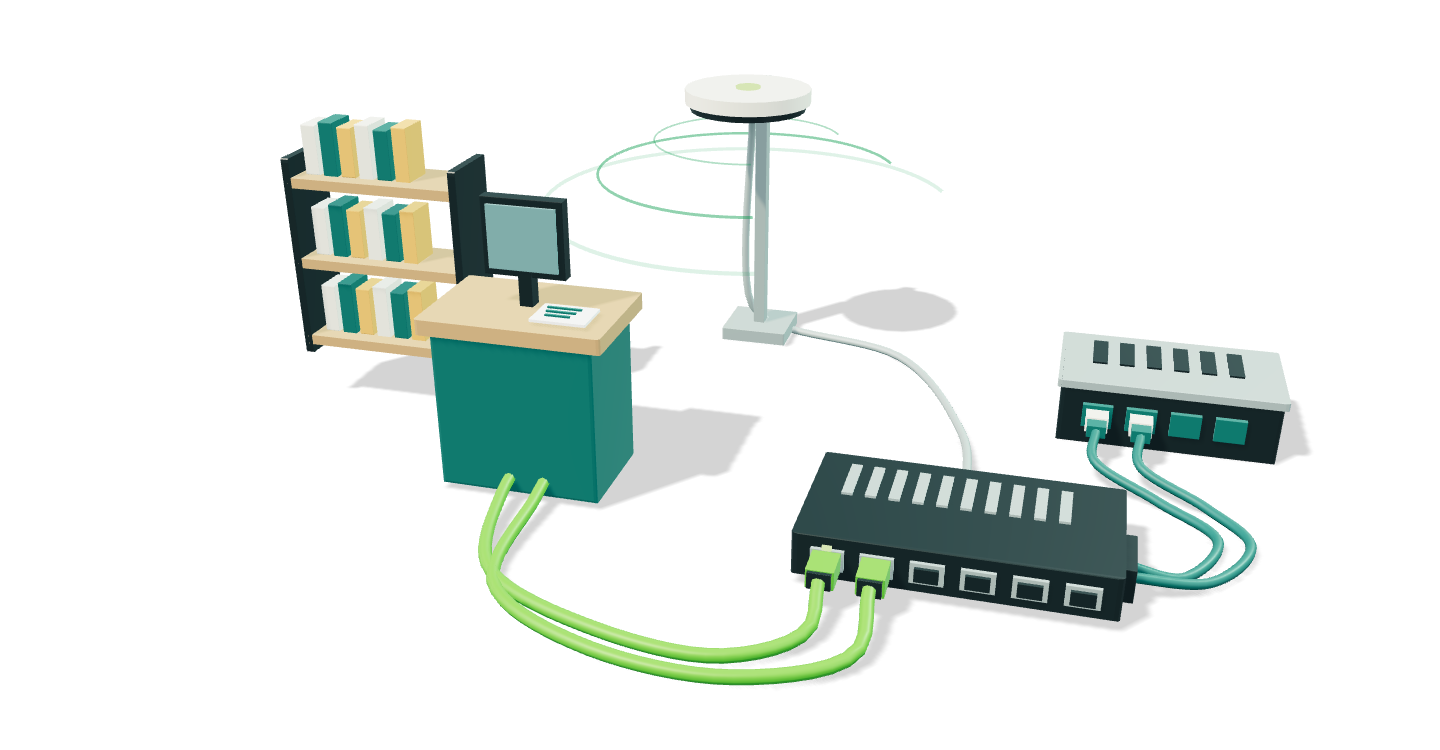
Interactive workplace
Trace the boundary between staff and guest access
Commercial businesses
Network security assessment
Use an agreed site diagram to distinguish staff, guest and equipment networks. Ask the owner which business resources each group needs. Review approved access records and document any connection that lacks a current business purpose.
Related services and reading
A typical project decision
At a branch with shared printers and guest Wi-Fi, ask the site lead which connections are required for everyday work. Compare that list with the documented access policy.
What to bring
Bring a simplified network map and the teams responsible for each segment.
How to check the result

Hand off a list of expected connections, exceptions, owners and a validation window for the changes the business approves.
Trace the boundary between staff and guest access
Use an agreed site diagram to distinguish staff, guest and equipment networks. Ask the owner which business resources each group needs. Review approved access records and document any connection that lacks a current business purpose.
Mark each boundary, its owner and the approved access decision on the site diagram.
Example assessment finding
- Observation
- The network diagram shows separate staff and guest networks. The access register has no owner for a shared conference-room display.
- Decision
- Ask the facilities and IT leads to agree which users need the display and who approves changes.
- How to verify
- Record the decision on the diagram and confirm the intended meeting workflow with each approved user group.

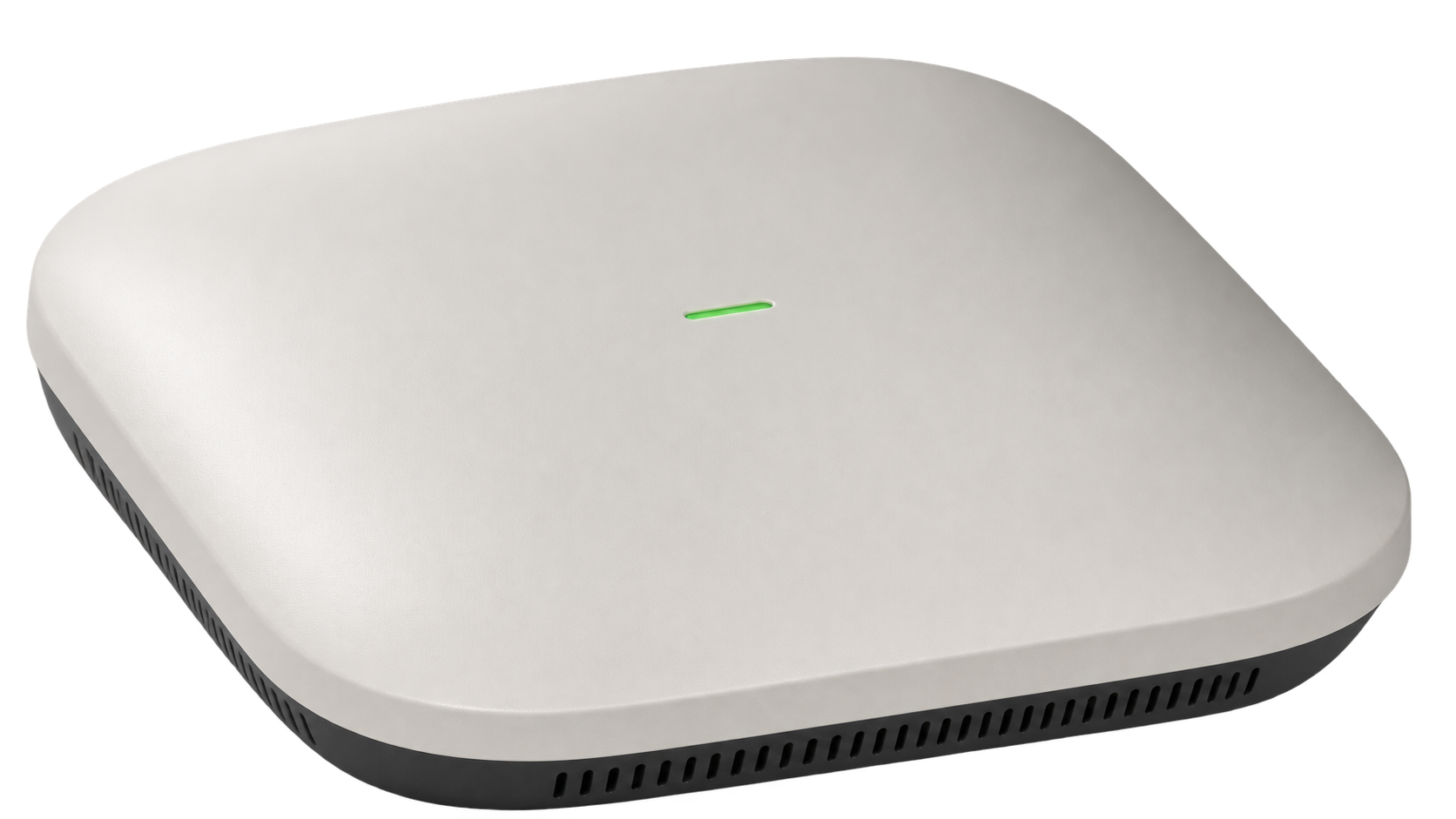
Follow a wireless session
Start at the user’s device and trace the connection through the access point to the wired uplink.
Where does responsibility change hands?
Sketch the carrier, firewall, wireless network and one business application. Mark which owner controls each boundary. Ask for a prioritized list of gaps with a verification step and a contact for items outside the agreed scope.
Prepare a working brief
Trace the boundary between staff and guest access. Use the editable worksheet to name the owner, collect the evidence and record what will count as a completed handoff.
Download the network security assessment worksheet (TXT) · Compare assessment optionsFrom request to findings
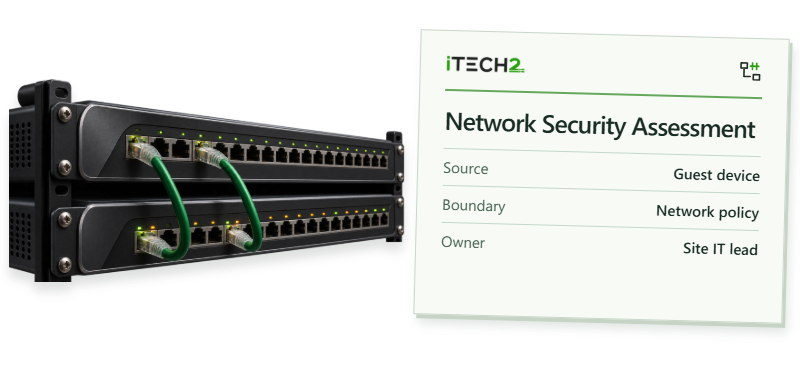
For the Network Security Assessment, identify the decision owner and give one example from the environment. The illustrated brief starts with source (“Guest device”). A redacted description is enough for the initial request.
The first 30-minute IT consultation is free. Before sharing access for the assessment, agree on the systems included, what the report will cover, the schedule and any fee. Record the person who can accept the findings and agree who will verify any follow-up work.
Check assessment terms · Discuss scope and timingCommon questions
How do we distinguish a wireless issue from an upstream fault?
Record the location, device and time of an interruption. Compare the same application on a wired connection and ask whether nearby users saw the same delay.
Network auditWhat should the network security assessment handoff include?
Mark each boundary, its owner and the approved access decision on the site diagram.
See the worked example