
SQL health check
Identify the databases supporting critical processes. Review backup history, capacity trends and maintenance windows with the application owner.

Interactive workplace
Read database health against a real reporting window
Commercial businesses
SQL health check
Ask the application owner when a report normally completes and when users notice a delay. Compare that business window with the database performance history, maintenance schedule and recovery records. A single slow run may have a different cause from a repeated month-end delay.
Related services and reading
A typical project decision

A successful backup job is only one input. Review the last restore exercise, the application dependencies and who can validate the restored database.
What to bring
Bring the instance inventory and recent performance symptoms.
How to check the result

The application owner has a recovery-test plan and a prioritized list of capacity, maintenance and availability decisions.
Read database health against a real reporting window
Ask the application owner when a report normally completes and when users notice a delay. Compare that business window with the database performance history, maintenance schedule and recovery records. A single slow run may have a different cause from a repeated month-end delay.
Keep the observed trend, its business impact and the next validation step together.
Example assessment finding
- Observation
- The morning reporting job overlaps the order team’s busiest hour. The two teams measure the slowdown over different intervals.
- Decision
- Have the database owner align the measurement windows before choosing a capacity change.
- How to verify
- Compare report completion time and order response time over equivalent business periods.


Build an assessment brief
Start with a redacted inventory. Review the exceptions and give each open question an owner.
What happens during a SQL health check?
- Choose a workload and a window
- Start with a job people depend on, such as the order report due before the warehouse opens. Identify its database, whether it runs in Azure or on a server, and who can approve the performance data to collect. Agree on access and timing before collection starts.
- Capture a normal run and a slow run
- Keep the start time, duration and workload volume for each run. Ask the database owner to capture processor use, storage response times and the time queries spent waiting over those same intervals. Redacted metrics are enough for the initial discussion.
- Read the signals together
- If elapsed time doubles while processor use stays steady, look at what the queries waited for. Storage delays and a query waiting on another transaction call for different follow-up checks. Compare the same job at similar volume before authorizing a change.
- Walk through the findings
- Ask for a chart with the slow interval marked, the finding it supports and any questions the measurements leave open. Give the next check an owner, run it during a comparable reporting window and record whether the report meets its deadline.
Is the slowdown repeatable?
Bring an anonymized trend from a busy hour and one from a normal hour. Pair each with the workload, recent changes and backup window. The report should identify the next observation that would confirm or rule out the suspected bottleneck.
Prepare a working brief
Read database health against a real reporting window. Use the editable worksheet to name the owner, collect the evidence and record what will count as a completed handoff.
Download the sql health check worksheet (TXT) · Compare assessment optionsFrom request to findings
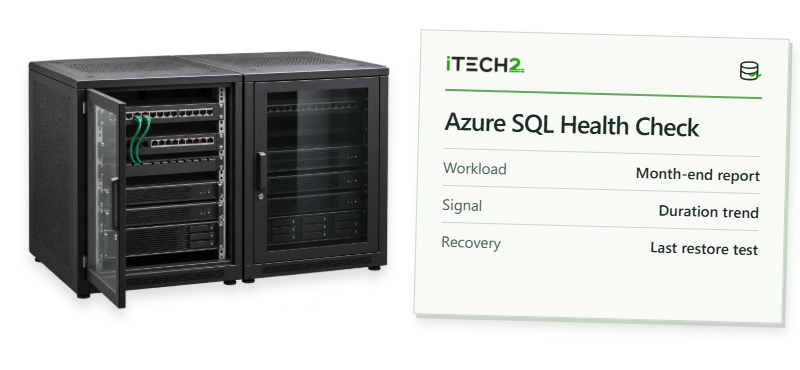
For the Azure SQL Health Check, identify the decision owner and give one example from the environment. The illustrated brief starts with workload (“Month-end report”). A redacted description is enough for the initial request.
The first 30-minute IT consultation is free. Before sharing access for the assessment, agree on the systems included, what the report will cover, the schedule and any fee. Record the person who can accept the findings and agree who will verify any follow-up work.
Check assessment terms · Discuss scope and timingCommon questions
How do we agree on the scope of a review?
Name the decision, systems, owner and evidence needed. Confirm eligibility, access, effort and any cost in writing before arranging collection.
Compare assessment scopesWhat should the azure sql health check handoff include?
Keep the observed trend, its business impact and the next validation step together.
See the worked example