
Following a suspicious email report
Start with a sanitized message and trace the decisions that follow a report.
Gather the evidence

 Following a suspicious email report
Find the reporting channel available from the devices staff use. Check who sees a report first and how an analyst asks for more information.
Work through the decision
Rehearse the handoff from reporting to investigation. Record how the reporter learns whether further action is needed.
Track a report from a phone
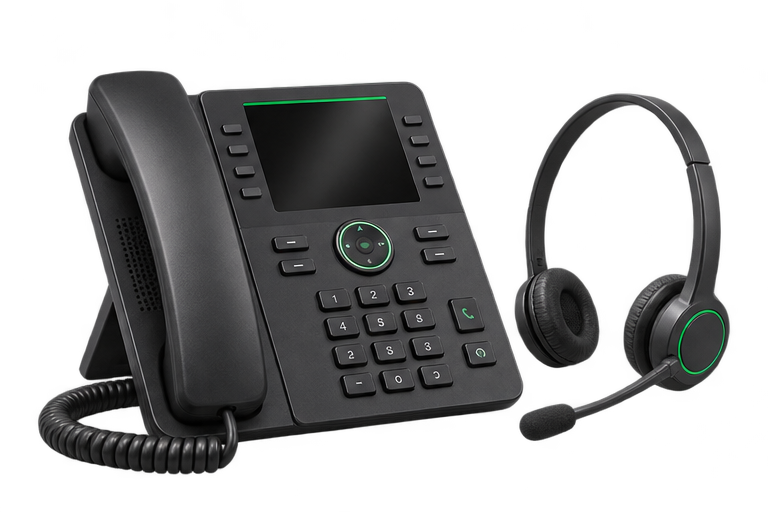
During an announced staff exercise, send a harmless sample to a test mailbox. Have a colleague use the mobile reporting control and ask the analyst to locate the resulting report.
Record how staff reported it, where it arrived and how the reporter received a response.


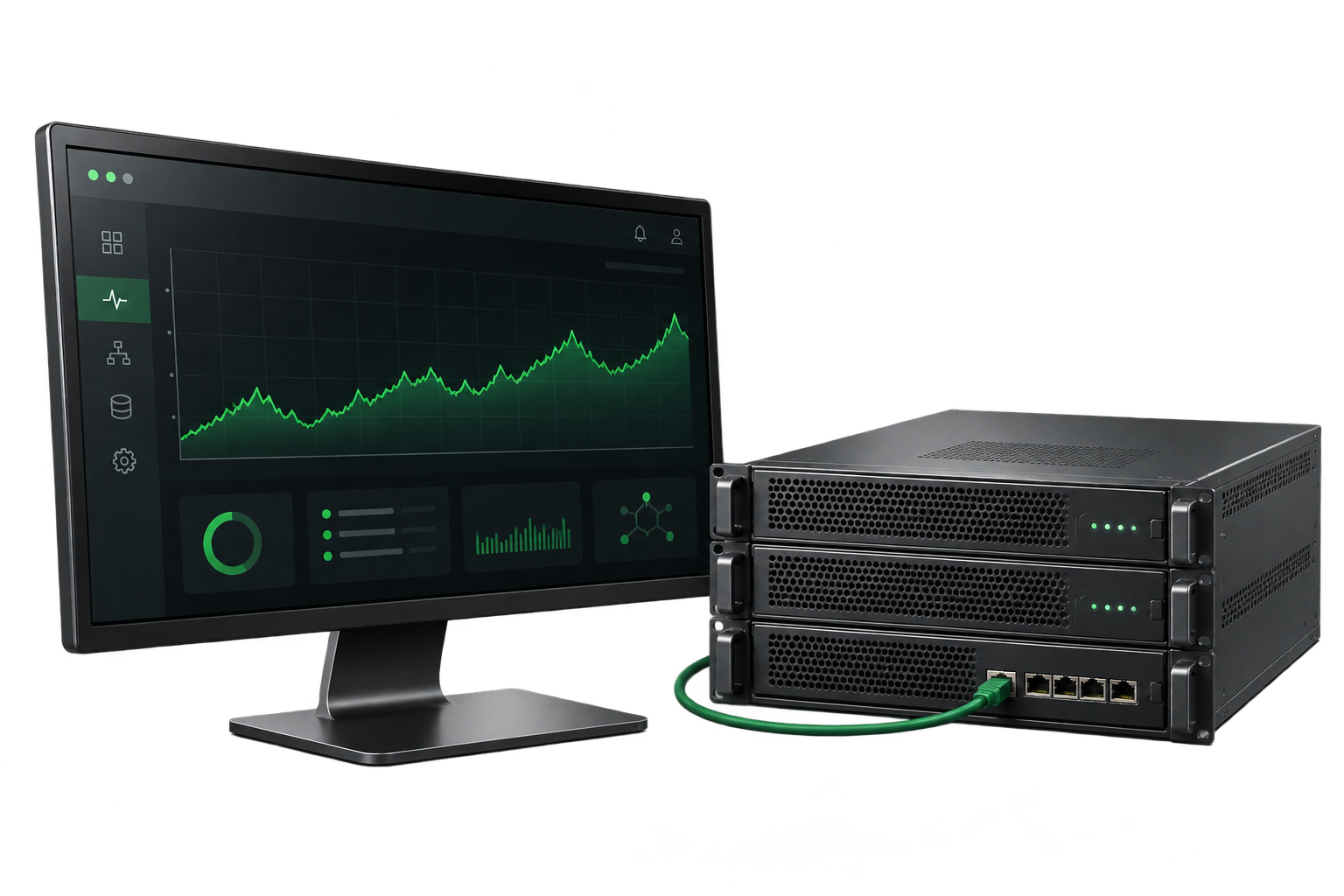
Follow an alert to its owner
A reported message reaches the security team. A named reviewer records the decision and follow-up.
Trace one reported message from inbox to closure
- Intake
- A staff member reports an unexpected payment request. Preserve the original message through the approved reporting channel and ask the finance owner to verify the request using an established contact.
- Review
- The mail administrator checks sender authentication, delivery history and whether other mailboxes received the same message. Limit access to message content to the authorized reviewer.
- Handoff
- Record who may quarantine a message, who reviews false positives and how the reporter hears the outcome. Repeat the exercise with a legitimate message to test release and recovery.
Common questions
Who should receive a security finding?
Give each finding to someone who can authorize a change. Record the affected system, business impact, due date and evidence needed for closure.
Incident response planning