
Gather the evidence

 Reviewing privileged accounts
Select a role with broad access and list its assignments, owners and exceptions. Identify how temporary elevation expires and how emergency use is reviewed.
Work through the decision
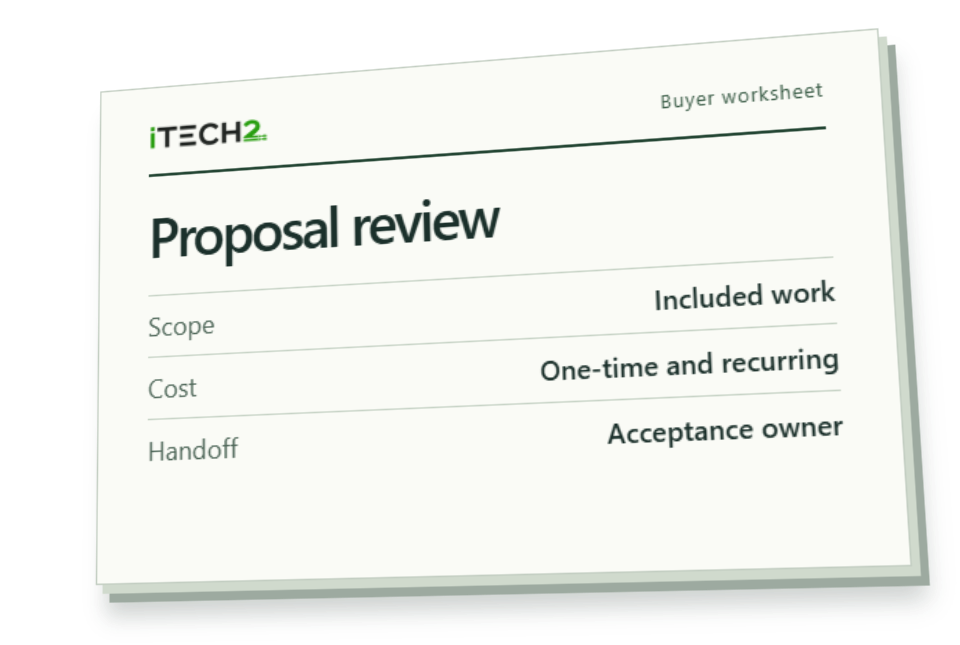
Have the owner review the assignment list. Date each decision and schedule the next review.
Close temporary administrative access

A contractor received an elevated role for a migration weekend. Check the approval and expiry, then ask the owner to confirm that the contractor can still perform ordinary work after removal.
Record role, approver, expiry, removal evidence and the check for ordinary access.
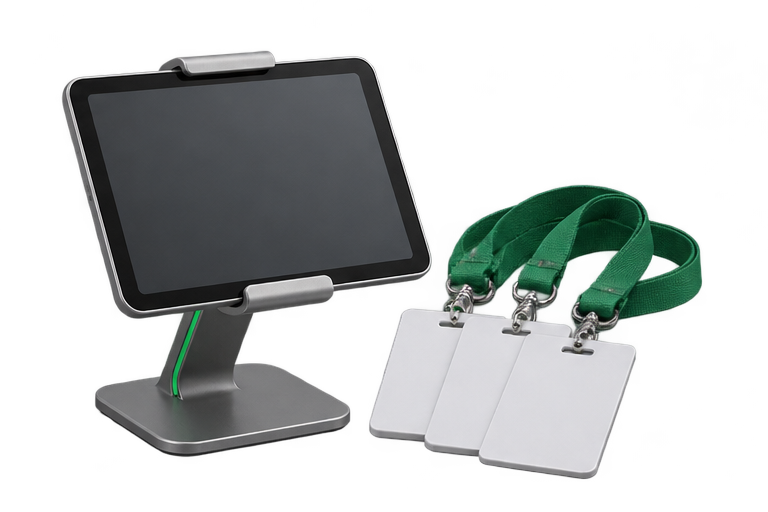

Follow an access decision
Check the person’s role, grant the agreed access and verify the result with the account owner.
Common questions
What evidence supports an access review?
Use an approved role list, the current assignments and the owner’s last decision. Keep the expiry date with temporary exceptions.
Access review checklist