
Microsoft 365 renewal checklist
Check the seat count before a renewal decision reaches purchasing.
Gather the evidence

 Microsoft 365 renewal checklist
For each subscription, list purchased seats, assigned seats, the renewal date and who can approve quantity changes. Using a redacted summary, mark departed users, upcoming hires and seasonal accounts for review.
Work through the decision
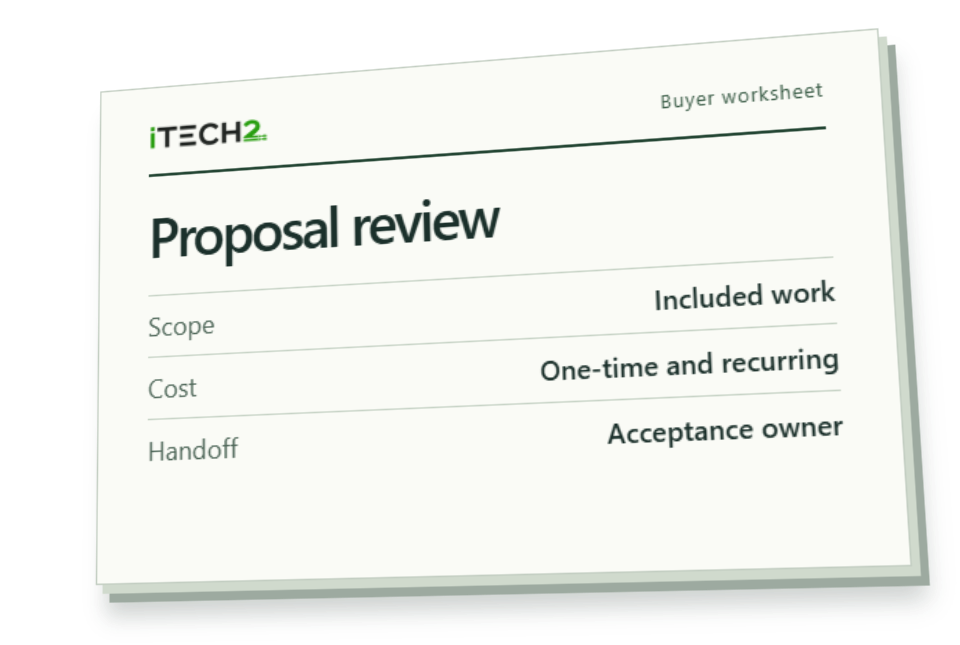
Ask the account owner to confirm each exception. A seat with little activity may still support shared work or a scheduled return. Record the approved quantity, decision owner and the date purchasing needs the answer.
A departure with a mailbox owner
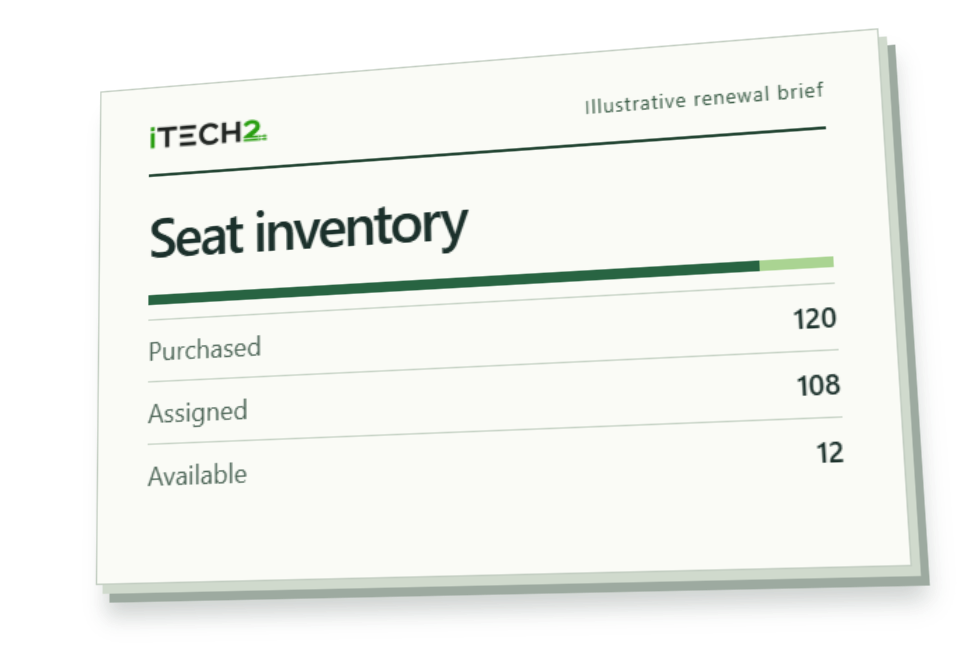
A departing employee still owns a shared calendar used by reception. Ask the tenant administrator to transfer ownership and have reception open the calendar before purchasing reduces the seat count.
Record the old owner, new owner, verification date and approved quantity.


Reconcile a renewal
Match assigned seats to current roles, check the renewal window and record the approved order quantity.
Common questions
Which accounts need a second look before renewal?
Review unassigned seats, infrequently used accounts and accounts that own shared work. Ask the department owner about leave or upcoming hires before releasing a seat.
View a sample renewal brief