 Education
Student and staff devices share buildings but need different access.
Network security assessmentRequest services for education
Keep teaching spaces ready for the first class of the day.
Request a service
 Contact us
Review suspicious account activity, email threats and endpoint alerts remotely. If a review needs access to equipment on site, share the address so we can confirm scope and schedule a visit.
Request cybersecurity services in Odessa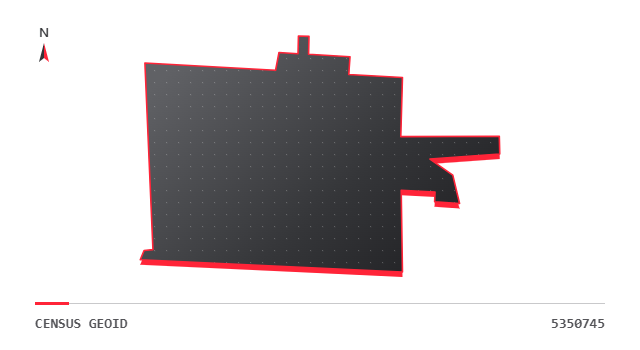
Choose one business system and trace what would happen if someone lost access or an account behaved unexpectedly.
Browse all service familiesIdentify which accounts, devices and applications need a closer review.
Review a reported impersonation message and the protections around the mailbox.
Connect endpoint and sign-in alerts with a named response owner.
Decide who can contain a disruption and how the team will recover.
Enter the street address in the FCC broadband map and record the providers and technologies listed for the building. For a new circuit, ask the carrier to confirm the serviceable suite, installation date and equipment handoff in writing. Include those details when planning the site network.
How to check an address on the FCC mapThe 2020–2024 American Community Survey estimates that 81 households in Odessa, Washington used a cellular data plan as their only internet subscription (margin of error ±43 households).
On a managed phone using cellular data, test sign-in to one approved application. Have the support contact rehearse account recovery if the phone is lost.
View the Census household estimate for Odessa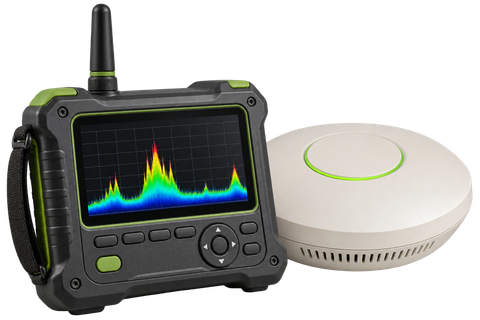 Education
Student and staff devices share buildings but need different access.
Network security assessmentKeep teaching spaces ready for the first class of the day.
Request a service
 Healthcare
Review who can access a shared clinical workstation after a shift change.
Security posture assessmentPlan access and downtime around the clinical workflow.
Request a service
 Financial services
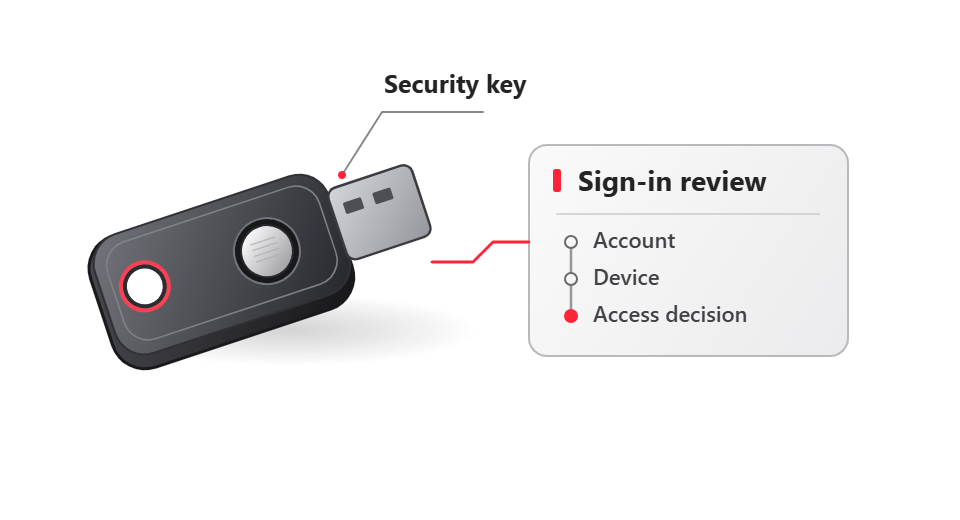
An elevated sign-in needs an alert, a named reviewer and a record of the decision.
Security monitoringKeep access decisions and changes traceable across sensitive systems.
Request a service
 Industrial
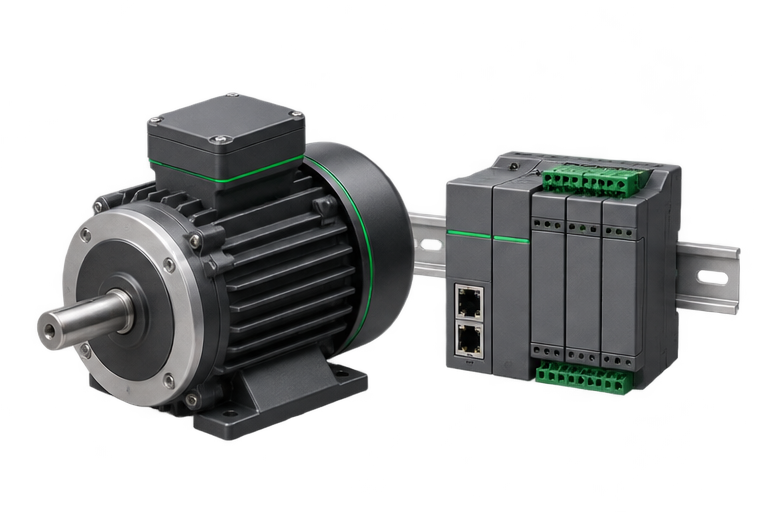
Check which business devices can reach systems at the edge of the production network.
Network security assessmentCoordinate business IT changes with production schedules.
Request a service
 Government
Departments need evidence of who approved access and when it was last reviewed.
Compliance managementGive departments a clear path for service requests and approvals.
Request a service
 Commercial businesses
A suspicious sign-in at one location needs a coordinated response across sites.
Incident response planningKeep applications and support consistent as offices and stores change.
Request a service
 Nonprofits
Volunteers need a simple way to recognize and report a suspicious donation email.
Security awareness trainingPlan technology around program delivery, volunteers and funding cycles.
Request a service
 Professional services
Check who can still open a client workspace after the project team changes.
Security posture assessmentKeep client work accessible to the right project team.
Request a service
Describe the alert or access concern, the system involved and when it occurred. Identify who can authorize changes. Keep passwords, recovery codes and personal records out of the inquiry.
Send the site address, the equipment involved and your preferred window. Ask the coordinator to confirm visit dates, building access and any travel charges before scheduling.
Yes. List each location, its local contact and the systems the offices share. Flag work that must happen at one site before another can begin.
Choose the review that answers your next decision, such as whether to renew Microsoft 365 seats or move a workload. Compare the assessment scopes before sharing technical records.
Identify who monitors sign-ins, endpoint alerts and backup failures. Write down who can authorize a response after hours and which applications have a tested recovery procedure.
Ask for a review scope that identifies gaps, assigns each finding to an owner and records how the team will verify the fix.
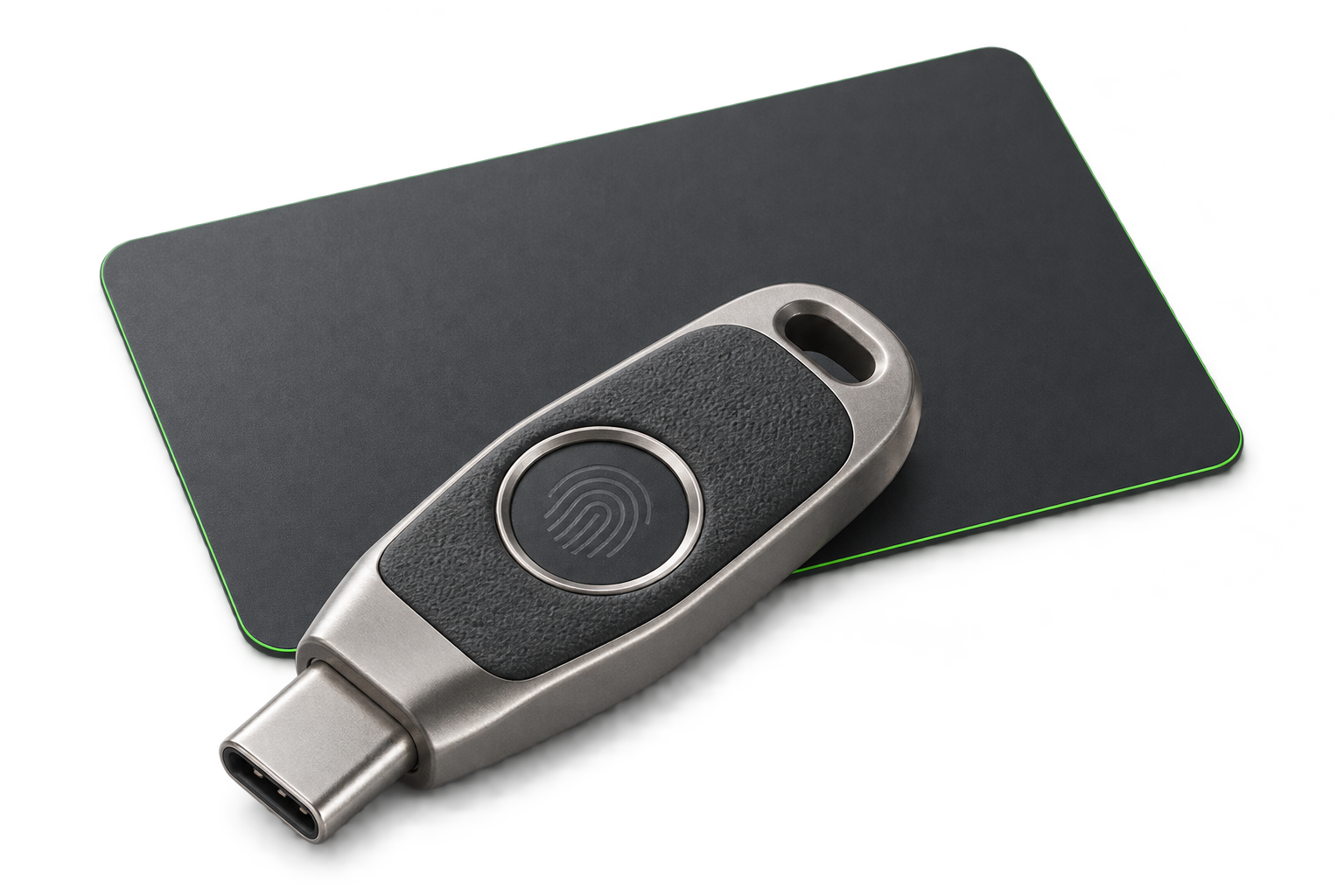
Include the state, site requirements and preferred timing so the team can confirm coverage for your address.
Choose the review that matches the decision in front of you. If the concern is an unmonitored office, start with the network. If it is a lost application, start with a restore test.

When a laptop loses access, someone needs to take the ticket, check the account and keep the employee informed. Decide which requests stay with your team, which go to a provider and who owns the ticket when a vendor has to intervene. Agree on coverage hours and escalation targets in the service agreement.
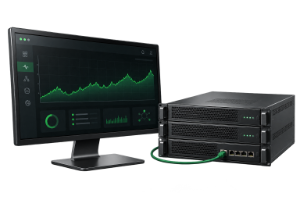
Give the provider an example of an urgent interruption during a shift. Compare its acknowledgement time, the time before an engineer begins work and the target for restoring access. Name the person who can approve a site visit or switch to a fallback. Ask which hours, travel and third-party support are included in the quote.
Choose a shared file with a known owner and request a restore to a separate location. Record the recovery point, elapsed time and original permissions. Have an authorized user open the recovered copy before closing the ticket.
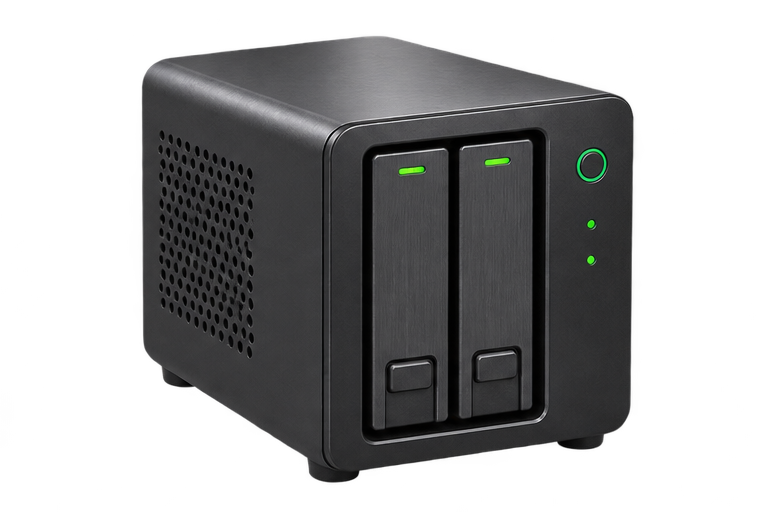
Before renewing a security plan or replacing a device, compare the capabilities you already license with the ones people use. Put labor, software, hardware and recovery costs on separate lines so purchasing can see what changes between proposals.
A clinic changing shifts needs fast, traceable access to a shared workstation. A manufacturer needs an approved production window for changes. A project team needs a way to revoke a contractor’s access when an engagement ends. Use the guide that matches the work at your site.
When a team changes roles, check both sides of the move. Can people open the files their new role requires? Can they still open files from their old one? Compare the access decision with the licenses assigned before the renewal goes to purchasing.
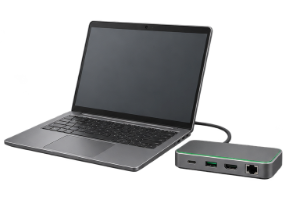
Follow one call from the main number through reception to a remote employee. Then follow a shared document from a project workspace to an external reviewer. Test both handoffs with the people who use them before changing tools.
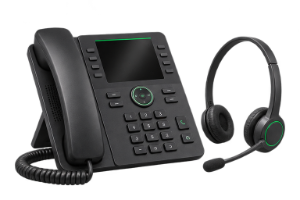
If a call drops in a conference room, compare a wired call with a wireless one at the same time. If only Wi-Fi fails, check coverage in the occupied room. If both fail, follow their shared path to the switch, circuit and application owner.
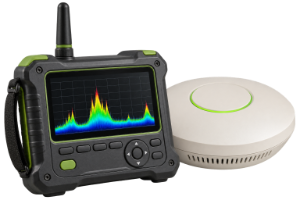
Give the coordinator the site address, access window and local contact. Identify which tasks can start remotely and which require someone in the room. Confirm dispatch availability and travel terms before reserving a maintenance window.
Looking for evidence before a purchase? Describe your industry, the number of sites and the change you are considering. That lets the team check whether a relevant customer reference is available.
Tell us which system needs attention, who is affected and when you need a decision.