
Help desk support
When a user loses access, the first useful facts are where they work, which application failed, and whether anyone else is affected. Record the workaround alongside the ticket so the next technician can pick up the case.
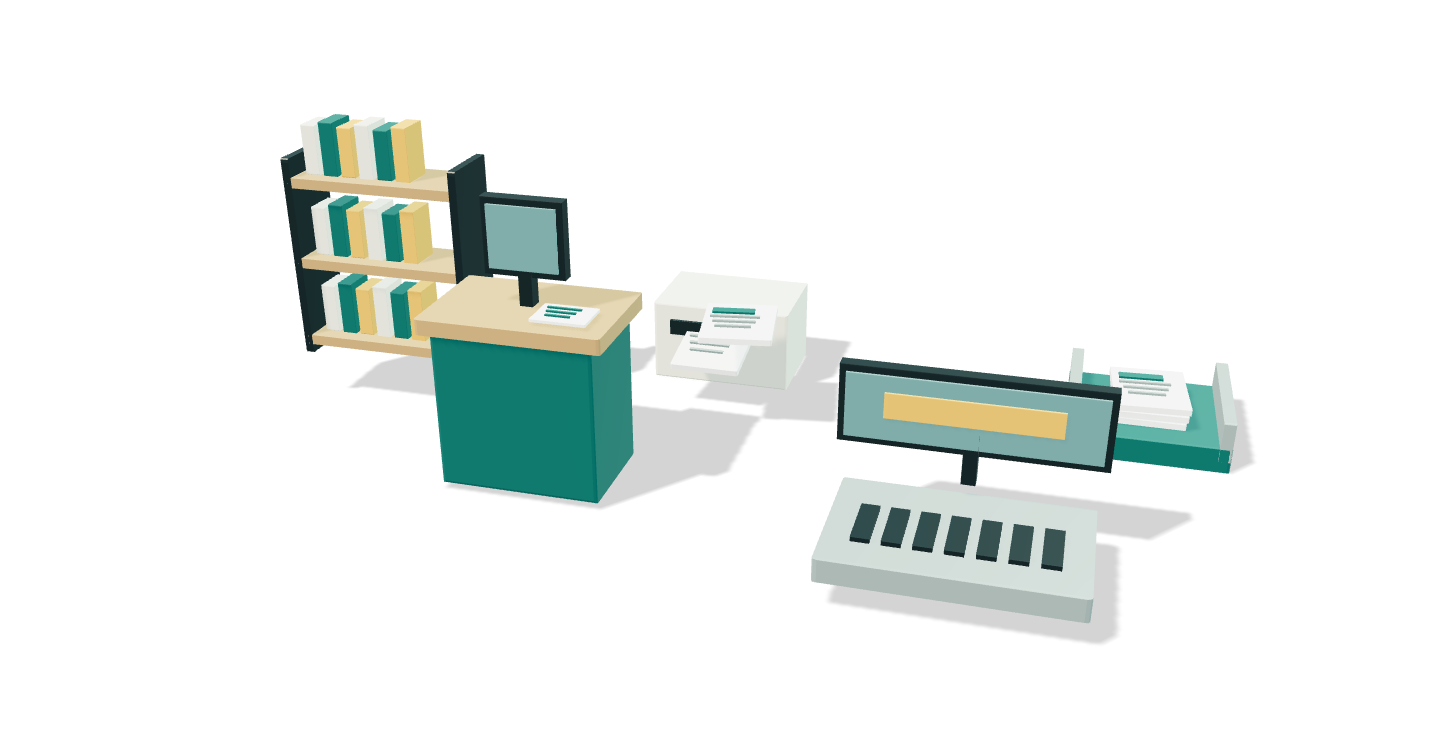
Interactive workplace
Help desk support
Commercial businesses
Help desk support
A branch can sign in but cannot use one application. First compare an affected user with a colleague at the same site, then compare that application at another site. This narrows the handoff to the application, identity or network owner.
Related services and reading
A typical project decision

A branch can sign in but cannot use one application. First compare an affected user with a colleague at the same site, then compare that application at another site. This narrows the handoff to the application, identity or network owner.
What to bring
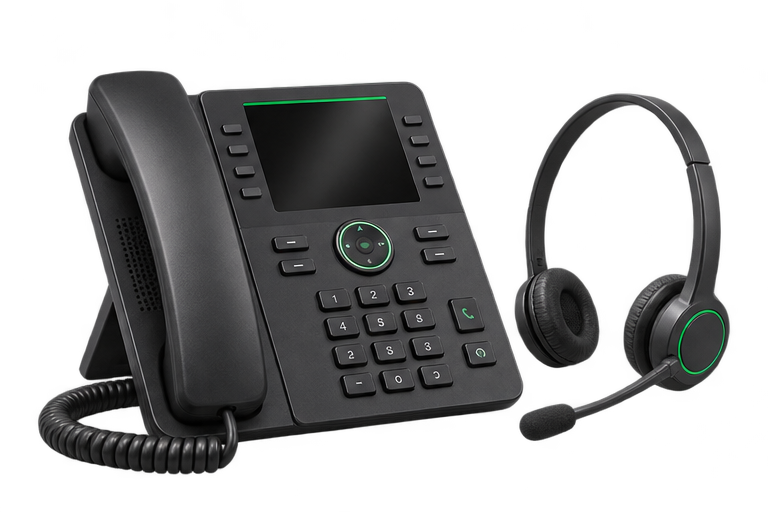
Bring a recent ticket that moved between teams.
How to check the result
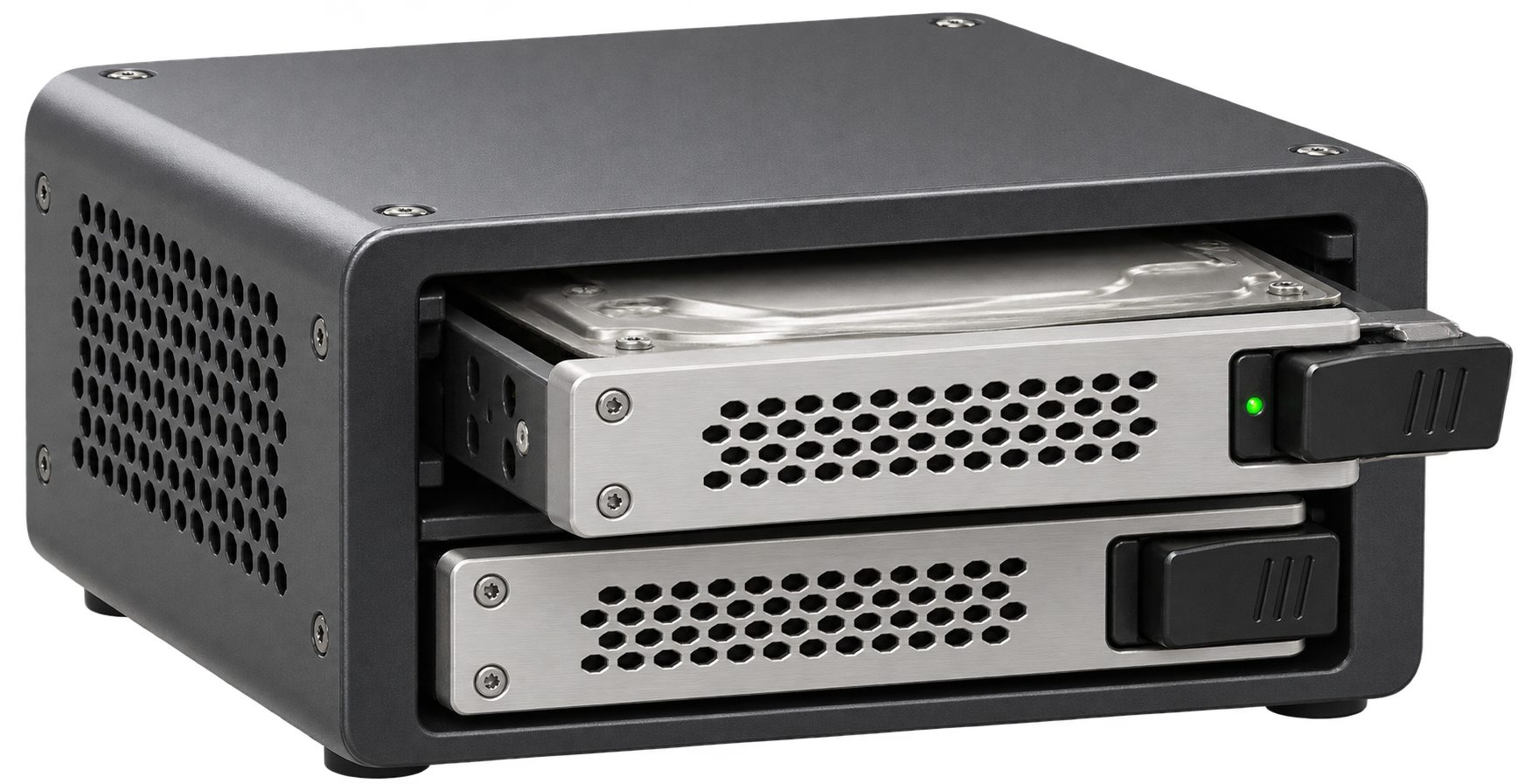
The user can repeat the original task. The ticket records what restored it, what remains under investigation and when the owner will follow up.


From a ticket to a tested fix
Record the symptom, agree on the change, then have the affected person repeat the original task.
What happens when a ticket needs a site visit?
- Intake
- Agree which phone number, mailbox or portal staff may use. Open a sample ticket and check that the requester can see its reference and owner.
- Dispatch
- If the remote technician cannot complete the repair, who approves travel, parts and building access? Record the site address, access window and person who can accept the work.
- Closure
- Ask for the agreed response window, escalation contact and ticket history. Have the requester repeat the failed task before the ticket is closed.
Common questions
How do we divide work between two IT teams?
Assign a first responder, escalation owner and change approver for each system. Walk one ticket through both teams before adopting the arrangement.
Co-managed support