
Wireless design
A crowded training room and a quiet office put different demands on Wi-Fi. Plan around device density, walls and roaming paths, then verify performance where users actually work.
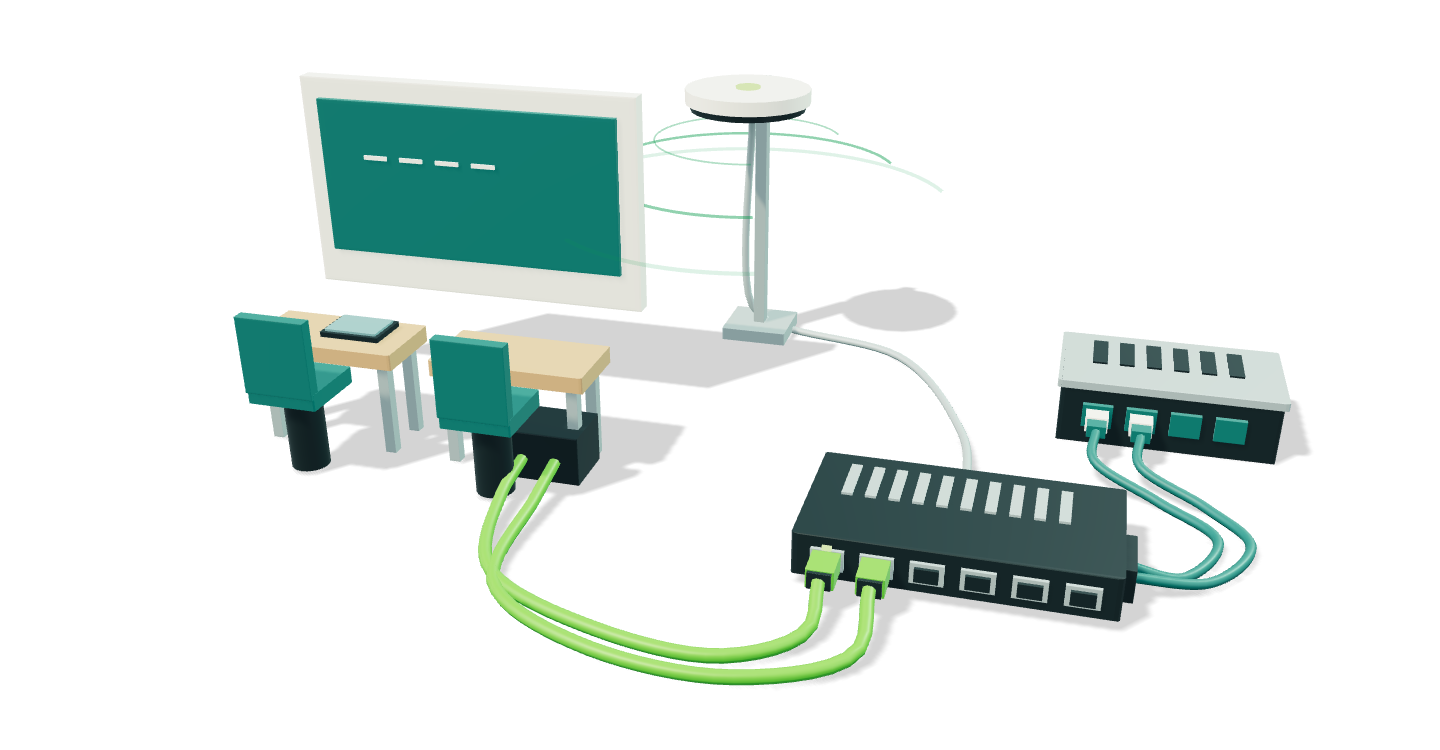
Interactive workplace
Before the first bell
Education
Wireless design
A class crosses the corridor with its tablets. The lesson needs to stay connected as the devices change access points.
Related services and reading
A typical project decision
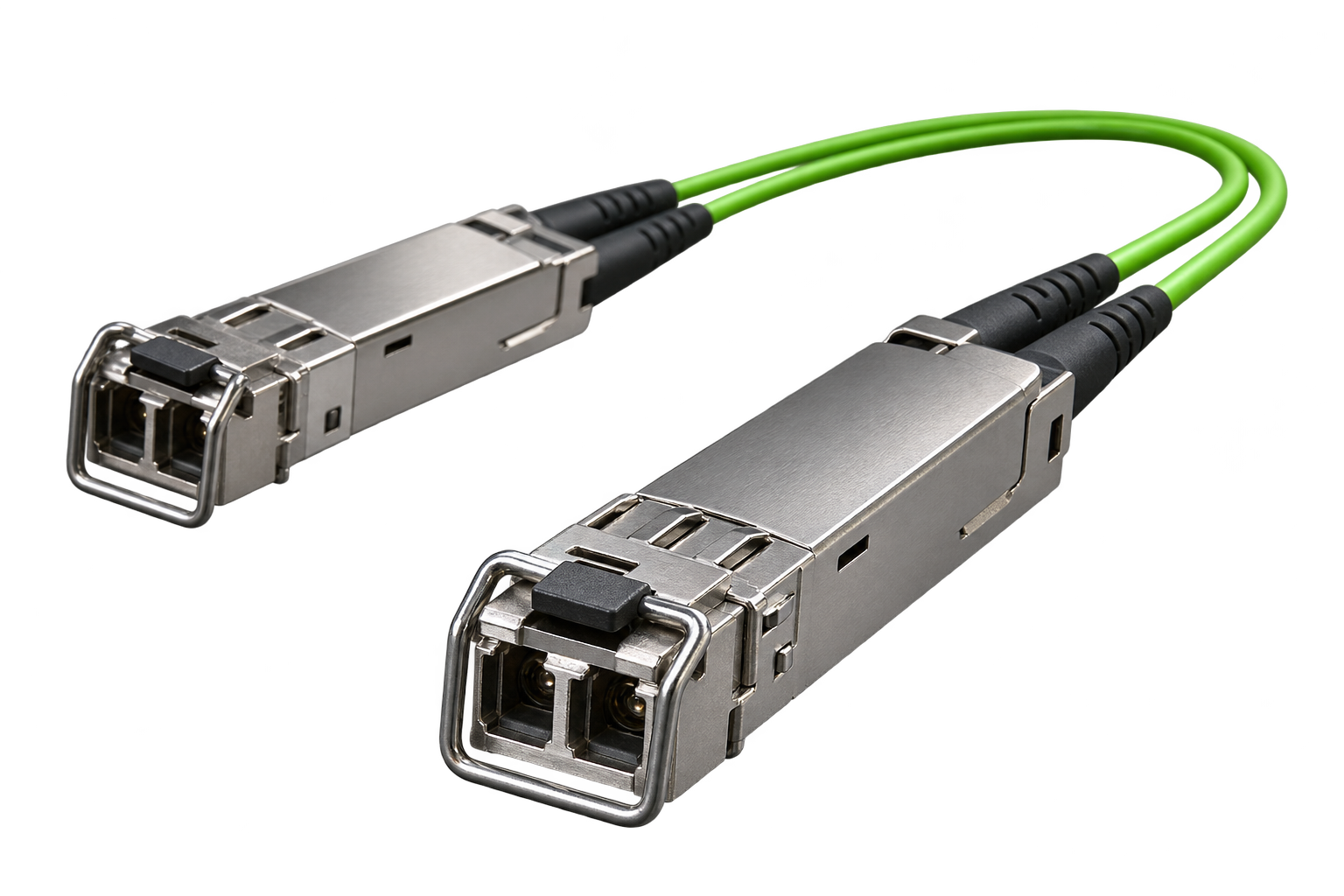
A quiet office survey may miss a problem that appears when a classroom fills. Include busy periods, mobile devices and the actual building materials in the validation plan.
What to bring
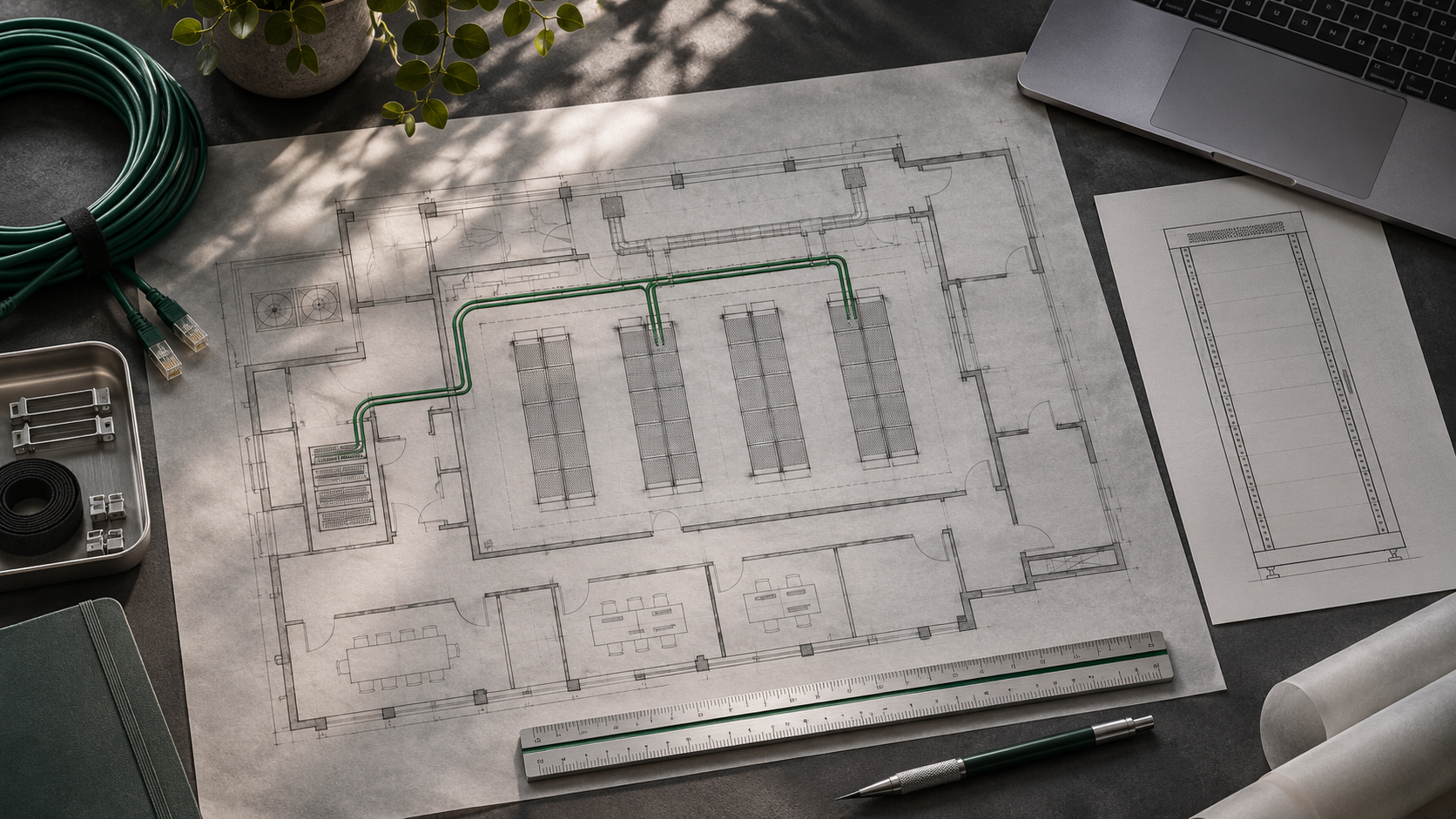
Bring floor plans, expected occupancy and device types.
How to check the result
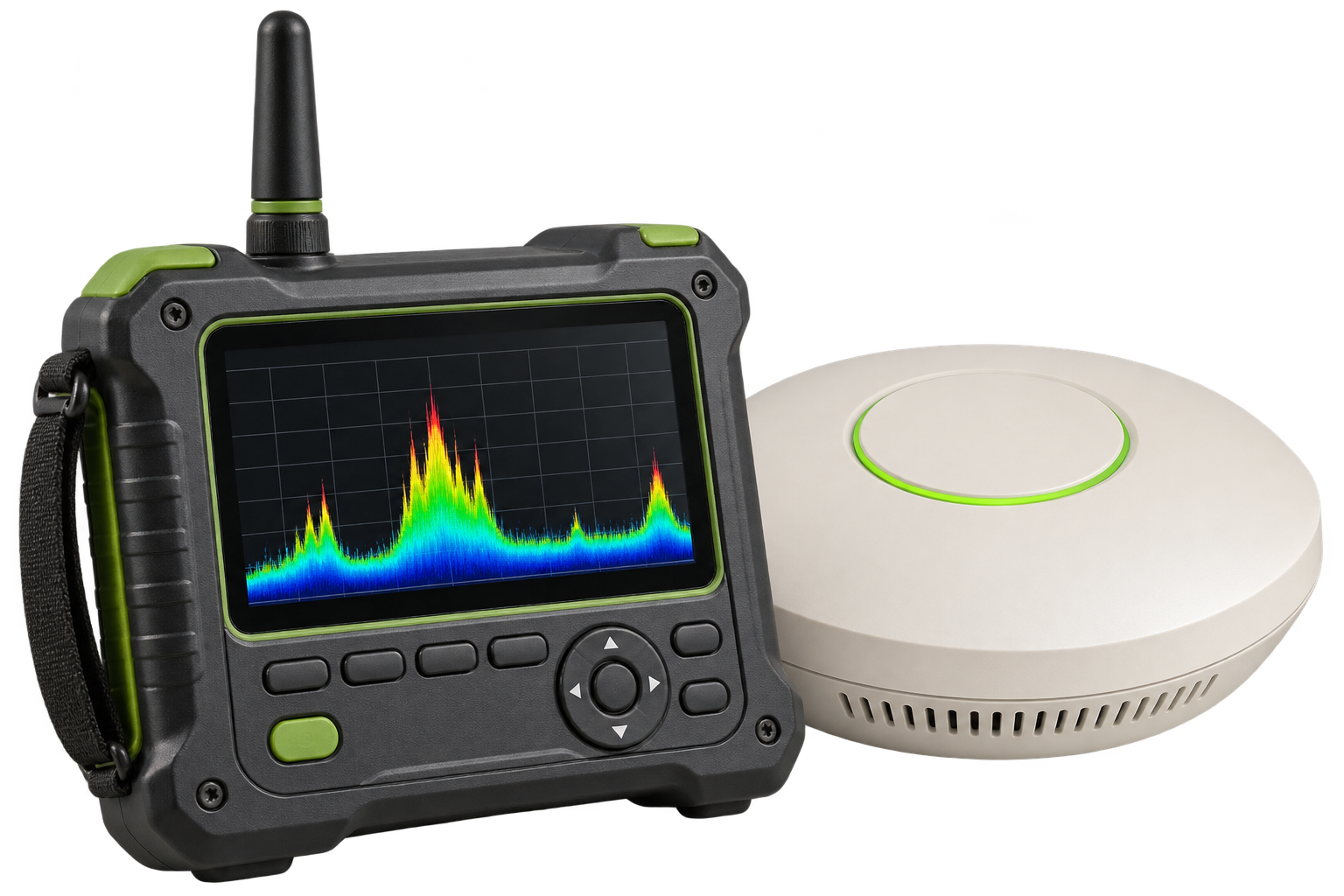
Walk the agreed routes with representative devices and record coverage, roaming and application behavior at the problem locations.
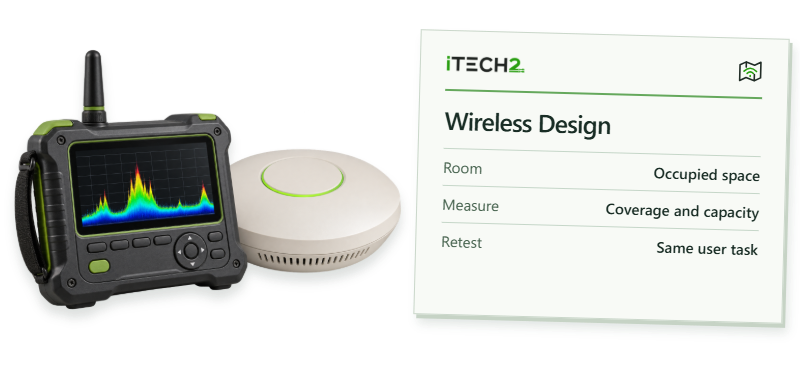
Validate the map during a busy hour
A floor plan helps choose candidate access-point locations. Validate the design in the room with the expected device mix, client applications and interference. Check a stationary user and a user moving between coverage areas before proposing equipment changes.
Keep the survey map, observed conditions and repeatable acceptance task together so results can be compared after installation.

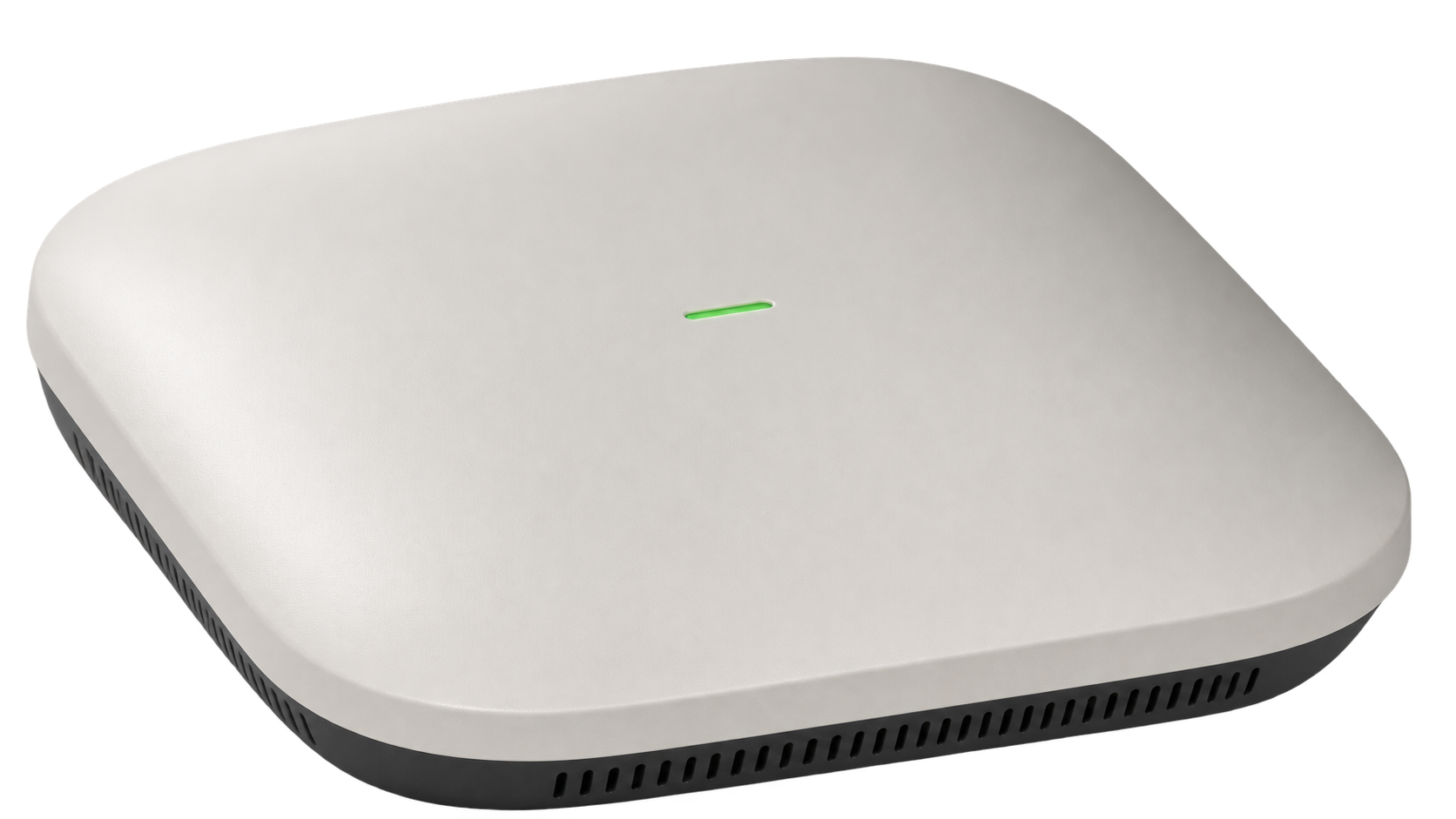
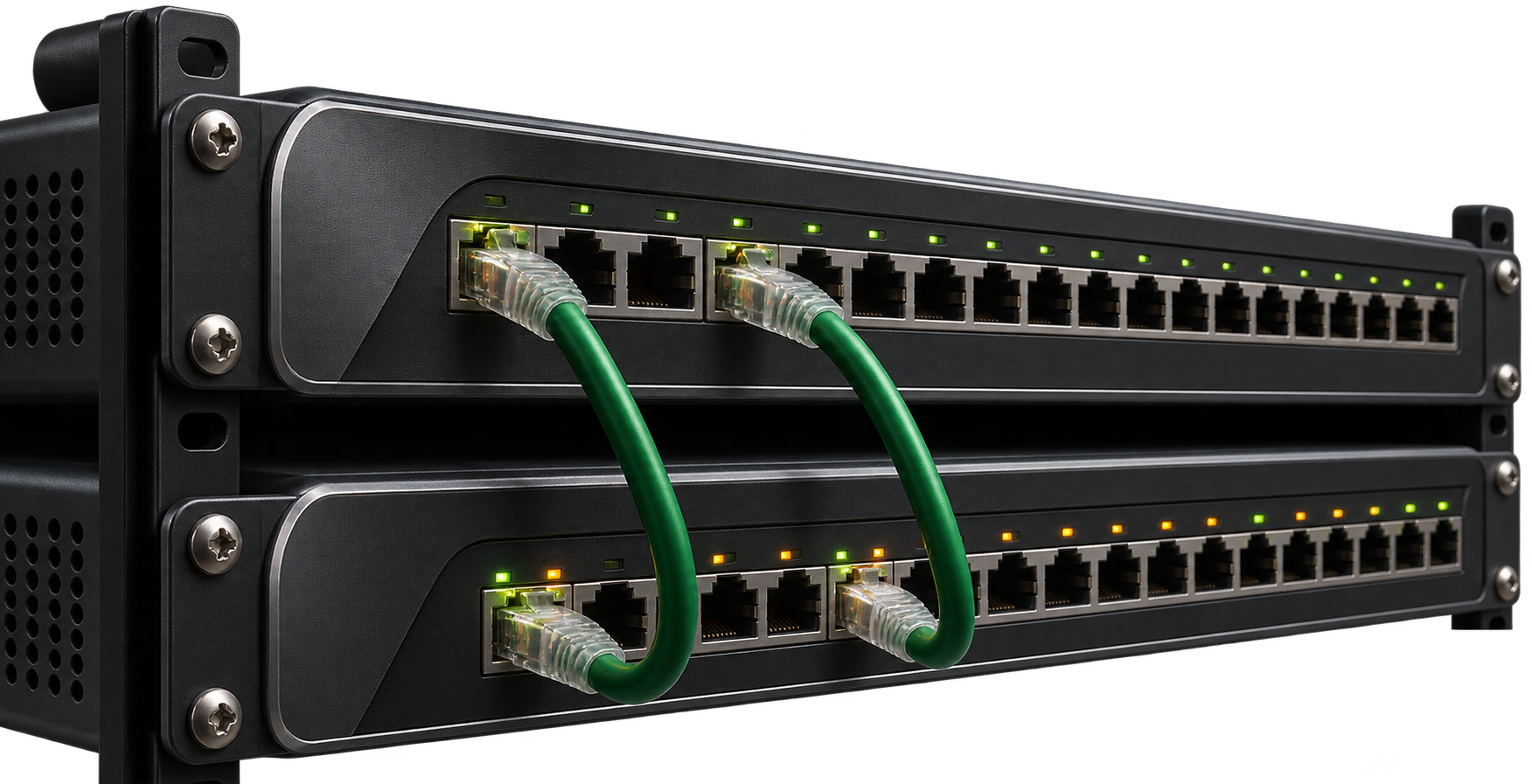
Follow a wireless session
Start at the user’s device and trace the connection through the access point to the wired uplink.
Does the heat map match the occupied floor?
Agree on target applications, mark building materials, record a baseline walk, draft access-point placement, validate on site and retest busy areas. Annotate the heat map with test conditions so a later survey can repeat the route.
Prepare a working brief
Validate the map during a busy hour. Use the editable worksheet to name the owner, collect the evidence and record what will count as a completed handoff.
Download the wireless design worksheet (TXT) · Compare assessment optionsCommon questions
How do we distinguish a wireless issue from an upstream fault?
Record the location, device and time of an interruption. Compare the same application on a wired connection and ask whether nearby users saw the same delay.
Network auditWhat should the wireless design handoff include?
Keep the survey map, observed conditions and repeatable acceptance task together so results can be compared after installation.
See the worked example