
Barracuda planning resources
Appliance and subscription review for organizations reviewing their Barracuda environment.
Appliance and subscription review

Match the renewal notice to the appliance and workload it protects. Confirm whether replacement coverage, updates, storage or email protection are separate line items.
Read a renewal line against the recovery workflow
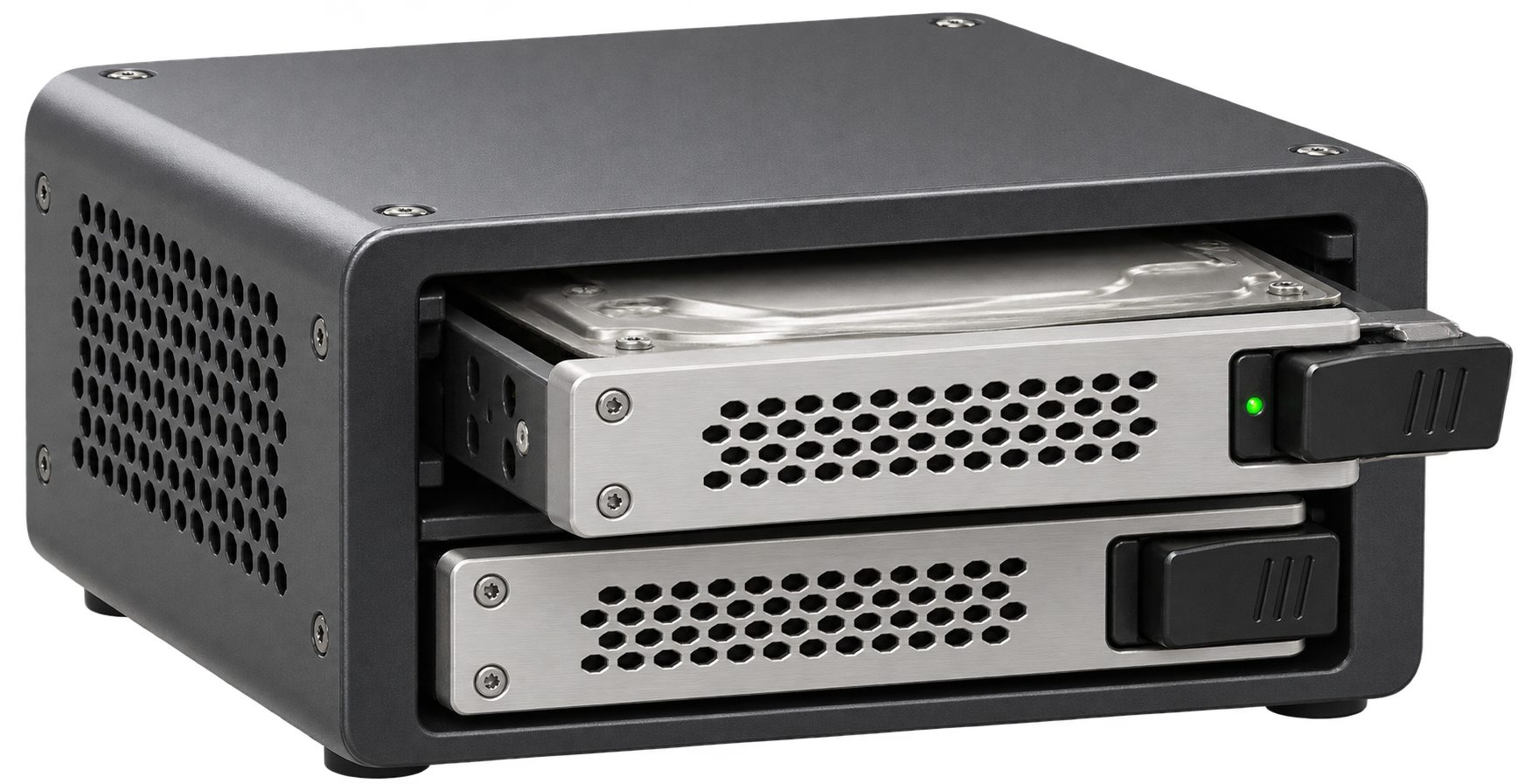
Pick one protected mailbox or workload. Ask the service owner which subscription covers retention, which covers support and how the recovery copy is retrieved. Match the answers to the quote before purchasing approves it.
Prepare the discussion
Include the products in use, the person responsible and the decision date. Confirm current support terms directly for the specific account or product.
Explore related IT planning information

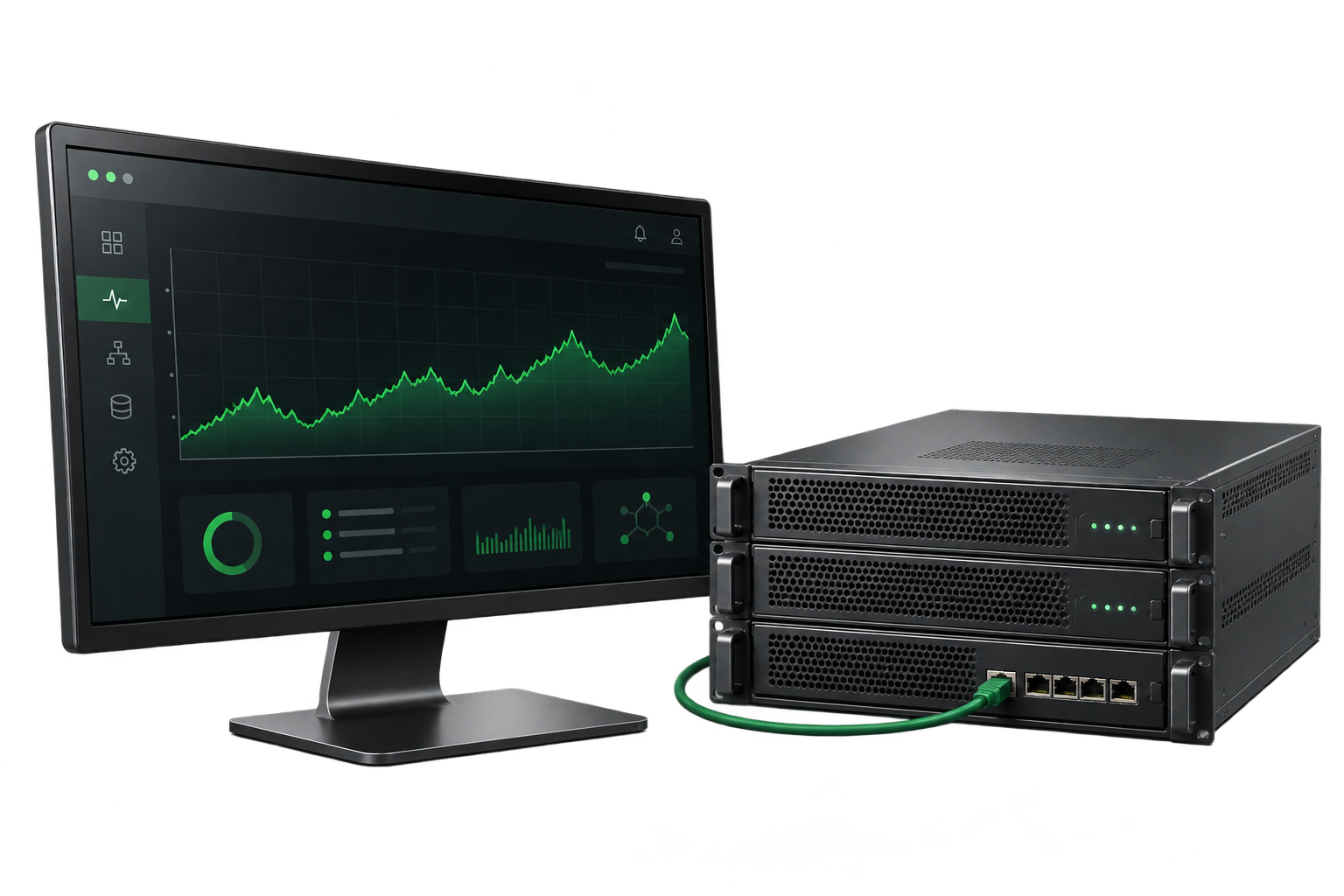
Follow an alert to its owner
A reported message reaches the security team. A named reviewer records the decision and follow-up.
Choose the right review scope
- Email protection
- Start with one reported message and the person authorized to act. Prepare an email protection review.
- Web applications
- For an application review, identify the system owner, authorized scope and change window. Open the web application worksheet.
Common questions
Who should receive a security finding?
Give each finding to someone who can authorize a change. Record the affected system, business impact, due date and evidence needed for closure.
Incident response planning