
Know which Microsoft 365 licenses you need before you renew.
Compare the seats you pay for with the seats your people use. Scope, pricing and timing are agreed before the review starts.

Interactive workplace
Separate unused seats from accounts that still serve a role
Commercial businesses
Microsoft 365 health check
Compare subscription quantities with assignments and a redacted usage summary. Ask department owners about planned hires, long absences and accounts that own shared work. Document the reason for each proposed change before purchasing adjusts quantities.
Related services and reading
What the review covers

Start with one tenant and its next renewal. Compare purchased seats with assignments and recent usage. Flag shared, seasonal and leave-of-absence accounts for their owners to check before changing a license.
What to bring
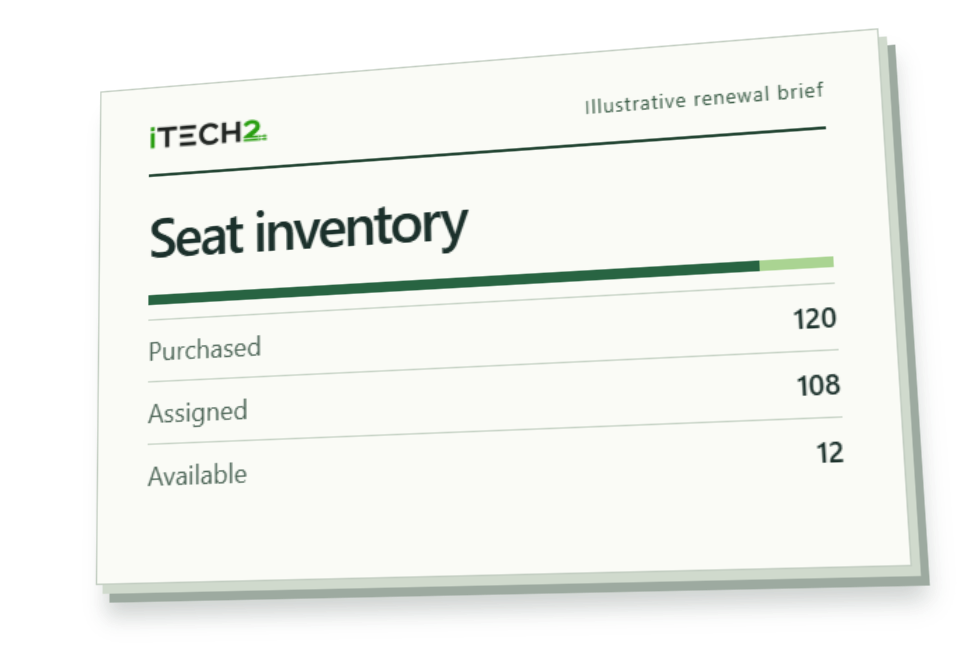
A renewal month, a rough seat count and a redacted license summary are enough to scope the work. Keep credentials and employee-level exports out of the inquiry form.
What to ask for at handoff
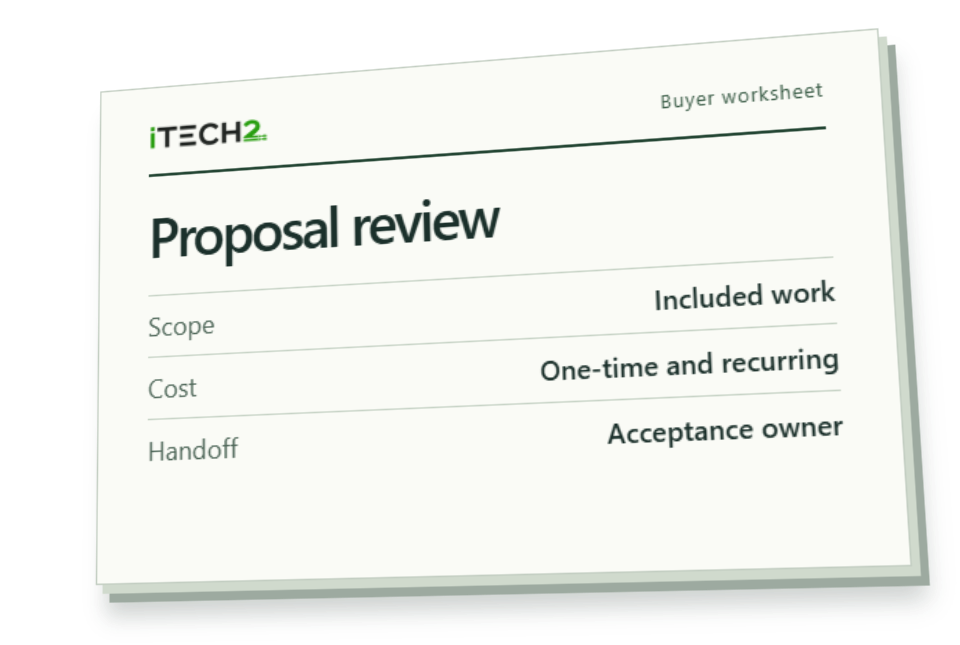
Agree on a one-page summary showing purchased seats, assigned seats, possible reassignments and questions for each license owner. An inactive account still needs an owner’s decision before a seat is removed.
Separate unused seats from accounts that still serve a role
Compare subscription quantities with assignments and a redacted usage summary. Ask department owners about planned hires, long absences and accounts that own shared work. Document the reason for each proposed change before purchasing adjusts quantities.
Hand purchasing a reconciliation with exceptions, accountable owners and the renewal deadline.
Example assessment finding
- Observation
- The renewal sheet lists 120 purchased seats and 108 assignments. Seven hires are planned before renewal.
- Decision
- If all seven hires need this plan, five seats remain. Ask purchasing to check the contractual change window before adjusting the order.
- How to verify
- The tenant administrator and purchasing owner reconcile the revised order against the dated assignment export.

Reconcile a renewal
Match assigned seats to current roles, check the renewal window and record the approved order quantity.
Which tenant information is needed?
Start with an anonymized license export, a count of unassigned seats and the renewal date. Ask which reports need tenant access, who grants it and when access expires. A useful handoff separates seats that can be reclaimed now from seats assigned to seasonal staff.
Prepare a working brief
Separate unused seats from accounts that still serve a role. Use the editable worksheet to name the owner, collect the evidence and record what will count as a completed handoff.
Download the know which microsoft 365 licenses you need before you renew. worksheet (TXT) · Compare assessment optionsFrom request to findings
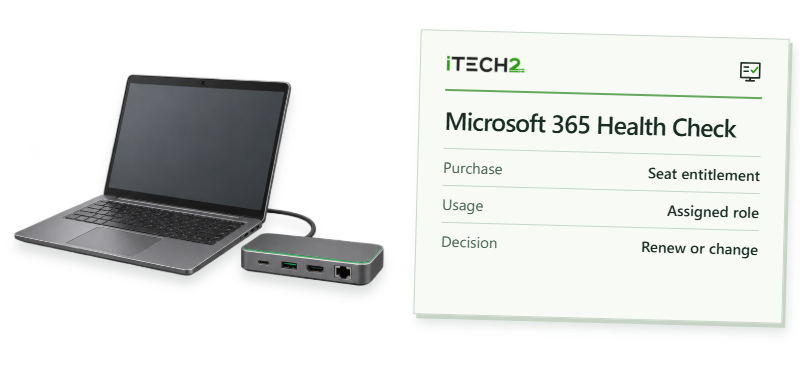
For the Microsoft 365 Health Check, identify the decision owner and give one example from the environment. The illustrated brief starts with purchase (“Seat entitlement”). A redacted description is enough for the initial request.
The first 30-minute IT consultation is free. Before sharing access for the assessment, agree on the systems included, what the report will cover, the schedule and any fee. Record the person who can accept the findings and agree who will verify any follow-up work.
Check assessment terms · Discuss scope and timingCommon questions
Which accounts need a second look before renewal?
Review unassigned seats, infrequently used accounts and accounts that own shared work. Ask the department owner about leave or upcoming hires before releasing a seat.
View a sample renewal briefWhat should the microsoft 365 health check handoff include?
Hand purchasing a reconciliation with exceptions, accountable owners and the renewal deadline.
See the worked example