
Security awareness
Give staff one clear way to report unexpected messages and requests for access. Rehearse how the help desk acknowledges and routes a report.

Interactive workplace
Check whether staff can report a message from their usual device
Commercial businesses
Security awareness
Use an announced exercise and a harmless sample message. Ask a mobile employee and a desktop employee to report it through the approved channel. Check whether the receiving team can identify the report and tell each participant what happens next.
Related services and reading
A typical project decision

Use a realistic workplace request, such as a change to payment details. Ask the team how they would verify the request and where they would report it.
What to bring

Bring the reporting workflow used during onboarding.
How to check the result
A participant can locate the reporting channel and describe what happens after a report is submitted.
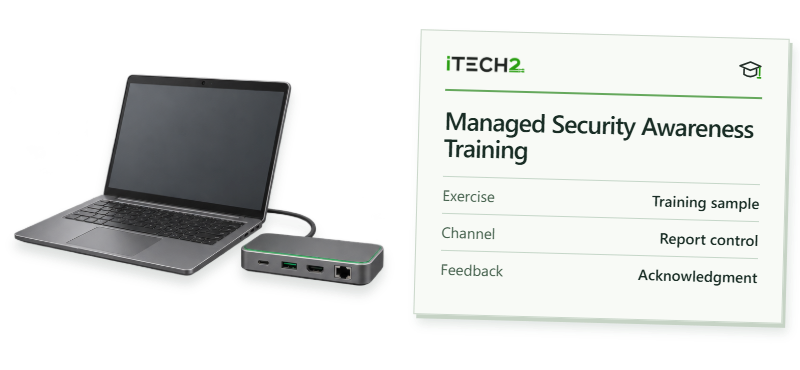
Check whether staff can report a message from their usual device
Use an announced exercise and a harmless sample message. Ask a mobile employee and a desktop employee to report it through the approved channel. Check whether the receiving team can identify the report and tell each participant what happens next.
Use the observations to revise staff instructions and choose the next practice scenario.



Follow an alert to its owner
A reported message reaches the security team. A named reviewer records the decision and follow-up.
Can staff report a suspicious message?
Walk one employee through the reporting route on desktop and mobile. Confirm that a reviewer receives the report and can give feedback. Record adoption and repeat reports alongside training completion.
Prepare a working brief
Check whether staff can report a message from their usual device. Use the editable worksheet to name the owner, collect the evidence and record what will count as a completed handoff.
Download the security awareness worksheet (TXT) · Compare assessment optionsCommon questions
Who should receive a security finding?
Give each finding to someone who can authorize a change. Record the affected system, business impact, due date and evidence needed for closure.
Incident response planningWhat should the security awareness handoff include?
Use the observations to revise staff instructions and choose the next practice scenario.
See the worked example