
Pilot a security training platform with your help desk
When evaluating a platform such as Barracuda, choose a small group that includes the people receiving the reports. Check the reporting workflow alongside lesson delivery.
Agree on audience and boundaries

 Pilot a security training platform with your help desk
Confirm available modules, accessibility, language needs and which activity records the employer will retain. Use an approved exercise and agree in advance how staff will receive feedback.
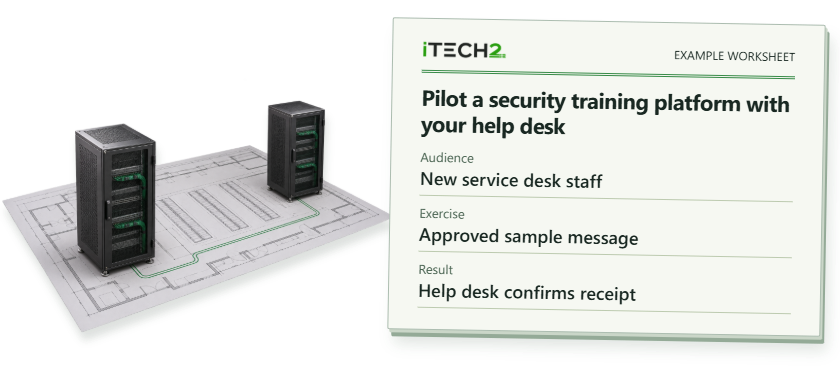
- Audience
- New service desk staff
- Exercise
- Approved sample message
- Result
- Help desk confirms receipt
Test a report from end to end
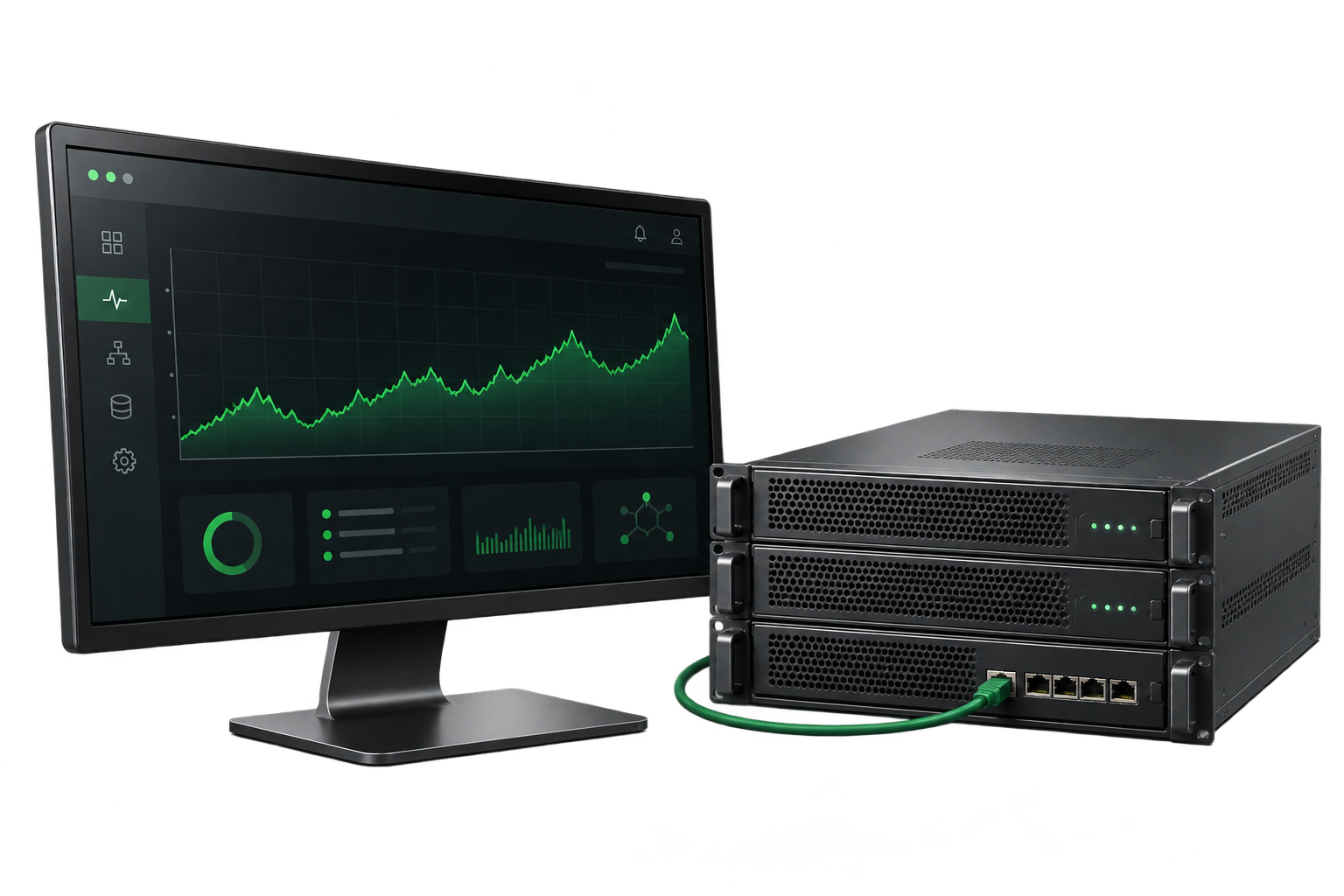
Ask a participant to submit the training example. Verify receipt, analyst ownership and the participant’s reply. Put any missing handoff or reporting field in the pilot decision.

Prepare a working session
Choose the audience, a practical topic and the person who can validate the exercise.
Further reading
Browse 10 related articles
- A vendor sends a security advisory. Who checks it?
- A practical acceptance test for a Copilot pilot
- What to check before buying Microsoft 365 E7
- Which dependency could delay your cloud cutover?
- Build a project decision log that survives handover
- Two breach reviews to bring to your next IT meeting
- Should the next server refresh move to Azure?
- From a Copilot readiness report to a pilot list
- What to measure before sizing an Azure migration
- What to ask a supplier about post-quantum migration
Common questions
How should we choose a training topic?
Choose a task the group performs regularly and one observable result. Ask the facilitator to confirm audience, format and availability before booking.
Explore training