
← Field notes
Hand over a project notebook in OneNote
A project notebook is easiest to hand over when the next owner can find decisions, open work and supporting files without calling the original author.
Make a decision page that travels

 Hand over a project notebook in OneNote
For one change, record the business owner, options considered, approval date and acceptance result. Link to the controlled source document and record who can open it.
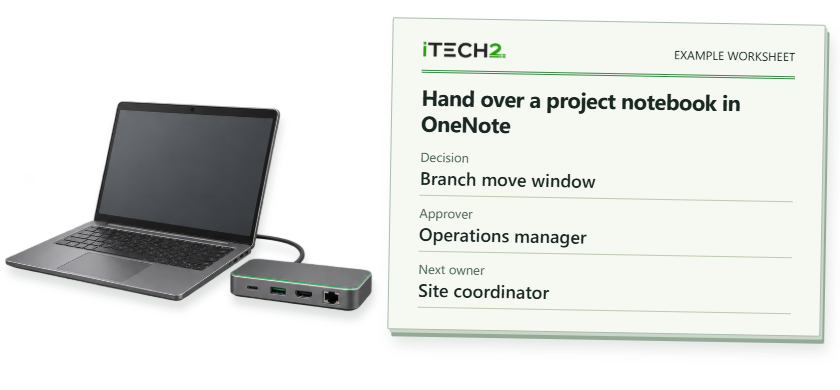
- Decision
- Branch move window
- Approver
- Operations manager
- Next owner
- Site coordinator
Test the handover with a colleague
Give the notebook to an authorized colleague outside the project. Ask them to find the next change window and rollback contact, then remove obsolete guest access when the handover is accepted.



Open the shared workspace
Confirm group membership, check sharing boundaries and open the working files as an intended user.
Further reading
Browse 10 related articles
- A vendor sends a security advisory. Who checks it?
- A practical acceptance test for a Copilot pilot
- What to check before buying Microsoft 365 E7
- Which dependency could delay your cloud cutover?
- Build a project decision log that survives handover
- Two breach reviews to bring to your next IT meeting
- Should the next server refresh move to Azure?
- From a Copilot readiness report to a pilot list
- What to measure before sizing an Azure migration
- What to ask a supplier about post-quantum migration
Common questions
What happens when the workspace owner leaves?
Assign a successor and test that they can manage members, retrieve files and close guest access. Record who owns the archive.
File sharing guide