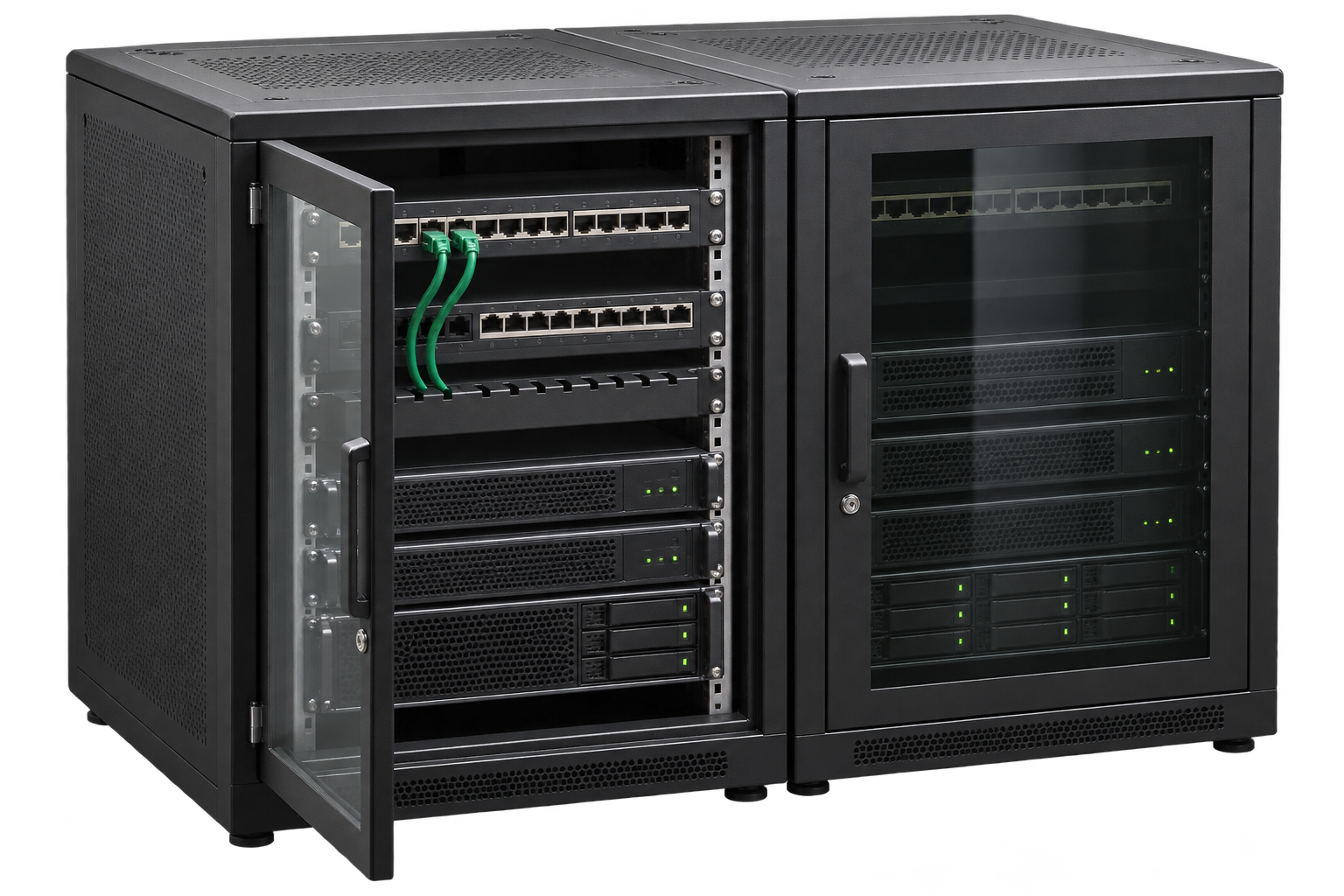
Design around the workload
Document data location, access controls, recovery objectives, and expected growth. Use them to compare on-premises and hybrid designs and agree on acceptance tests.
 Contact us
Before you replace a server, find out who needs it on Monday morning. Map the applications, agree on a maintenance window, and give the team a way back if the change fails.
Request a data center design consultation →
Interactive workplace
Commercial businesses
Map a planned server or storage replacement to the applications, backup jobs and network connections that depend on it. Compare capacity and support needs with the time available to migrate. Ask the workload owner what proves a service has returned.
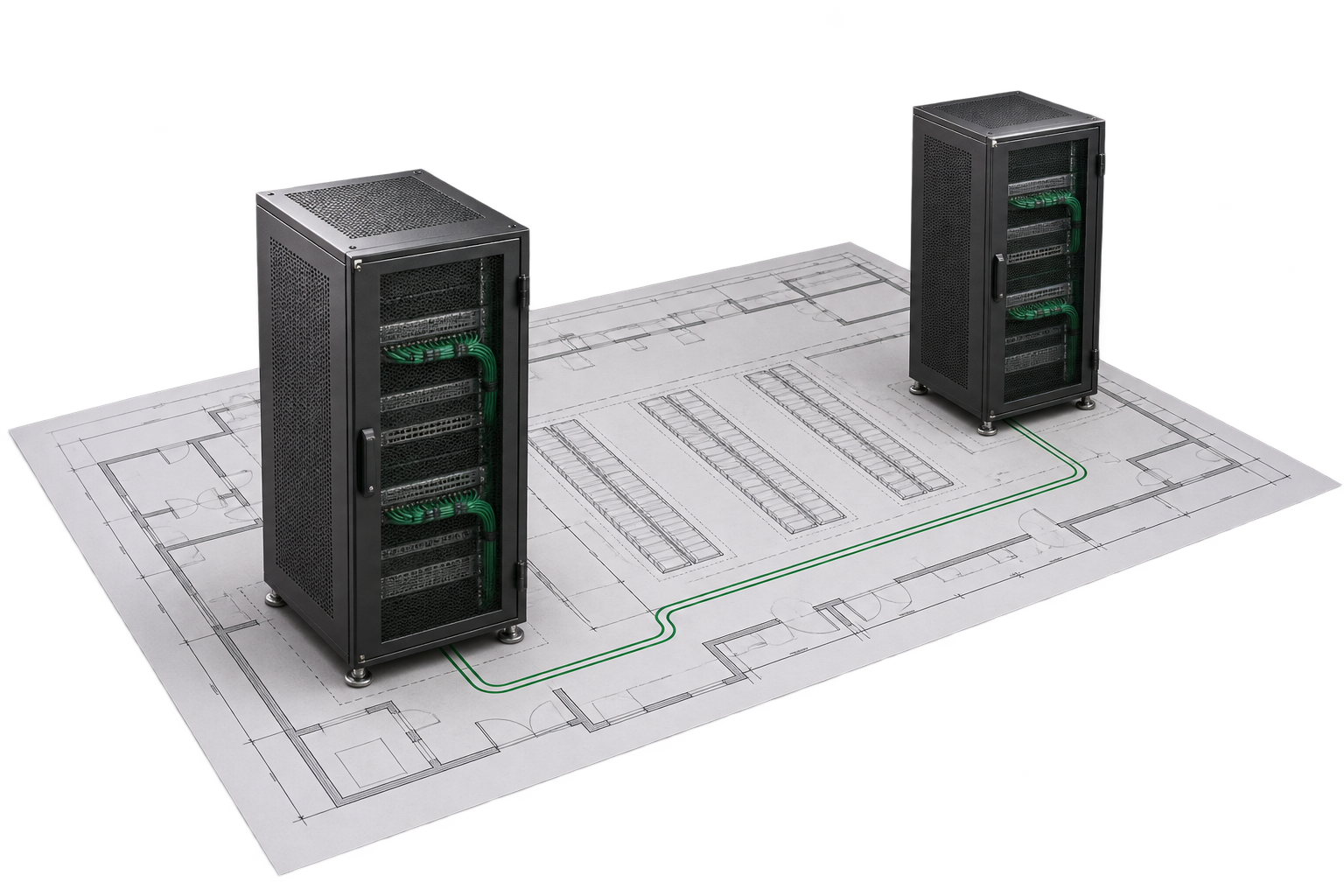
Document data location, access controls, recovery objectives, and expected growth. Use them to compare on-premises and hybrid designs and agree on acceptance tests.
Inventory the installed Dell, HPE, or other server platform. Compare memory limits, storage throughput, support dates, and upgrade options against the workload.

Review health alerts, firmware versions, and maintenance history. Schedule updates around application dependencies and agree on a rollback path.

Decide which services need a second location. Use dependency and risk reports to prioritize replication, recovery tests, and the budget for each.
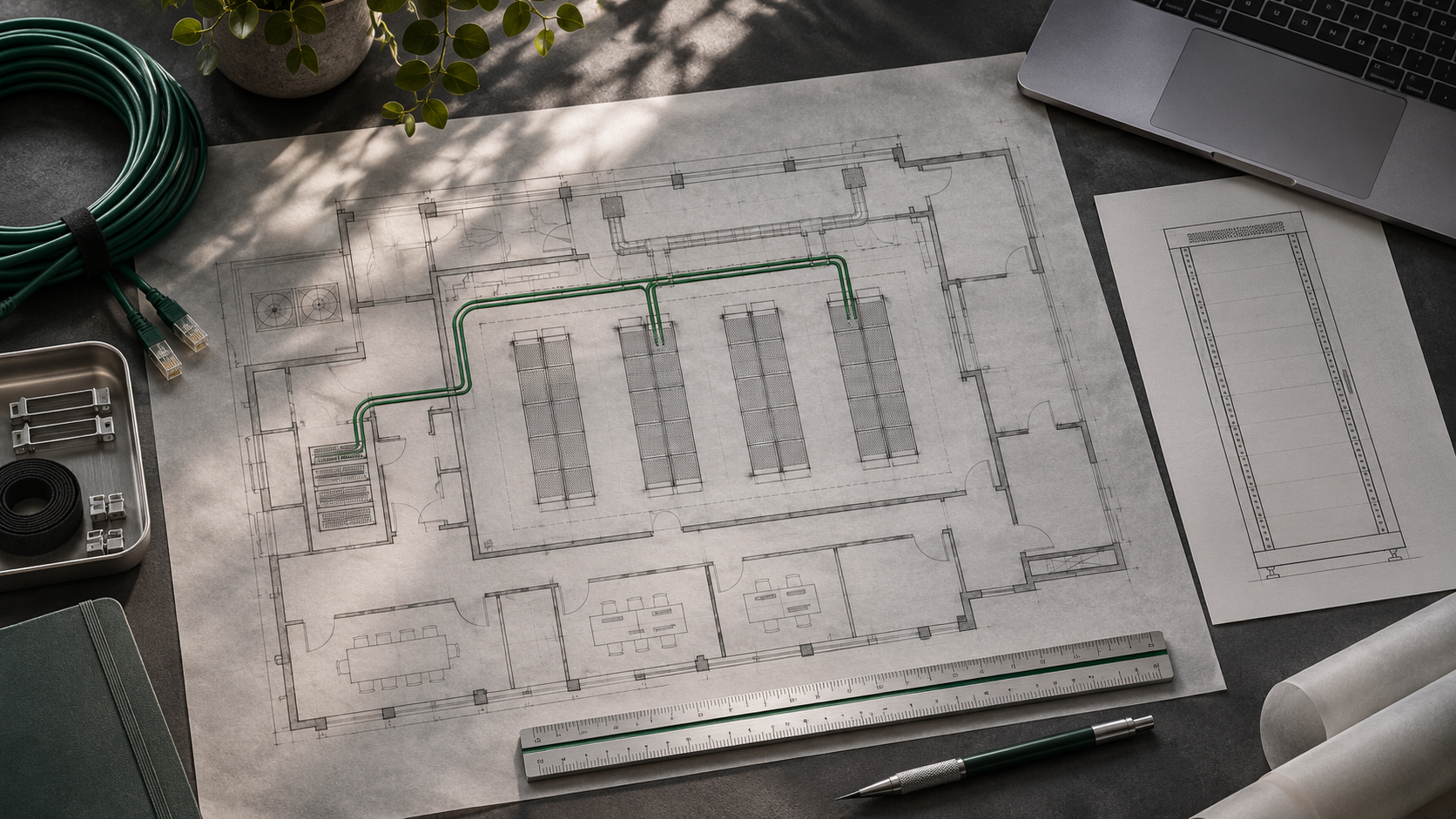
List the server, network, firewall, and operating-system platforms already in use. For example, a Dell or HPE server refresh may depend on Cisco switching, Fortinet policies, and Microsoft licensing.
Before deployment, agree on monitoring coverage, incident contacts, and the point at which the internal team accepts ownership.
Which routers, switches, wireless links, audio systems, and physical connections does the application depend on?
Who approves changes after hours? Which issues stay with the local team?
Which service windows, budget cycles, or site schedules limit when a system can be replaced?
Which changes can wait for a planned window? Which interruptions require an immediate decision?
Who can authorize a rollback if a critical service fails during the change?
How will you document warranties, licenses, engineering decisions, and the next support owner?
Bring your current infrastructure diagram, the next planned change, and the people responsible for the affected applications.
Request a data center design consultation →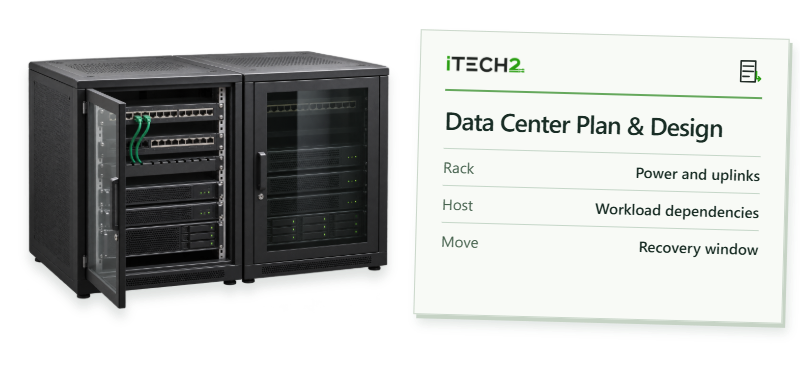
Map a planned server or storage replacement to the applications, backup jobs and network connections that depend on it. Compare capacity and support needs with the time available to migrate. Ask the workload owner what proves a service has returned.
Deliver a migration sequence with rack dependencies, rollback decisions and an acceptance check for each workload.
Match the rack position to the plan, then document power, uplinks and the acceptance check.
Review rack space, power, cooling, equipment dependencies and physical access with the facilities owner. Confirm the maintenance window and rollback plan. Hand over the design assumptions and acceptance tests alongside the equipment list.
Plan the rack refresh around the workloads it supports. Use the editable worksheet to name the owner, collect the evidence and record what will count as a completed handoff.
Download the plan your nextdata center refresh. worksheet (TXT) · Compare assessment optionsInventory hardware generations, supported firmware and management access. Test a compatible update on a representative system and record the recovery procedure before scheduling wider maintenance.
Plan device maintenanceIdentify which hosts, storage paths and power feeds a workload shares. Compare local redundancy and a cloud recovery option, including dependencies that would remain on site.
Compare a refresh with AzureIdentify its scheduled jobs, service accounts and downstream applications. Have each owner test the replacement before setting a retirement date.
Browse assessment optionsDeliver a migration sequence with rack dependencies, rollback decisions and an acceptance check for each workload.
See the worked example