
Licensing and renewals
Match assigned seats to the work each role performs. Compare active users, shared mailboxes and unused subscriptions before the next renewal.

Interactive workplace
Licensing and renewals
Commercial businesses
Licensing and renewals
Two departments with similar headcount may use different applications. Compare assigned features and actual needs by role before consolidating plans.
Related services and reading
A typical project decision

Two departments with similar headcount may use different applications. Compare assigned features and actual needs by role before consolidating plans.
What to bring
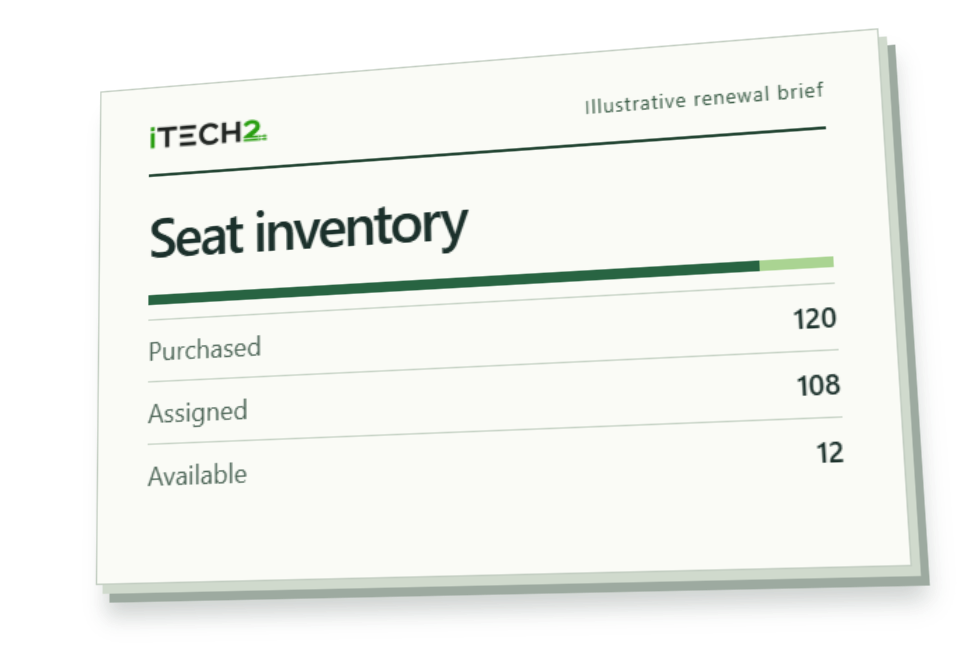
Bring a redacted seat summary and renewal dates.
How to check the result

Record the proposed seat changes, renewal date and affected capabilities. Ask the licensing contact to confirm the current terms.
Approaching renewal?
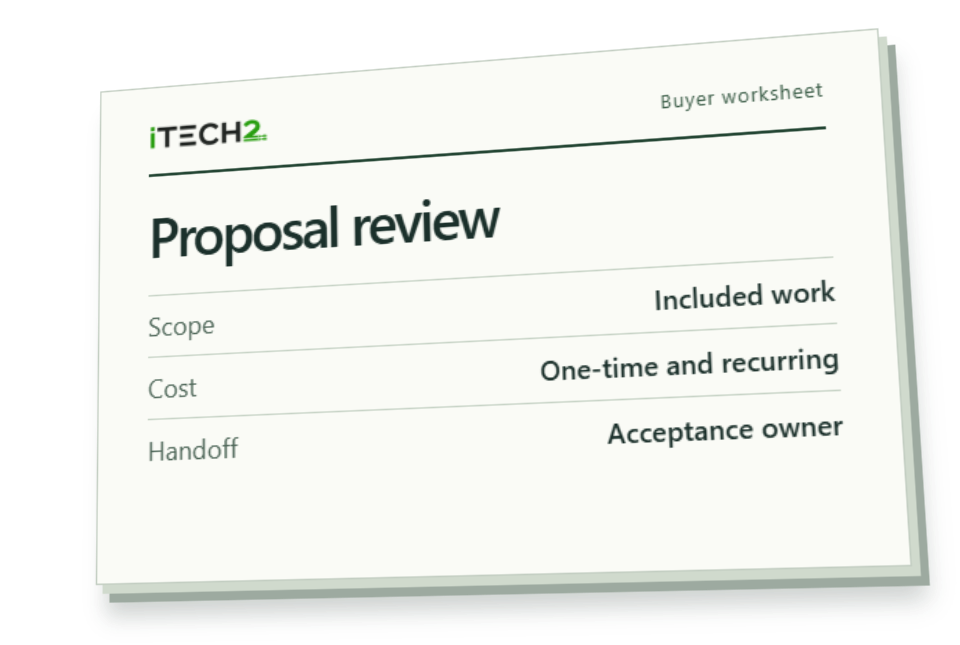
Start with the seat counts and questions your purchasing team needs answered.
Explore the Microsoft 365 license review
Reconcile a renewal
Match assigned seats to current roles, check the renewal window and record the approved order quantity.
Common questions
Which accounts need a second look before renewal?
Review unassigned seats, infrequently used accounts and accounts that own shared work. Ask the department owner about leave or upcoming hires before releasing a seat.
View a sample renewal brief