
Five steps for a Microsoft 365 seat reconciliation
A renewal workbook should explain why each seat stays, changes or goes. Set the purchasing deadline before collecting usage data.
Count, match and investigate

 Five steps for a Microsoft 365 seat reconciliation
First record purchases by subscription and term. Next match assignments to active roles. Third ask managers about leaves, shared work and upcoming hires wherever usage is low.
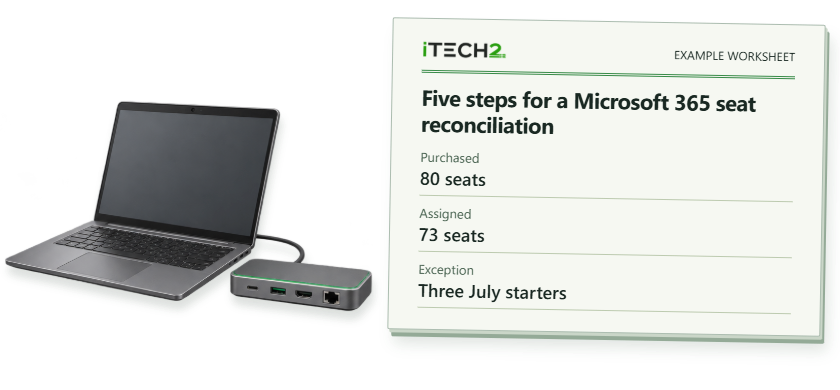
- Purchased
- 80 seats
- Assigned
- 73 seats
- Exception
- Three July starters
Pilot the change and reconcile the order
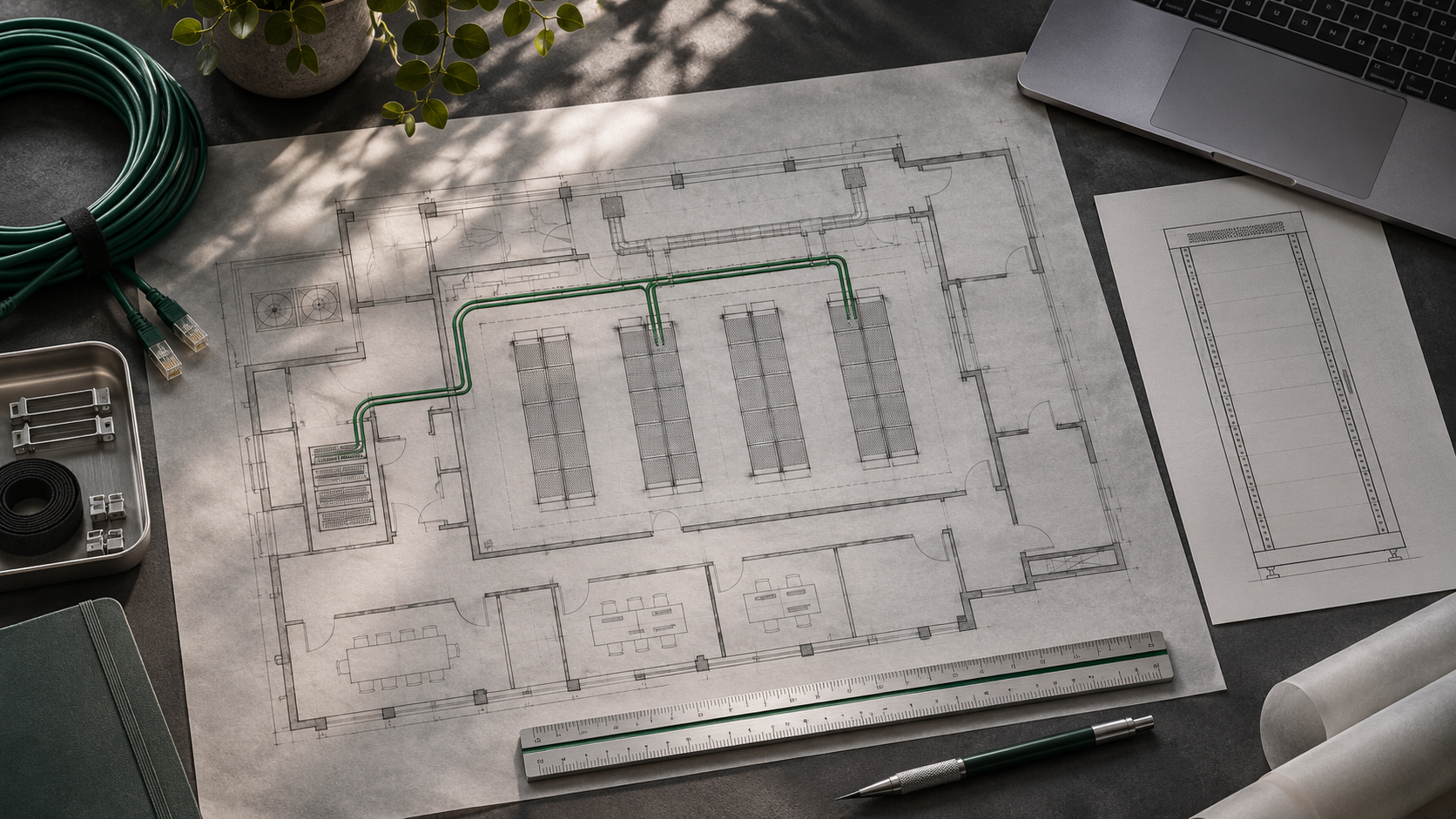
Fourth test a proposed change with one approved user and confirm the applications still work. Fifth compare the approved quantities against the renewal quote and keep exceptions beside the order.


Reconcile a renewal
Match assigned seats to current roles, check the renewal window and record the approved order quantity.
Further reading
Browse 10 related articles
- A vendor sends a security advisory. Who checks it?
- A practical acceptance test for a Copilot pilot
- What to check before buying Microsoft 365 E7
- Which dependency could delay your cloud cutover?
- Build a project decision log that survives handover
- Two breach reviews to bring to your next IT meeting
- Should the next server refresh move to Azure?
- From a Copilot readiness report to a pilot list
- What to measure before sizing an Azure migration
- What to ask a supplier about post-quantum migration
Common questions
Which accounts need a second look before renewal?
Review unassigned seats, infrequently used accounts and accounts that own shared work. Ask the department owner about leave or upcoming hires before releasing a seat.
View a sample renewal brief