
Security posture and email
Review privileged access, endpoint coverage and how suspicious mail is reported. Identify which team owns each gap and how fixes will be verified.

Interactive workplace
At the shift handoff
Healthcare
Security posture and email
Two clinicians share a workstation across shifts. The outgoing account must close before the next person opens the chart.
Related services and reading
A typical project decision
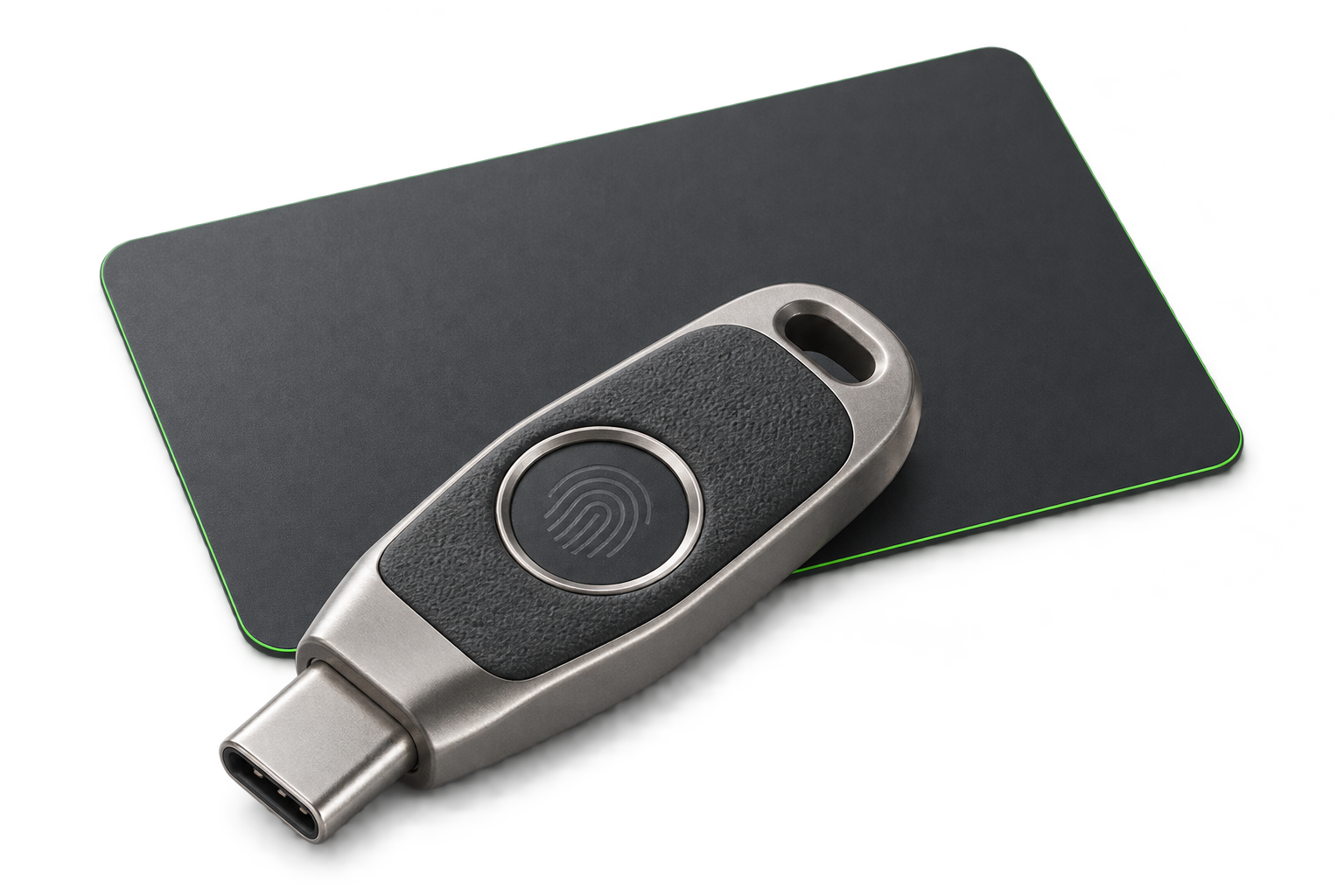
Choose one email report and one privileged-access change. Trace who reviewed each and what evidence remains available.
What to bring

Bring security policies and sanitized examples.
How to check the result
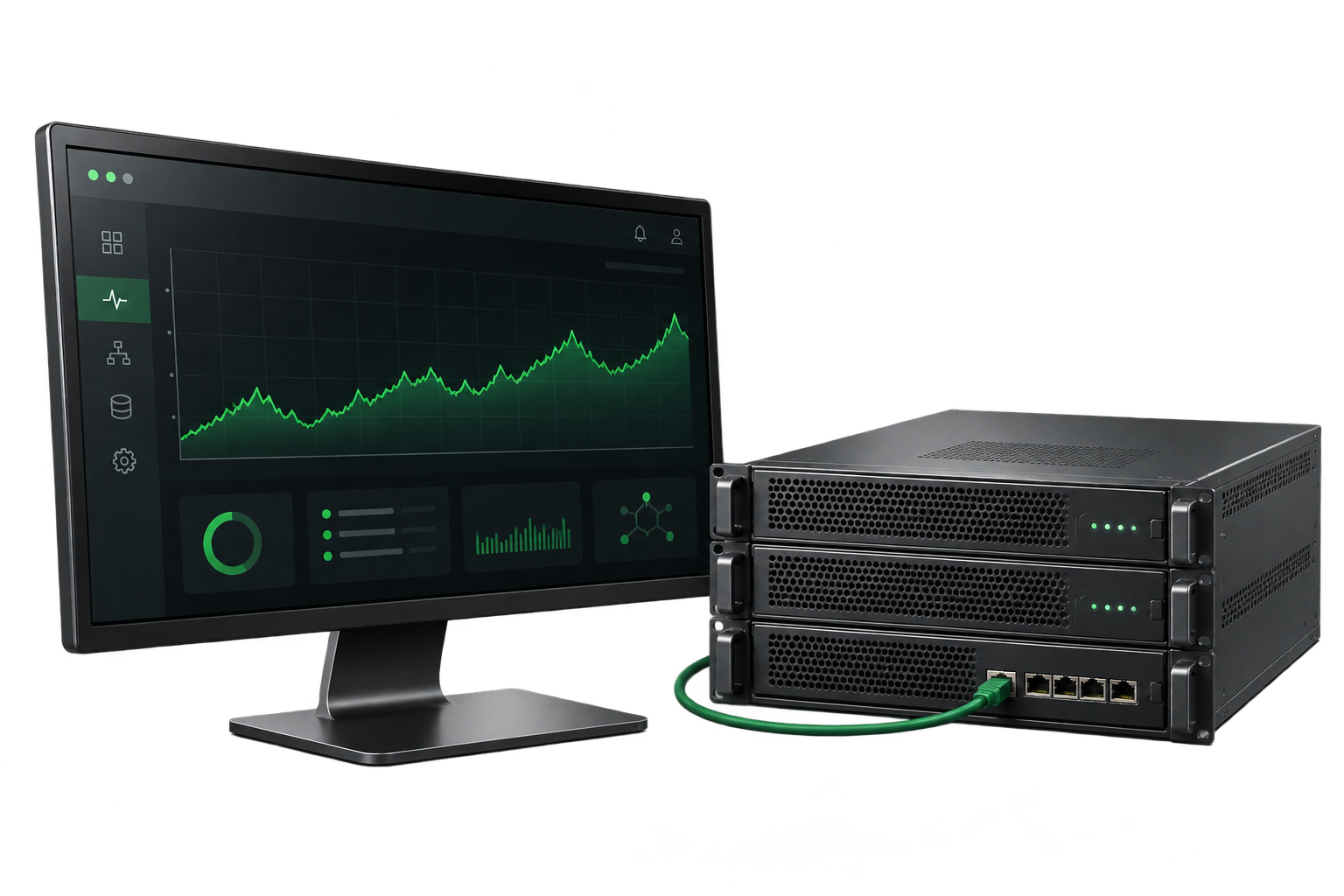
The review distinguishes configuration findings, missing evidence and business decisions that require an owner.
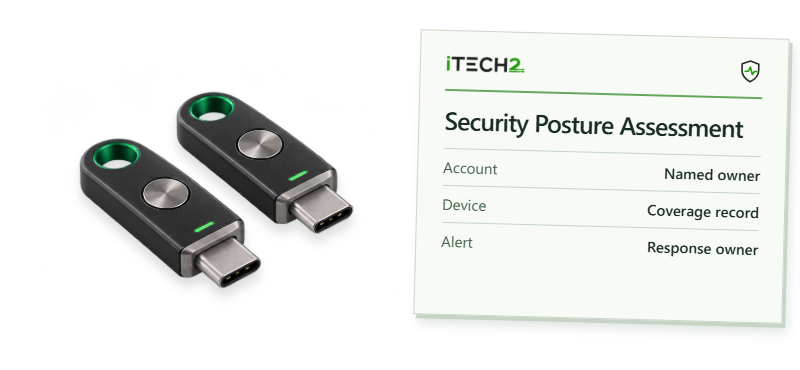
Find where a security decision changes hands
Select a representative employee account and workstation. Trace who approves access, who confirms endpoint coverage and where a notification would be received. Ask the business owner which failure would interrupt work first.
Rank the observed gaps by business exposure and assign a decision maker to the first correction.
Example assessment finding
- Observation
- A workstation appears in inventory, but the person responsible for responding to its alerts is missing from the support roster.
- Decision
- Have the service owner assign the alert queue and a backup contact.
- How to verify
- Send an agreed test notification and record who acknowledges it.


Follow an alert to its owner
A reported message reaches the security team. A named reviewer records the decision and follow-up.
Who owns a finding after the review?
Pick a representative identity or endpoint alert. Record who can see it, who may act after hours and what evidence closes it. A finding without an owner belongs in the handoff with a decision date.
Prepare a working brief
Find where a security decision changes hands. Use the editable worksheet to name the owner, collect the evidence and record what will count as a completed handoff.
Download the security posture and email worksheet (TXT) · Compare assessment optionsFrom request to findings
For the Security Posture Assessment, identify the decision owner and give one example from the environment. The illustrated brief starts with account (“Named owner”). A redacted description is enough for the initial request.
The first 30-minute IT consultation is free. Before sharing access for the assessment, agree on the systems included, what the report will cover, the schedule and any fee. Record the person who can accept the findings and agree who will verify any follow-up work.
Check assessment terms · Discuss scope and timingCommon questions
Who should receive a security finding?
Give each finding to someone who can authorize a change. Record the affected system, business impact, due date and evidence needed for closure.
Incident response planningWhat should the security posture assessment handoff include?
Rank the observed gaps by business exposure and assign a decision maker to the first correction.
See the worked example