
← Field notes
Find the uncovered system before buying another security tool
Start with a short list of important systems and the decisions each security tool supports. An installation count alone cannot show who acts on a finding.
Trace one signal per system

 Find the uncovered system before buying another security tool
Record the asset owner, signal source, review hours and response contact. Mark any unsupported device or cloud account separately from assets with active monitoring.
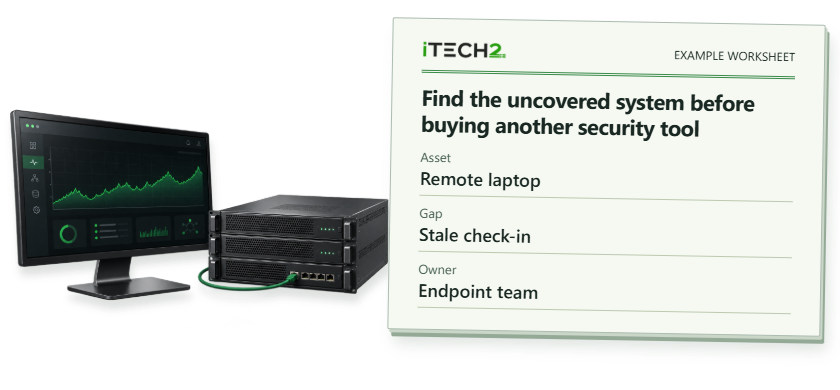
- Asset
- Remote laptop
- Gap
- Stale check-in
- Owner
- Endpoint team
Ask what purchase would change
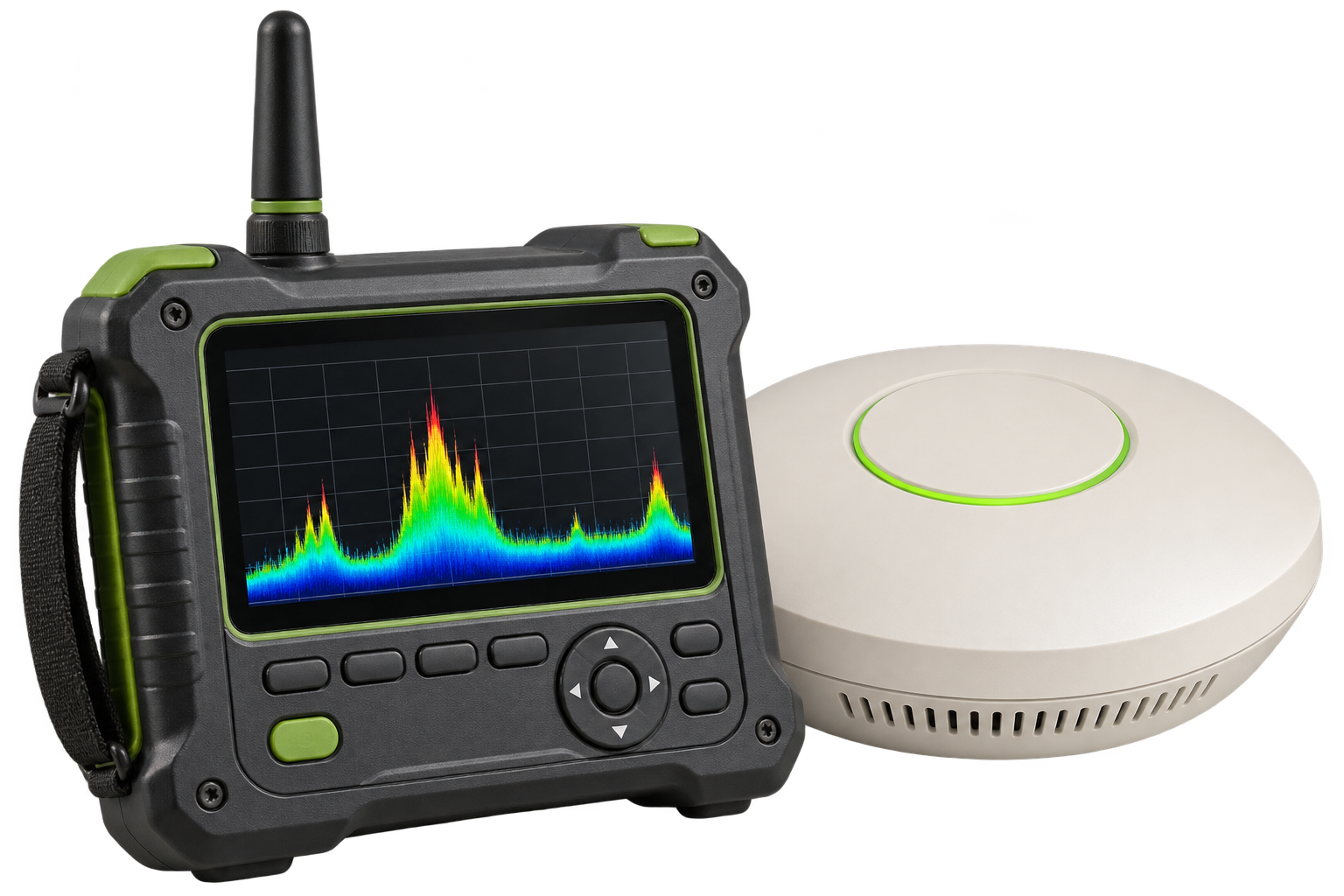
For each gap, compare changes to configuration, ownership and tooling. Require a test that demonstrates the new coverage and a named person who will maintain it.


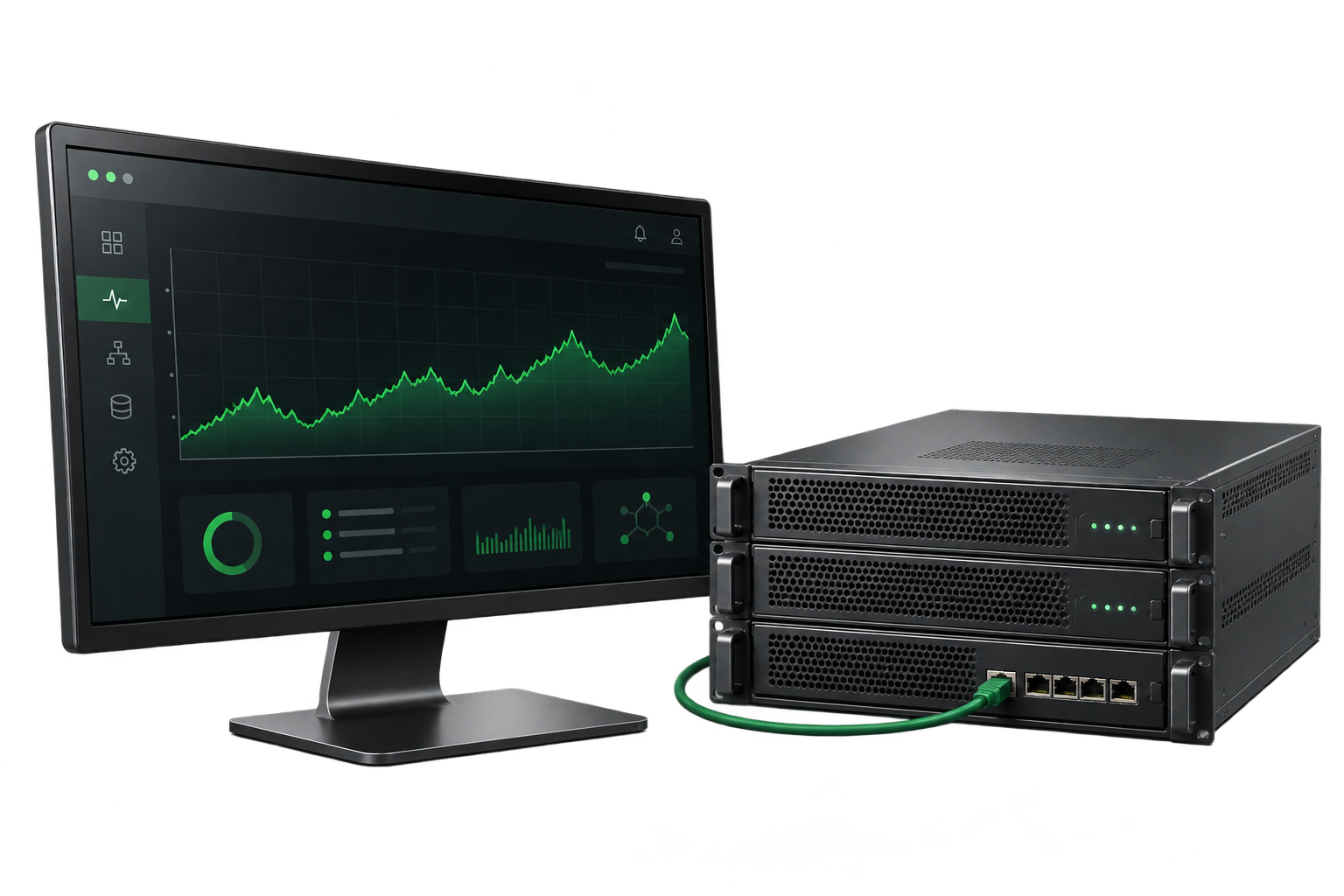
Follow an alert to its owner
A reported message reaches the security team. A named reviewer records the decision and follow-up.
Further reading
Browse 10 related articles
- A vendor sends a security advisory. Who checks it?
- A practical acceptance test for a Copilot pilot
- What to check before buying Microsoft 365 E7
- Which dependency could delay your cloud cutover?
- Build a project decision log that survives handover
- Two breach reviews to bring to your next IT meeting
- Should the next server refresh move to Azure?
- From a Copilot readiness report to a pilot list
- What to measure before sizing an Azure migration
- What to ask a supplier about post-quantum migration
Common questions
Who should receive a security finding?
Give each finding to someone who can authorize a change. Record the affected system, business impact, due date and evidence needed for closure.
Incident response planning