
Reconcile a Defender for Endpoint deployment with the device inventory
The practical question is which managed devices are reporting and who owns those that are missing. Start with one business unit and a dated asset list.
Check representative device roles

 Reconcile a Defender for Endpoint deployment with the device inventory
Review an on-site workstation, a remote laptop and a server where applicable. Compare enrollment, recent check-in and responsible team. Document unsupported systems and exceptions.
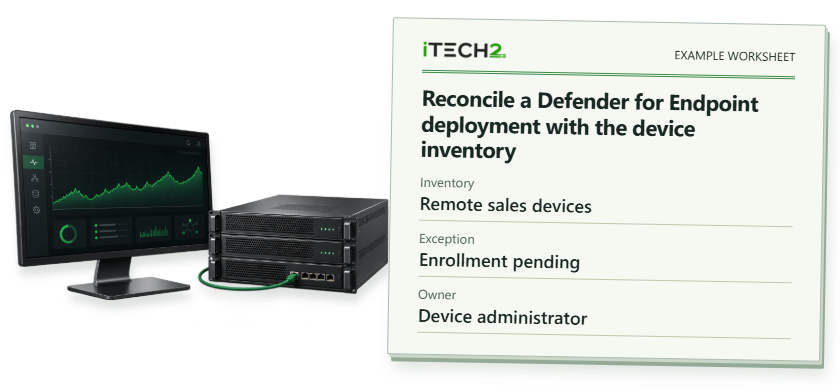
- Inventory
- Remote sales devices
- Exception
- Enrollment pending
- Owner
- Device administrator
Validate the support handoff
Use an approved training notification to verify the analyst receives context, can locate the system owner and records the disposition. Confirm actual licensing and proposed coverage separately.


Follow an alert to its owner
A reported message reaches the security team. A named reviewer records the decision and follow-up.
Further reading
Browse 10 related articles
- A vendor sends a security advisory. Who checks it?
- A practical acceptance test for a Copilot pilot
- What to check before buying Microsoft 365 E7
- Which dependency could delay your cloud cutover?
- Build a project decision log that survives handover
- Two breach reviews to bring to your next IT meeting
- Should the next server refresh move to Azure?
- From a Copilot readiness report to a pilot list
- What to measure before sizing an Azure migration
- What to ask a supplier about post-quantum migration
Common questions
Who should receive a security finding?
Give each finding to someone who can authorize a change. Record the affected system, business impact, due date and evidence needed for closure.
Incident response planning