
Datto planning resources
Backup recovery validation for organizations reviewing their Datto environment.
Backup recovery validation
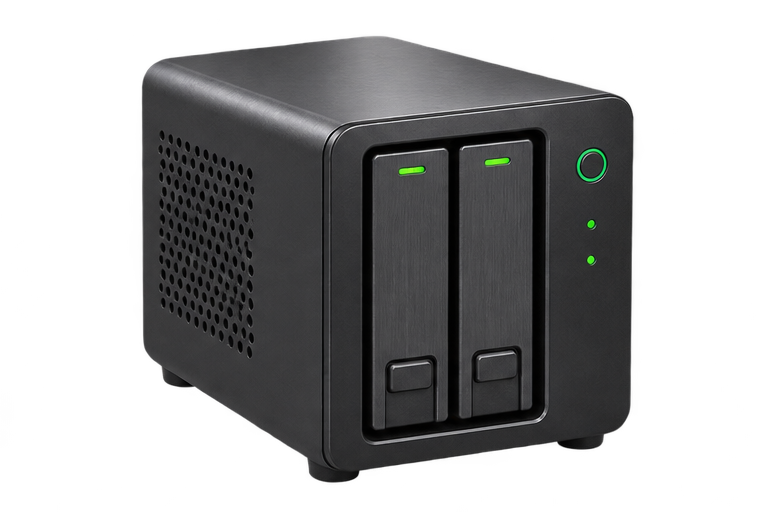
Select a restore point and destination with the application owner. Record the identity, network access and time needed to bring a representative workload back into use.
Test the recovery destination
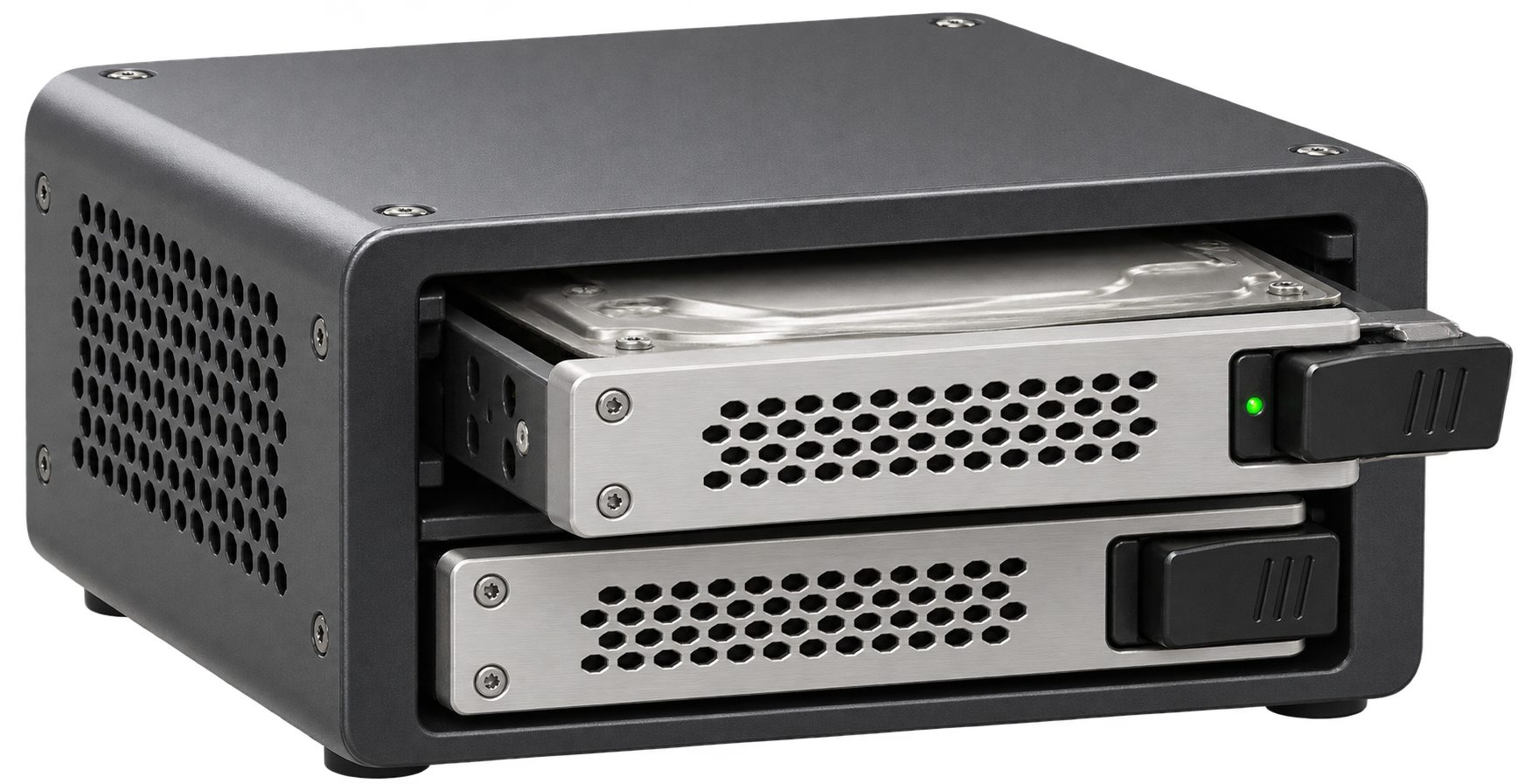
Choose a representative copy and a separate authorized target. Ask the workload owner to confirm that the target has the identities and network dependencies needed to open the recovered application.
Prepare the discussion
Include the products in use, the person responsible and the decision date. Confirm current support terms directly for the specific account or product.
Explore related IT planning information

Check the recovered copy
Select a recovery point, restore a sample and have its owner open the recovered files.
Further reading
Browse 10 related articles
- A vendor sends a security advisory. Who checks it?
- A practical acceptance test for a Copilot pilot
- What to check before buying Microsoft 365 E7
- Which dependency could delay your cloud cutover?
- Build a project decision log that survives handover
- Two breach reviews to bring to your next IT meeting
- Should the next server refresh move to Azure?
- From a Copilot readiness report to a pilot list
- What to measure before sizing an Azure migration
- What to ask a supplier about post-quantum migration
Common questions
How do we know a restore is useful?
Have an intended user open the recovered item with their normal permissions. Record its date, completeness and the elapsed recovery time.
Recovery planning guide