
← Field notes
Trace an Azure invoice variance to a workload
A higher invoice can reflect a busier month, a configuration change or a cost assigned to the wrong department. Start with one billing period and one workload.
Reconcile the two periods

 Trace an Azure invoice variance to a workload
Compare the same subscription and dates. Separate compute, storage, transfer and shared services. Ask the application owner about unusually busy days and planned changes before proposing a reduction.
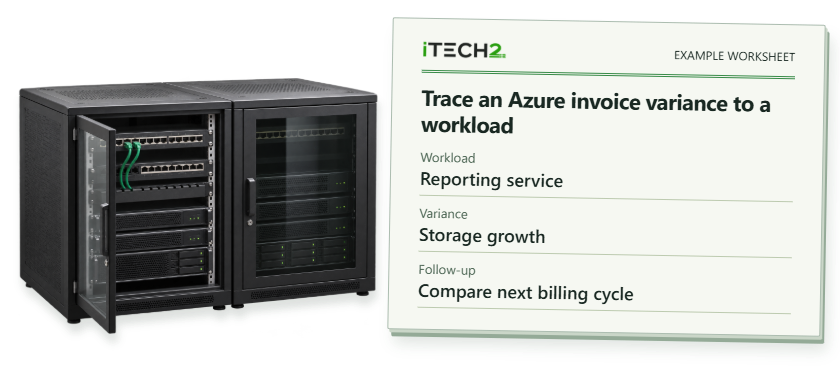
- Workload
- Reporting service
- Variance
- Storage growth
- Follow-up
- Compare next billing cycle
Give finance a check it can repeat

Record the proposed adjustment, the unit it affects and the owner of the next bill. Compare the next cycle against volume as well as total spend.

Move one workload first
Choose a source workload, move a pilot copy and test the application from the user’s device.
Further reading
Browse 10 related articles
- A vendor sends a security advisory. Who checks it?
- A practical acceptance test for a Copilot pilot
- What to check before buying Microsoft 365 E7
- Which dependency could delay your cloud cutover?
- Build a project decision log that survives handover
- Two breach reviews to bring to your next IT meeting
- Should the next server refresh move to Azure?
- From a Copilot readiness report to a pilot list
- What to measure before sizing an Azure migration
- What to ask a supplier about post-quantum migration
Common questions
What changes the estimate for a cloud move?
Peak demand, data transfer, licensing and services that must still run on site can all change the total. Ask for the assumptions alongside the estimate.
Azure migration readiness