
Check a OneNote workflow across managed devices
Before adopting a notebook feature, check the installed edition, update channel and platforms your team uses. A desktop-only demonstration leaves mobile and field users untested.
Use a real team workflow
 Check a OneNote workflow across managed devices
Record a decision and attach an approved sample on the first device. Ask a colleague on the second device to locate the same page, follow its link and add a correction.
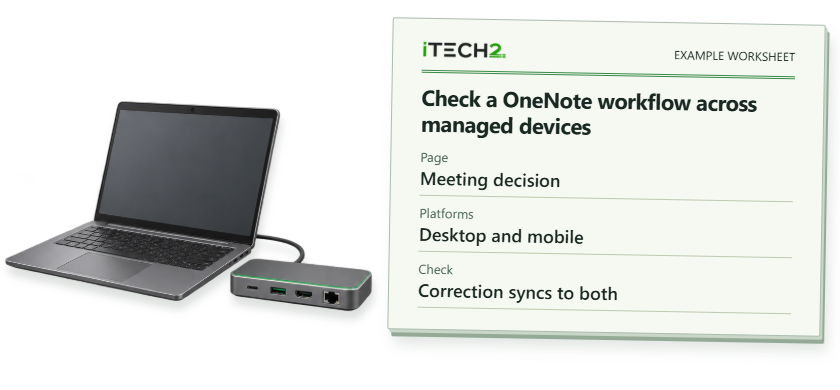
- Page
- Meeting decision
- Platforms
- Desktop and mobile
- Check
- Correction syncs to both
Agree on a fallback

Document what happens during an offline edit and after reconnection. Keep the rollout limited until the owner can confirm access, sync behavior and a recovery procedure for misplaced notes.

Open the shared workspace
Confirm group membership, check sharing boundaries and open the working files as an intended user.
Further reading
Browse 10 related articles
- A vendor sends a security advisory. Who checks it?
- A practical acceptance test for a Copilot pilot
- What to check before buying Microsoft 365 E7
- Which dependency could delay your cloud cutover?
- Build a project decision log that survives handover
- Two breach reviews to bring to your next IT meeting
- Should the next server refresh move to Azure?
- From a Copilot readiness report to a pilot list
- What to measure before sizing an Azure migration
- What to ask a supplier about post-quantum migration
Common questions
What happens when the workspace owner leaves?
Assign a successor and test that they can manage members, retrieve files and close guest access. Record who owns the archive.
File sharing guide